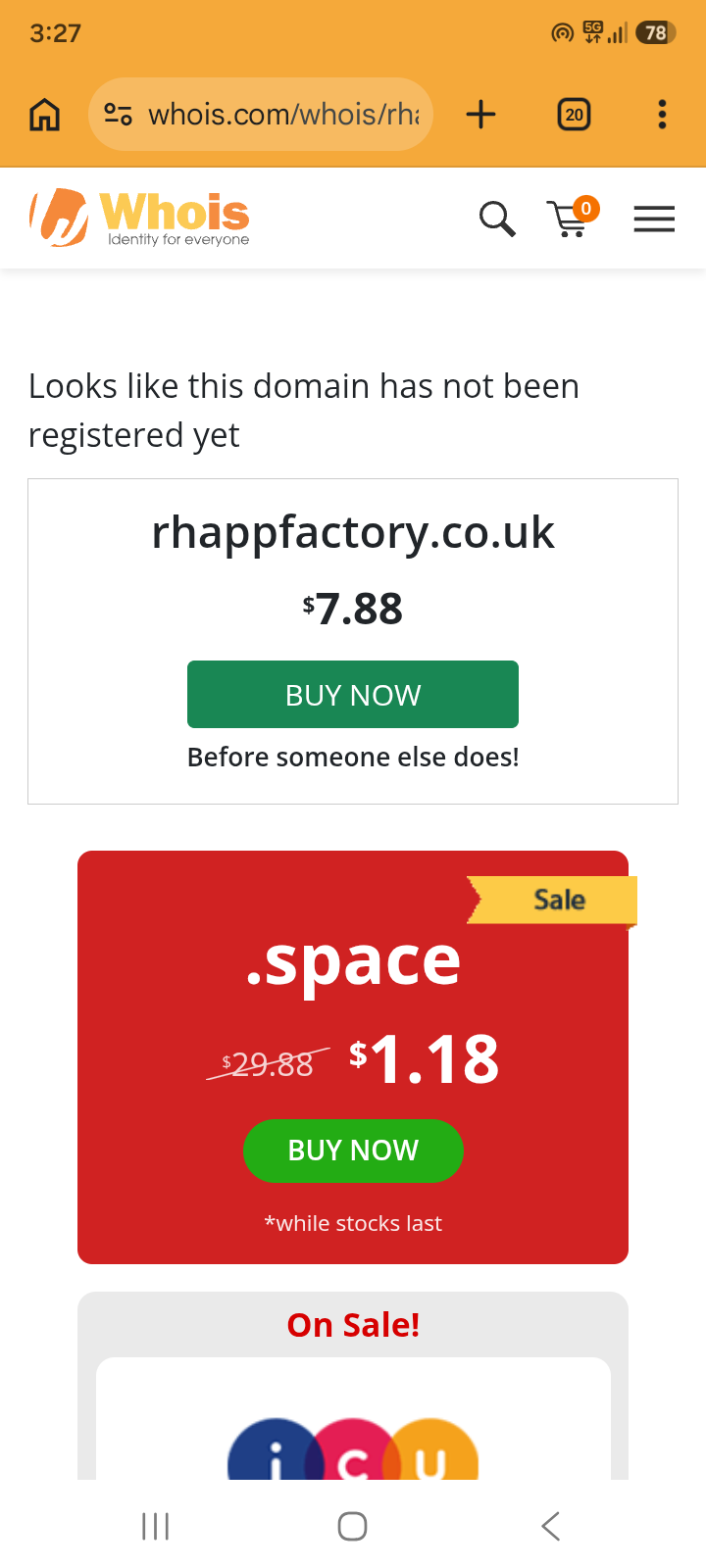
“Authorization error. V096 Domain name is not registered to your tag”.
Other Information
I realised that the infinityfree.com nameserver was experiencing downtime earlier today after I tried to point my domain to ns1.infinityfree.com & ns2.infinityfree.com. The nameserver is now apparently operational but I’m still not able to update my domains primary & secondary nameservers.
Thanks, that post is very informative. However, I do not see any error messages on my screen whenever an attempt to add my custom domain fails. Also, the instructions it provides actually isn’t very clear to be honest so not sure if I’m doing it properly.
Do I put 51f7aafae58a2ffa5f183c754a2c49c0.example.com or just 51f7aafae58a2ffa5f183c754a2c49c0?
That error is one from your domain registrar, not from our hosting. So we cannot really do anything to solve it.
“registered to your tag” suggests it’s a .uk domain since only .uk domains use this “tags” system. The registrar documentation from Nominet lists this exact error code as well.
Looking at the description there, it seems that your domain name is either not registered at all, or it was transferred to a different registrar.
So yes, you’ll need to figure this out with your domain registrar.
Yeah it took a while to reflect but I’ve successfully been able to add/configure my custom domain & everything seems to be working now & the domain is now live. The issue was with the provider but it has since been resolved.
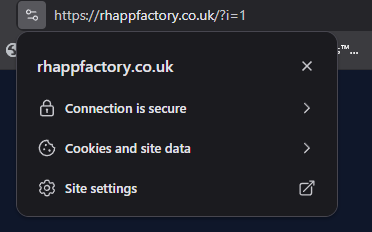
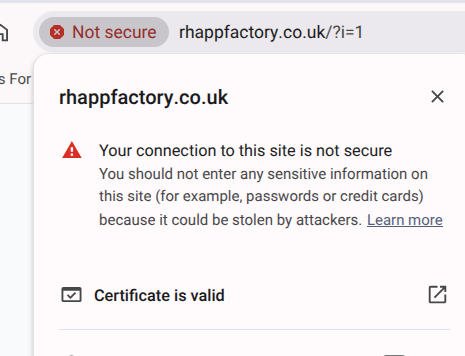
I also requested & installed a SSL certificate (Let's Encrypt), however, my browser says ‘Not secure’ when I visit my domain.
might be worth clearing your cache to make sure you’ve not got a pre certificate version of the page cached
Firstly I’m glad that it seems to be working for you. I’ve cleared my browser cache to ensure that no pre certificate version of the page is cached. However, it’s still telling me that the page is not secure even though it says that my SSL certificate is valid.
the only other thing I can suggest is to follow this guide to set up cloudflare:
and then use their tools to force https and set the dns mode to “full” (not “full (strict)”) to use their certificate setup, which seems to work quite well
That’s because you’re still viewing the website over HTTP.
That’s because installing an SSL certificate only makes your website capable of being accessed on HTTPS, it doesn’t enforce it. Some browsers automatically check if HTTPS is support and redirect you there if you’re trying to access the website (usually as a configuration option). However, the best way to ensure that everyone uses HTTPS to access your website is to enforce it from your website:
Thank you! That is a great reminder & very helpful. As my site is currently just a temporary landing page I completely forgot to take that into account as not all browser instances will automatically enforce it for me. Again, very helpful