We’re excited to announce that InfinityFree now features a brand-new, custom-built file manager!
iFastNet has developed this in-house solution from the ground up, focusing on delivering all the essential file management functionality you need in a clean, intuitive, and reliable interface.
All links to MonstaFTP have now been replaced with this new file manager, and MonstaFTP will be shut down in the next few days.
We Want Your Feedback! All core features have been thoroughly tested, but we’d love to hear about your experience. How is it working for you? Are there features you’d like to see added? Your input helps us make it even better.
I can already tell you, some of the work looks like it wasn’t from iFastNet directly, if you know what I mean. But for being a replacement to MonstaFTP, I’d use this all the time (if I don’t have the ability to use FileZilla)
I can say, before using the preview feature, I see this:
I will say that I am not a fan of the function key layout (including the colored buttons on the bottom), or the use of AI on that introductory page. Mobile support is also not the greatest. Here’s to hoping improvements are ongoing!
EDIT:
Also, dark mode editor should be default since the rest is in dark mode. Dark mode does not actually make everything dark mode, just some of it. Fullscreen button does not work on mobile, and sometimes makes the layout switch to something even worse. Not sure what the preview or mini map buttons are supposed to do, neither has an immediate identifiable function. Navigating to long file paths basically hides all the upper functions. Horizontal scroll, overlapping tap fields, all seem to exist on mobile.
All-in-all, it seems like a more functional version of Monsta, however the UI is quite bad, especially on mobile.
Looks like if you click on a folder too quickly the system just freaks out, for example if you click on “example.com” 3 times before the file manager responds, it will navigate to example.com/example.com/example.com
this is the most ai thing that i have ever seen, i prefer old crappy one cuz the old design look not ai
(btw how to make my own version of this?)
edit: oh my dear of god, this is so bad how tf ifastnet think this look good? it is usabe but just so horrible, i can definally make a better version of this ui on gemini and it will look more professional, not this piece of claude thing, claude only good if you already create figma design, not text to design, this is just big pile of , i hope admin can give user an option to choose old or new file manager
im pretty sure my php skills is enough to build this simple thing, but i want to know how to put my code to filemanager.ai domain, like put it into my vistapanel
That’s iFastNet-owned, you can’t change it. I think you could make your own client and put it on a domain you own, but I don’t know if iFastNet forces MOFH users to provide their FTP client or not.
i thought admin create it, i did not read the text correctly, now it make sense, ifastnet start to using ai to code literally anything that they can think of
Can we have it so that when you click save the page stays open? (instead of showing an alert and then closing the page) Or an option to stay open. When testing new things its so much easier to save the file and then reload my webpage to see the changes.
Can we have 2 buttons? one saying “Save” ctrl-S and one saying save and close with another type of keyboard shortcut? or possibly a toggle button to allow the option to save while keeping the file open?
Very nice, although the full screen mode didn’t work for me; it just kinda made the background white. Also, for those of use with large, messy code, it would be nice to be able to collapse HTML tags and functions and whatnot.


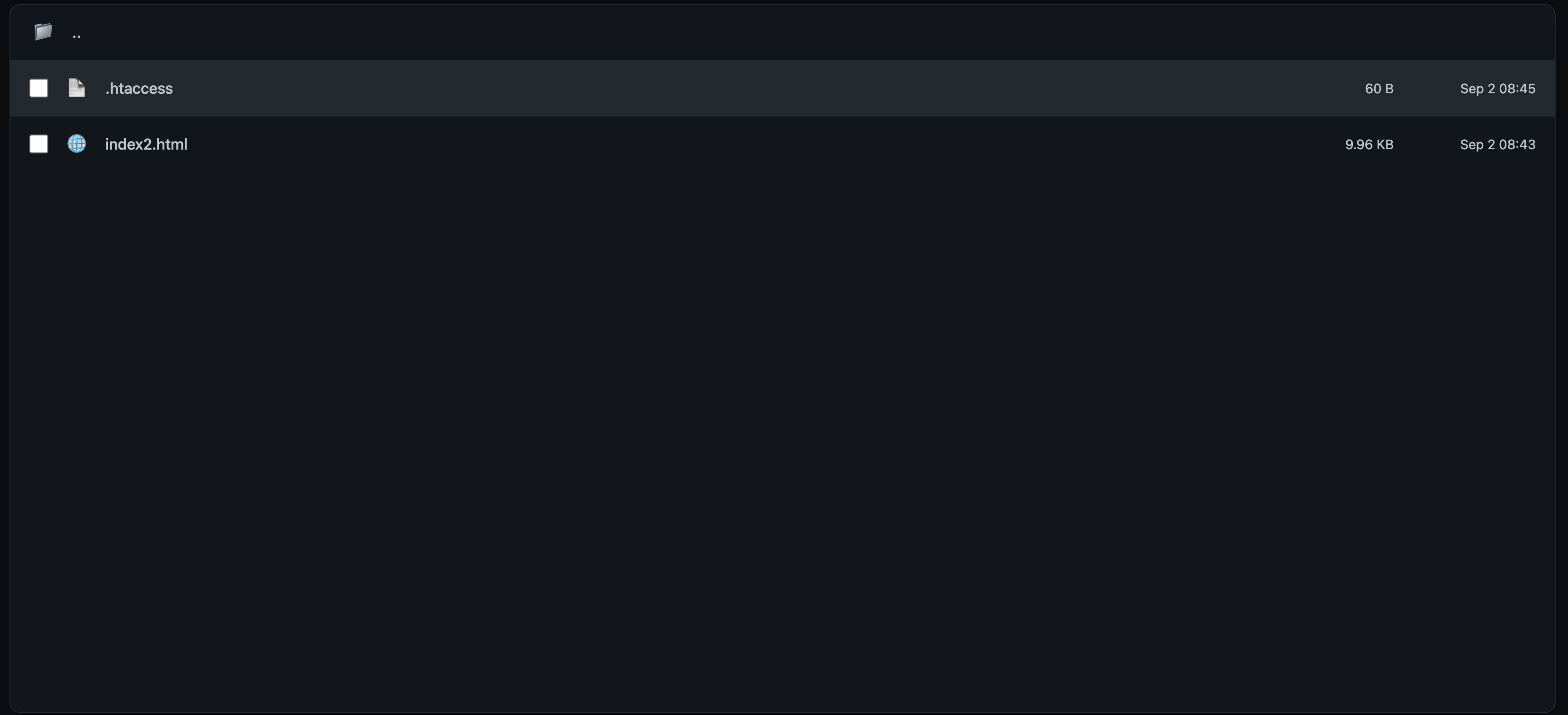
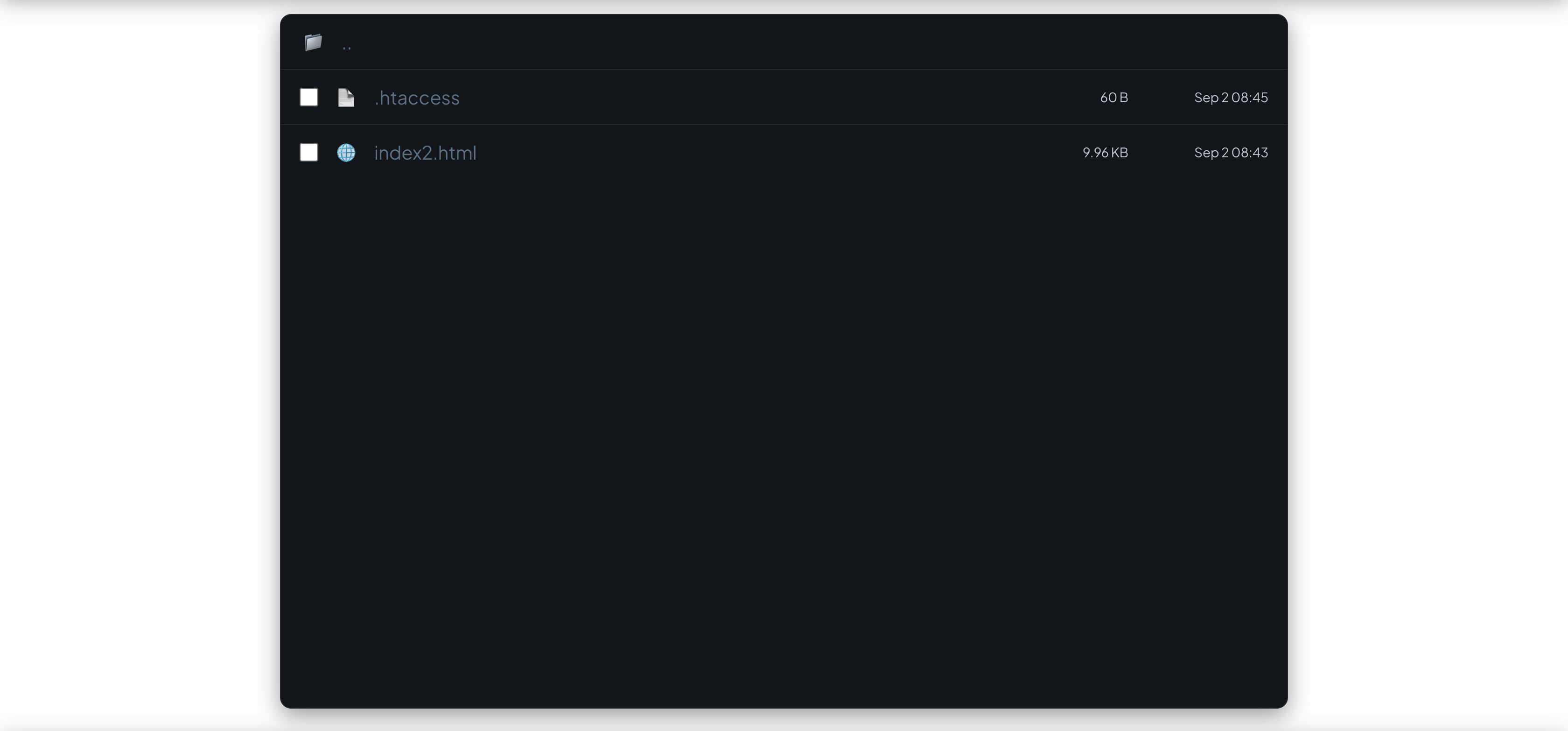
 , i hope admin can give user an option to choose old or new file manager