I cannot connect using FileZilla; the error is “Resolving address of ftpupload.net”
Status: Connecting to 185.27.134.11:21…
Error: Connection timed out after 20 seconds of inactivity
Error: Could not connect to server
I also tried core ftp esolving ftpupload.net…
Connect socket #1552 to 185.27.134.11, port 21…
Can’t establish connection → ftpupload.net:21 @ Mon Oct 05 18:48:03 2026 (0-5)
I’m having the same problem with SmartFTP, too! I’ve already contacted my ISP and confirmed that everything is working fine; I completely reset my DNS and IP, and tried changing various settings, but nothing worked. I should point out that connecting to other servers works perfectly—I’m currently only having this issue with InfinityFree.
Other Information
I also tried uploading the files manually via the InfinityFree file manager, but the moment they are uploaded, they get completely deleted. I’m at a loss as to what to do next—how can we fix this?
Welcome to the InfinityFree community forum! Good to have you here.
Most people answering here are volunteers. They’re often the fastest source of help. Admin (the only staff member) checks in about once a day for issues on our end.
Volunteers can’t see your account or website. Share what you actually see, like error messages and what happens when you try something. That’s more useful than your theory of what’s wrong.
AI tools often get InfinityFree wrong. If a volunteer’s advice differs from what an AI told you, please try the volunteer’s suggestion first.
Solving an issue is a joint effort. Try the suggestions you get and report back what happened.
Beep boop, I’m a bot! I dug through the forum to get you started. I sometimes get things wrong though, so do with this what you will until a human has a look.
Try connecting from a different network, like your phone’s mobile hotspot. If it connects there, something between your home connection and our FTP server is blocking it, and the FTP client isn’t the cause.
I found a recent topic with the same log output, where an admin said the IP address in the log is correct. They thought a firewall or other security filter was blocking access to our FTP server:
I can’t tell from your post whether that’s your situation. Your ISP and DNS checks don’t rule it out, because a router or security software on your computer could still be the blocker. The hotspot test should settle it. Also, the hostname ftpupload.net is the one our FTP guide tells you to use, so it looks right.
The deleted uploads are a separate issue. There’s an article on why files vanish right after upload. The causes it lists are:
The files aren’t inside an htdocs folder.
The file type isn’t allowed.
The file is detected as malware.
The file is over the size limit: 1 MB for HTML, PHP and JS files, and 10 MB for everything else.
Which folder are you uploading into in the file manager? And which files disappear: all of them, or only certain types or large ones?
FTP connects to ftpupload.net on port 21, but the data channel always times
out (tested passive, active and FTPS modes from two different networks),
which is consistent with the account not being fully active.
FTP is unreachable for this account from my network: TCP connections to ftpupload.net (185.27.134.11) port 21 time out, while port 21 to other
servers works fine and ports 80/443 to the hosting IP work fine. Earlier in
the account’s life, the FTP control channel connected but the data channel
always timed out (tested passive, active and FTPS modes). I also verified
from external vantage points (check-host.net, 5 nodes in Europe, Asia and
the US) that 185.27.134.11:21 is reachable for everyone else, so this is
not an ISP block — it looks like the FTP service for my account is down as
part of the same stuck provisioning state.
I was able to upload my website files (a static site: index.html, assets/,
landing/, config.js, .htaccess) through the Online File Manager into
FTP access not being fully setup for a new account does happen sometimes. But right now, the problem is clearly that connecting to the FTP server does not work, at which point the FTP server and connection have no idea what account you’re trying to access.
So the issue is definitely connection specific, not account specific.
You ruled out an ISP block by using check-host.net. But unless check-host.net actually checks hosts through your ISP, it doesn’t tell whether your ISP is blocking the connection.
All in all, I agree with this part. Checking from a different network rules out the issue, not an external uptime checker.
I tested this from a different computer and network, yet I still cannot connect using either FileZilla or other FTP management software; furthermore, the files I upload via the InfinityFree file manager platform are still being deleted.
Status: Waiting to retry...Status: Resolving address of ftpupload.netStatus: Connecting to 185.27.134.11:20...Error: Connection timed out after 20 seconds of inactivityError: Could not connect to server
We’re still having the same problem—what else can be done? I’ve tried everything, and it’s putting me behind on all my work.
I contacted my internet service provider again to verify that the ports are actually working (open and available)—and everything responds correctly when connecting to a different hosting service—but my provider mentioned that my account might be stuck in a validation process, which is why I cannot access the FTP service using any FTP management application.
And the fact that you’ve previously been able to connect to your account (the script installer, site.pro and file manager all use FTP to add files to your account) that suggests that everything was activated correctly.
What size are the filters that are deleted? Since if they are too large they will auto delete.
And when you tried a different network was it with the same provider?
I’ve run tests using three different service providers (Claro, Personal, and Movistar), and I couldn’t connect to my FTP account with any of them; however, if I try to access a Hostinger account, I can connect to the FTP services without any issues. You’re right, Dan—I wouldn’t be able to see my site if it were pending validation, but I still don’t understand why I can’t connect to InfinityFree’s FTP services (the free tier). I don’t have a premium account to test whether it’s actually a matter of paid versus free service.
Premium isn’t provided by infinityfree it’s provided by IFastNet. And the fee hosting does include FTP access…
Others have found that using a VPN helps them connect to FTP. Have you tried that? That would rule out an account related issue if you can connect that way.
The only other thing I can think of suggesting (unless admin or anyone else has a better idea) is seeing up a new housing account (within your same infinity free account) and seeing if you can connect to that.
I’m going to try the VPN thing to see if it works for me. As for creating a new account, I already did that and got the same result with FTP; it’s really strange—this didn’t happen before. It’s even happening with another account I manage solely for a client. It’s all very odd; it started right after the server was updated to the new PHP version.
I’ve confirmed that I can connect using a VPN, which leads me to believe the issue is specific to my country (Argentina); I tested VPNs connecting to the US, Australia, Brazil, Canada, Spain, and Mexico and managed to connect, but for some reason, I can’t connect if I turn the VPN off. While I’m not thrilled about this, I hope it’s just a temporary workaround rather than a permanent situation, as I’d prefer not to have to use a VPN.
I see; then it must be an issue specific to the network in Argentina. I’ll look into it, and in any case, I’ll keep you posted to help address this problem! Dan and Admin, I really appreciate the patience and time you’ve taken to reply—sending you a big hug! We can mark my case as resolved so it doesn’t remain open as an unsolved issue.
I did some checking and it definitely seems like a connection issue with some ISPs in Argentina.
Look at these results from Globalping:
Some connections work fine, like those from Cablevideo Digital, but the connections from Telefonica and Telecom Argentina clearly stop within the network of the ISP. So that looks like an IP level block.
Especially when you compare it against one of the website IPs, where all connections reach our datacenter:
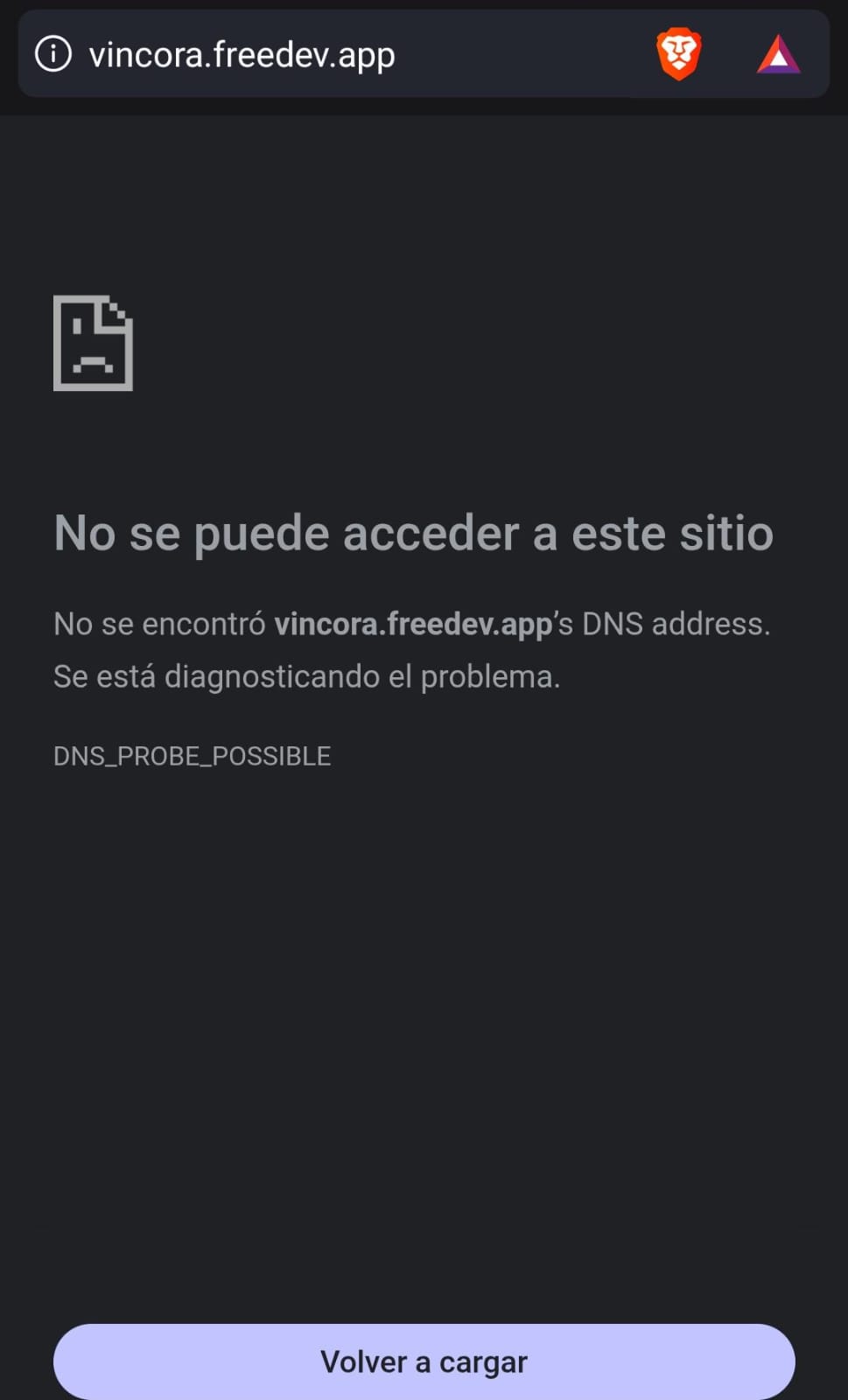
I can confirm that this is definitely a clear issue in Argentina! I’m also seeing DNS problems with loading .app sites; they are down and only load intermittently across various devices and different ISPs. We’ll have to see what’s going on—it could be a new, unannounced restriction by internet providers specifically blocking access!