Works fine for me:
Try the advice in this article:
You’ve just added your domain to InfinityFree or changed your nameservers, but when you visit your domain, you’re seeing a “DNS Resolution Error” page, an error message, or your old website instead of your new hosting account. This is completely normal and happens because of something called DNS caching.
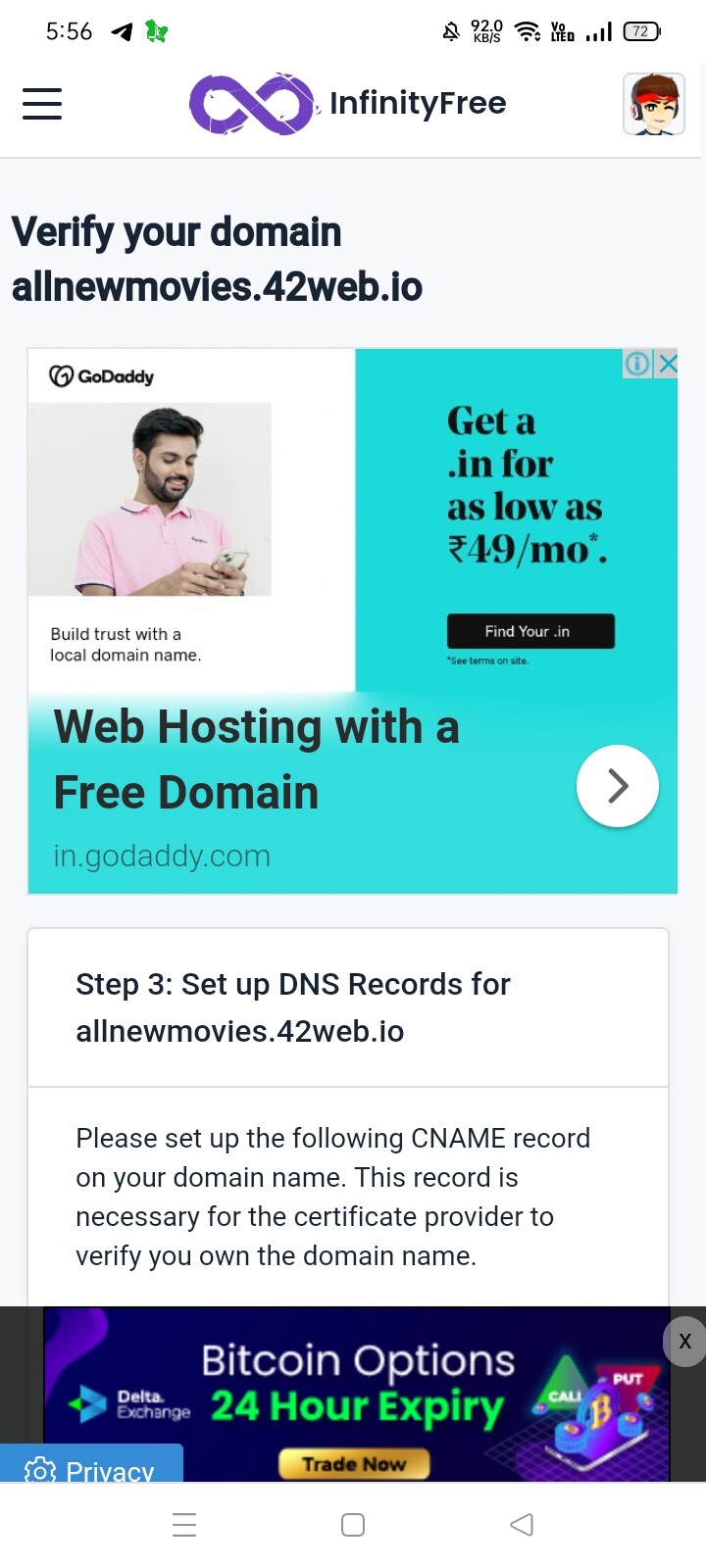
Please help and check still showing dns not published
Did you hit that “Setup CNAME Records automatically”?
Both pictures are showing different issues.
If you’re using free hosting with your own domain or a subdomain, you’ll want to make your website work over HTTPS (SSL). Fortunately, InfinityFree provides all the tools you need to make it so. If you like videos better then text guides, scroll on down to the bottom of this guide.
This guide uses the control panel functions and the Free SSL Certificates tool provided by InfinityFree to get SSL up and running on your site.
This article only applies to custom domains
Free subdomains (like your…
As for the second, have you set up MX records?
If you want to receive email on your domain name, you’ll need to configure MX records on it. MX are a type of DNS records that tell other email providers which mail server should receive email for your domain.
InfinityFree does not provide email services, but you can use almost any other email provider to receive email on your domain hosted with us.
For this guide, we will make use of ImprovMX , a free email forwarding service, but the instructions are similar for most other email providers.
Meishin
August 15, 2023, 12:25pm
10
I suppose that you don’t need MX records now — the second image you posted matter NOTHING AT ALL.
Try hitting it again, if it says something like “No change”, then you probably have some rotten luck. Either wait longer or try to create a new certificate. Usually these are issued with 1 hour.
It showing current destination not ready
second its showing its verify the domain
Can you remove the domain and add it back then?
If i remove my domain so site will not working
But then you can add it back, and so after a while your website will work again.
In ssl certificate current destination not ready what will do now
Now you’ll have to click on “Set up DNS records automatically”, then you’ll have to wait an hour until the DNS record for the CNAME propagates.
KangJL
August 15, 2023, 1:31pm
17
Take note website is violating TOS
Didn’t notice that until now!
The website is similar to zenlighttube.rf.gd, but how come it is not banned? It’s both video sharing?
They’re both video sharing, and they both got suspended exactly when you posted the website I needed to check.