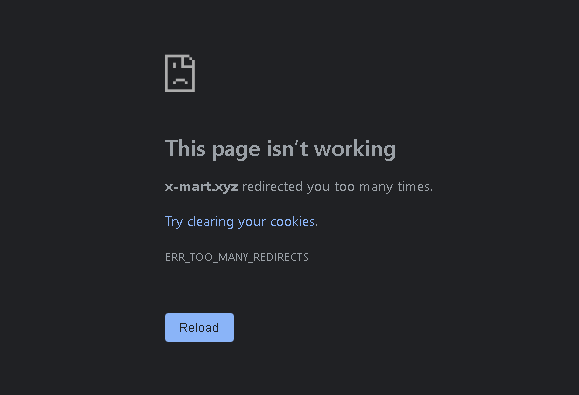
username epiz_31962172https://x-mart.xyz
For a unknown reason I’m seeing this error 520 on my website.
I have tried to disable my quic cloud CDN it started working. But I want to use CDN. Some how the hosting service blocking CDN IPs
How do i know my website is blocking IPs if I’m not using any firewalls
If you don’t have any IP restrictions configured, then it is not your problem (or the hosting’s problem). You may have to contact QUIC.Cloud support.
Also, we don’t have a guide on how to configure QUIC.Cloud, but we do for Cloudflare. Cloudflare also has a built-in CDN and HTTP/3+QUIC support.
May you are not understanding this I think the hosting server is blocking the CDN IP i just want to know is this possible my site can block cdn ip even if I’m not using a firewall?
I think I did, which is why I wrote this:
Emphasis on “or the hosting’s problem .”
I think maybe you are the one that doesn’t understand…
Maybe you should switch to Cloudflare .
Ok i understand but
And how do i know i have IP restrictions
If you didn’t set any up, then there are none.
I was using cloudflare then i shifted to quic.cloud long ago.
The page rules from cloudflare are still effecting the site.
Is this the problem?
Cloudflare’s page rules only take effect if you are using Cloudflare. Also, they have nothing to do with the connection between Cloudflare and the origin (InfinityFree).
So I am confused as to what you mean.
Maybe the actual error is that you did not setup Cloudflare correctly.
Follow this guide to do it the right way:
Hello,
I will show you how to easily set up Cloudflare, Edit Records, and Troubleshoot with images!
yoursite.com ) and with Custom Sub-Domains (subdomain.yoursite.com ).
A video tutorial can be found at the end of this guide, should you get stuck.
You must connect your domain to your InfinityFree account first. Read more here .
Dash…
Thanks but i set-up the cloudflare correctly as you mentioned in article long ago. And later I was shifted to quic.cloud now changing the Nameservers back to cloudflare. To get more time to fix the error with quic.cloud.
The site is working fine with out quic.cloud CDN
Just fixed. It happened because I changed NS back to cloudflare.
SSL problem is fixed now I’m facing error 500 Since changed NS to cloudflare recently. It will take some time.
Thanks wackyblackie, Greenreader9 and Kangjl for helping site working again. But i can’t use quic.cloud for now.
Thanks Again.