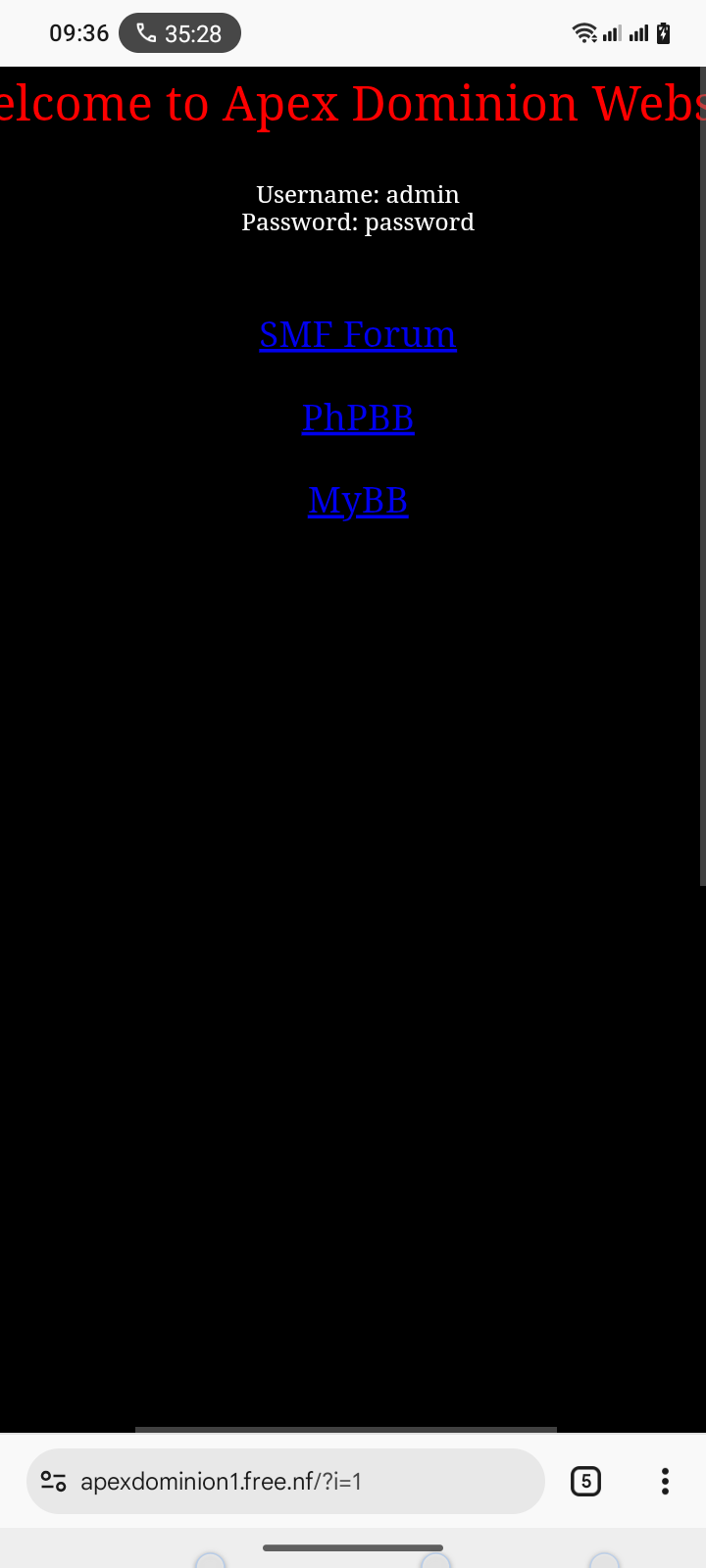
Website URL
apexdominion1.free.nf
Error Message
This site has been suspended for resource consumption or other.
Other Information
This graph shoes 50,000 hits for a website I just made yesterday..
apexdominion1.free.nf
Website suspended for resource consumption or other.
Thought I could upload a screenshot, But anyway, I was working on setting cloudflare up on a tld I just bought at 3pm. After it finally propagated and I got it to forward here I immediately got the suspension page showing 50,000 hits and max memory usage??? I ran a vps website for 5 years and didn’t have that kind of traffic…
It Will commonly happen due to (D)DOS attack. even though you made yesterday.
so to protect it you should write rate-limiting rules in .htaccess
That won’t help. By the time the request reaches the .htacess file it will have already counted as a hit and taken resources away from the server.
Unfortunately there is not much you can do to prevent attacks when using a free subdomain.
Ya I just figured out the issue, but not how to fix it…
The subdomain directly works but going through cloudflare sends it to the suspended page.
If I set up a 307 Temp redirect it works but defeats the purpose of cloudflare…
I have the A Name set and the IP for my site here..
Any info you might need I’ll be happy to provide, when I ran a website I thik cloudflare didn’t exist or it was a baby..
Thanks for any help.
Ya I was thinking bots or something, I did the disallow for robots.txt but that’s ify at best..
And when it WAS working through cloudflare it said like 87 visits so I don’t think it’s a ddos attack but I know nothing about how that works…
Searched the rate limit for .htaccess says it has to be at Apache level..Again something I don’t know about…
robots.txt should never be considered as a valid way to prevent anything. It’s more of a complimentary standard for nice bots like search engines. Attacks won’t bother with this at all.
Again as Greenreader9 said you will not be able to carry this out in free hosting. Your only option is using Cloudflare with a custom domain.
I believe that you didn’t fully understand how Cloudflare works with our hosting so you may have skipped some steps.
Please read:
I am a little confused now as you have shared a custom domain and a free subdomain. The free subdomain cannot be used with Cloudflare at all, they don’t support it. Any requests to the free subdomain go right to the free hosting server and take resources.
Requests to your custom domain can be proxies by Cloudflare, but that would not affect visits to the free subdomain in any way.
I’m using (the idea) cloudflare for email handling all the other stuff is just extra.
I bought the domain for that reason assuming it’d be a simple process to point cloudflare tld here and end of story… Apparently not. But even if the email idea fails it’s still good to have CF..
I’m just making a simple forum for a small group of people, I’m not trying to do anything out of this world..
Just rather not deal with anyone outside the 50 some odd folks that will sign up. and members are always coming and going so an automated smtp/pop3 would be nice.
At this rate I just found a vps for $11/month it’d be easier to setup lynx..
You probably forgot to add the domain here first. Just adding an A record is not enough and confuses the system.
If it is your custom domain and you are already using Cloudflare For Email Routing(as you mentioned). you can block bots and other non-important traffic. Using Cloudflare Security Rules.
And if you really want to Setup Your Own VPS and run Lynx . Its upto you
Using Cloudflare with our hosting is pretty straight forward, and basically no different from using Cloudflare with any other hosting provider.
Just remember that the domain name must be setup on the target hosting server to work.
Just pointing your domain name to our servers won’t work, because our servers have no idea what website should be shown on the domain.
And no, using a CNAME record doesn’t help, a CNAME record is a DNS level alias, it means that Cloudflare sends the traffic to the same IP address of your subdomain without needing you to setup the IP address in Cloudflare directly. But that information is not conveyed to the backend server, so it has no effect on how your website is being served.
OK will work on it in the next few days. I’m pretty sure I figured the idea, real late last night, and it wasn’t propagating, as far as mxtool box said..
But got the free stmp/pop3 setup this morning.
So onwards bound.
Appreciate the information.