Good evening! A few hours ago I had connected my account to my new domain that was added to the domains. However, I don’t see the truth about it. I connected the domain to Cloudflare and pointed the data to your hosting. I can’t see the protection nor can I see it in FTP if it worked.
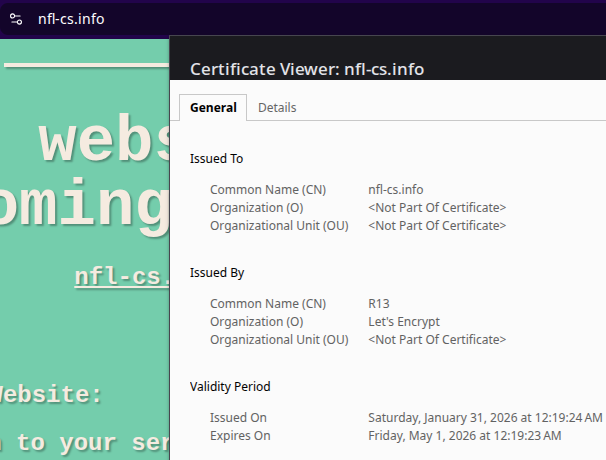
No be have SSL Sertificate http://nfl-cs.info/
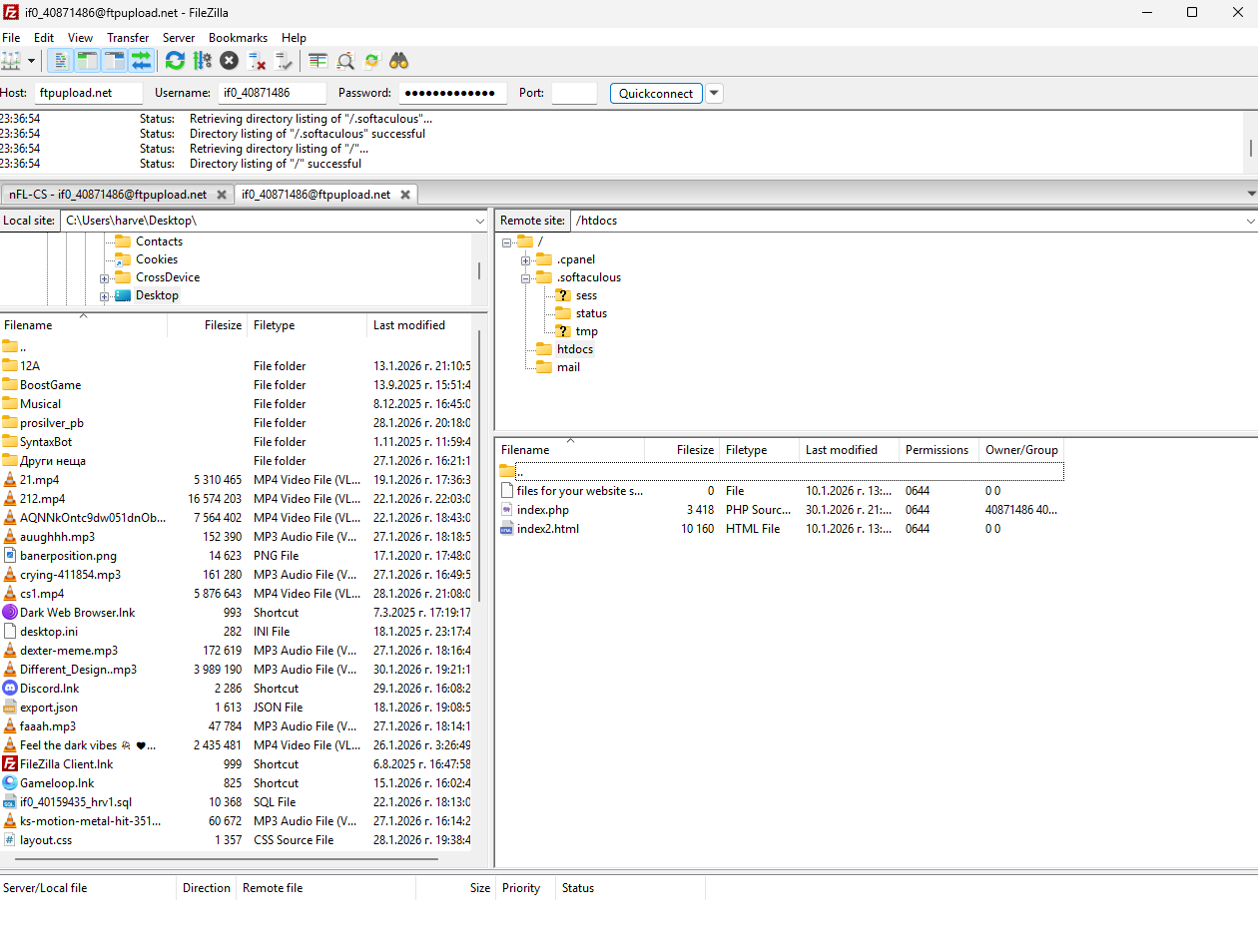
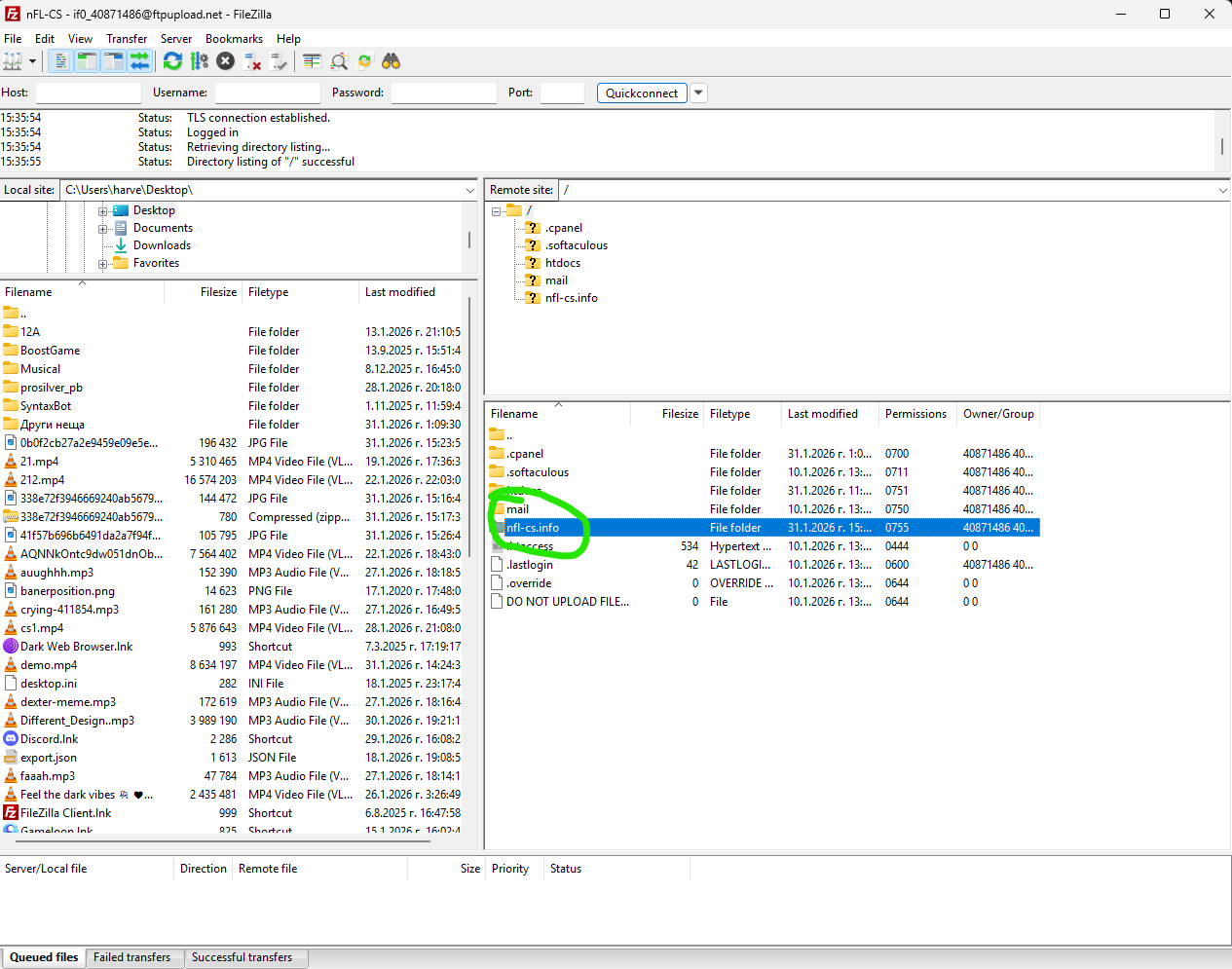
And i don’t view my domain in ftp base
Hosting Account “nfl-cs.ct.ws”
But it is not enforced. You can do this with an htaccess file or if you are using Cloudflare enable “Always Use HTTPS” in SSL/TLS → Edge Certificates.
While we wait for propagation kindly review the guide below, in case you missed something:
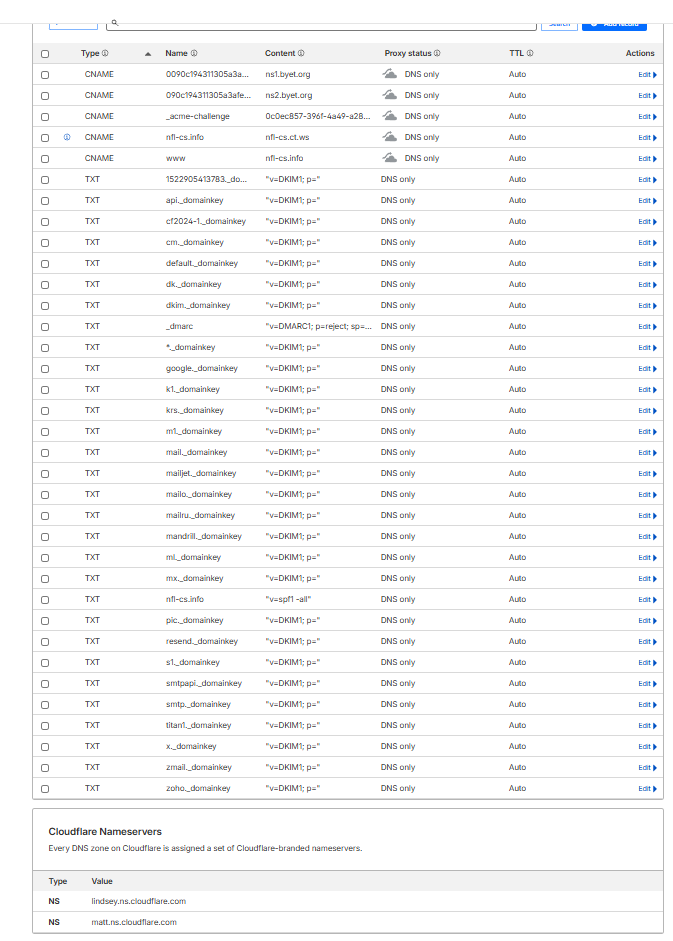
Be reminded that the entire process also involves updating your domain registrar that should point to Cloudflare. And your Cloudflare entries should be:
Currently, matt and lindsey are exposing InfinityFree IP. Be sure to modify that.
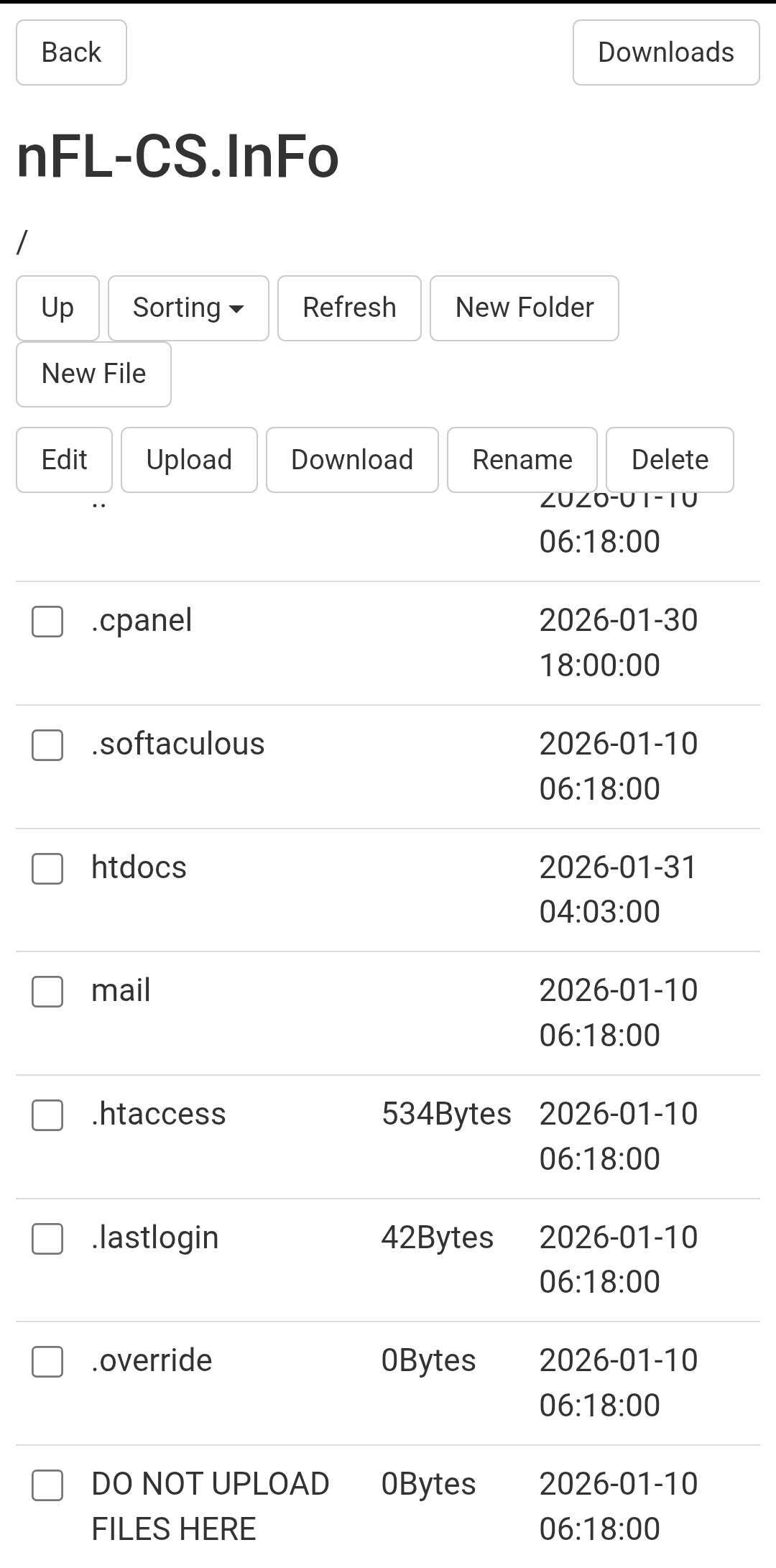
I added it from the file itself which is on the internet and is only managed. But I personally need to know why I can’t see the folder with the domain inside the ftp server and I only see one
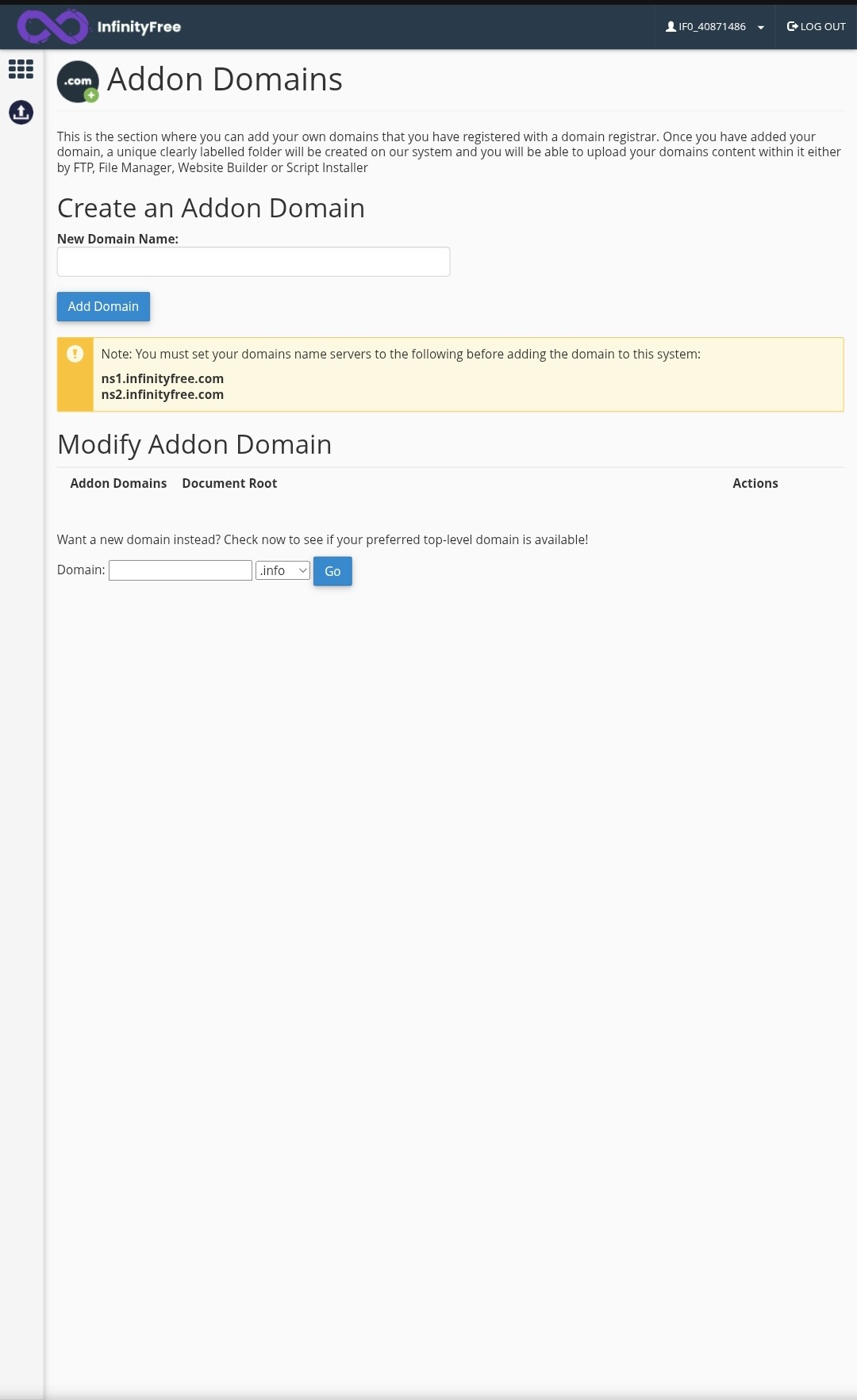
The answer to that question is actually the same as the other question: because you added it as a parked domain.
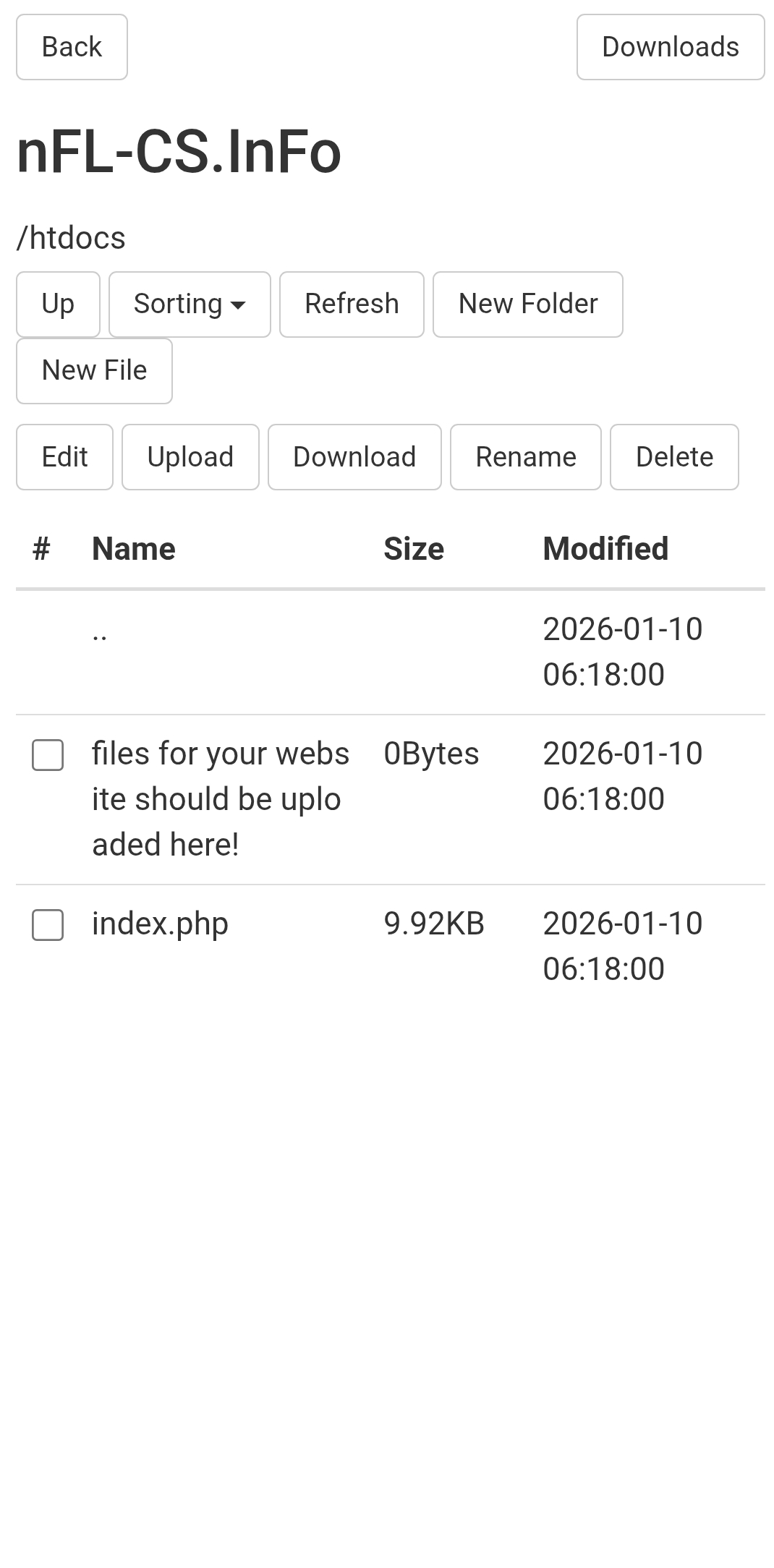
You added it as an alias to your free subdomain, so the domain doesn’t have its own directory, it’s linked to the htdocs directory. That’s what the domain parking things does.
If you don’t want this, you should remove it from the parked domains and add it again as an addon domain. Or, from the client area: remove the domain, and while adding it again, choose the “new directory” option in the Directory dropdown.
For me it also shows that they are there but I upload them from a Major file. I don’t want to upload anything from there. I want to upload from an FTP server but I don’t know why it doesn’t show me anything from there
Both domains are linked to the same folder: the main htdocs folder. There is only one index.php file in there, which is all you have right now. If you want to upload a website, you’ll need to upload it to that htdocs folder.
The domain was purchased from netcup I tried to connect your dns servers to Netcup it didn’t work. I was expecting errors. Then I went to the Cloudflare site from there I did everything I needed and it only points to DNS Only No Orange Cloud
It doesn’t have a folder called nfl-cs.info to start with because you specifically set it up this way. It shares the same folder as the free subdomain.
You won’t see it in the addon domains section because again, you specifically set it up this way. You added it as a parked domain, not an addon domain.
If you really, really want to see a folder called nfl-cs.info then Admin had already gave you crystal clear instructions:
No, it’s not a DNS issue, not a domain issue, not a registrar issue, we are not interested in your DNS records, we are not interested in if you have proxy on or not, it all happens because you picked the wrong option when adding the domain.
None of the issues you’ve talked about so far (as far as I can tell, I’m still not completely sure what you think the problem is) suggest any DNS problem.
To be very clear: your domain name and hosting account are all correctly setup to host a website here. All you need to do is upload/install/publish your website in the folder where the client area says you should set it up.