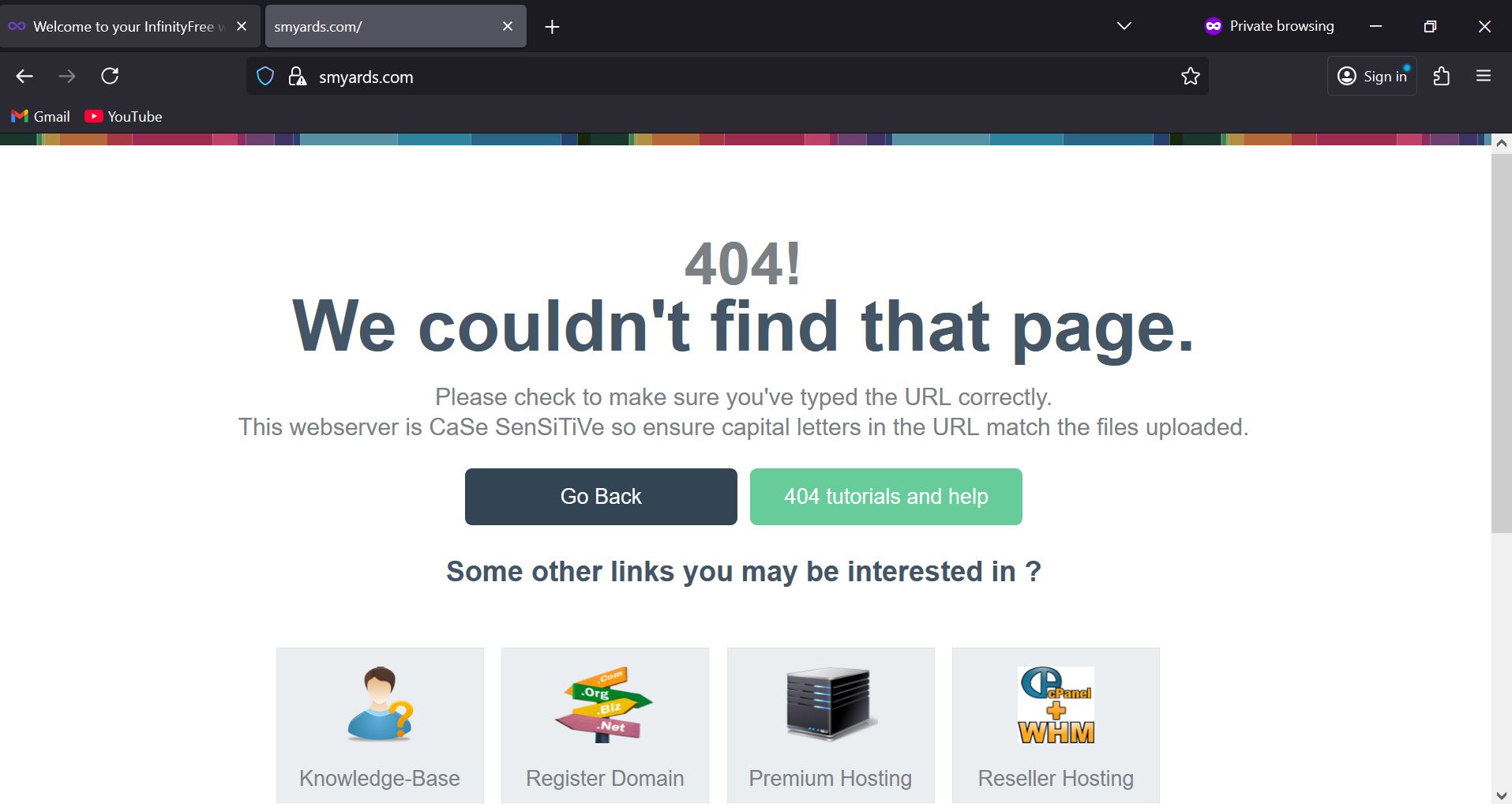
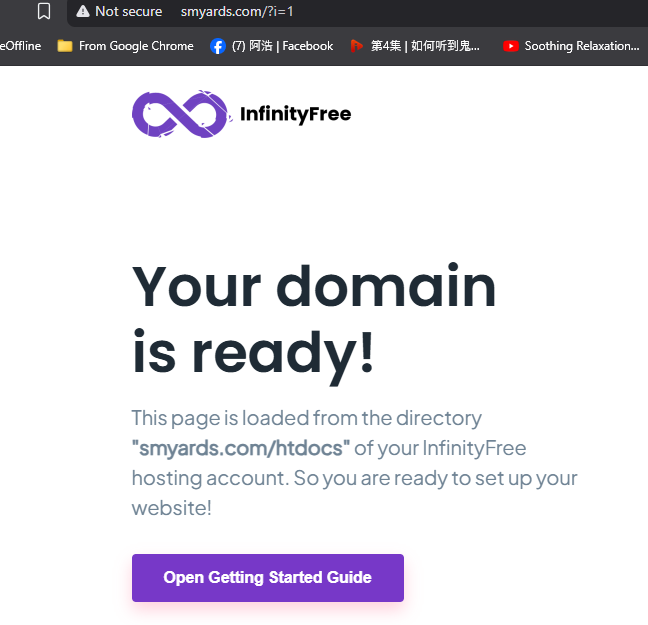
(please specify the URL of the site on which you are experiencing the problem)
(please share the FULL error message you see, if applicable)
On my external domain (smyards.com ) whenever i upload the wordpess files, the site doesn’t work anymore and i keep getting that error message.
are you trying to migrate a wordpress install from elsewhere? If not I’d recommend installing wordpress directly from the script installer rather than trying to upload it.
this guide should help:
Do you often see this on your WordPress website?
[image]
If so you may need to change some of the installation settings.
Installing WordPress
For
Fresh Installation
Make sure you are using the following settings when using Softaculous Install
[image]
Existing Installation
You can access your existing installation via
[image]
Followed by
[image]
Make sure these are the settings used
[image]
On the WordPress config
To play safe, add this line to the wp-config.php
[image]
…
if you’re transferring from a different host then this guide should help:
If your website doesn’t use MySQL databases, moving your site is very easy. Simply upload all your files to the ‘htdocs’ folder on your hosting account with FTP or a file manager. If you have a PHP based website, check if it has any configuration files where a domain name or file path needs to be set. Update these values as required. If your website is using MySQL databases, you need to move the database contents as well and update the configuration of your website to use the database:
Backup…
– edit –
KangJL
August 7, 2025, 2:23pm
3
No issue
Did you make sure to upload to the correct directory?
Take note
You’ve just added your domain to InfinityFree or changed your nameservers, but when you visit your domain, you’re seeing a “DNS Resolution Error” page, an error message, or your old website instead of your new hosting account. This is completely normal and happens because of something called DNS caching.
that one was resolved.
but now i have another issue with the account if0_39690874 (domain: testao.kesug.com )
everytime i upload wordpress files as .zip it gets deleted right away. i tried tones of times and it keep getting deleted!!!
Unzip the file on your computer, it is too large for the server
i can’t upload them as files, you know wordpress files are thousands of files it will take forever to get uploaded.
the zip file already gets uploaded but it gets deleted right after!!
I also upload via FillZilla not via the File Manager
While uploading all of them individually will take longer, it’s actually possible because then the individual files won’t trigger the size limit.
Yes, that’s because of the file size limit.
The file exceeds the file size limit
The InfinityFree web servers have size limits for all files. If the file size exceeds the limit, the file is automatically deleted.
The size limits are:
HTML, PHP and JS files are limited to 1 MB.
.htaccess files are limited to 10 kB.
All other files are limited to 10 MB.
Please note that this is a file size limit, not just a PHP upload limit. All files on your account are subject to this limit, regardless of how you’re trying to get this file on your account.
The ZIP file is probably over the 10MB limit, which is why it gets deleted. You should use Softaculous to install WP or upload the individual files. You can tell FileZilla to upload more files at a time (I recommend around 7-10) in settings.
how can i make the FileZilla transfer 7-10 files in a time?