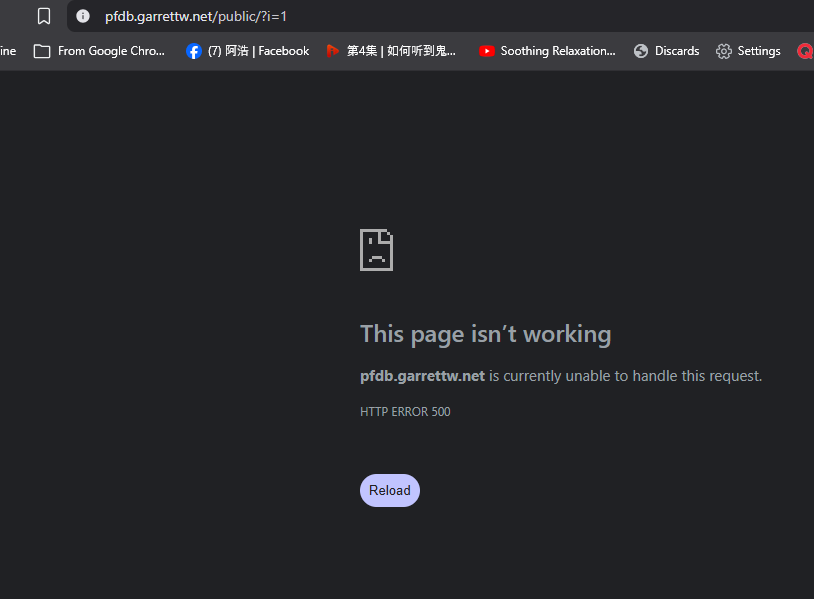
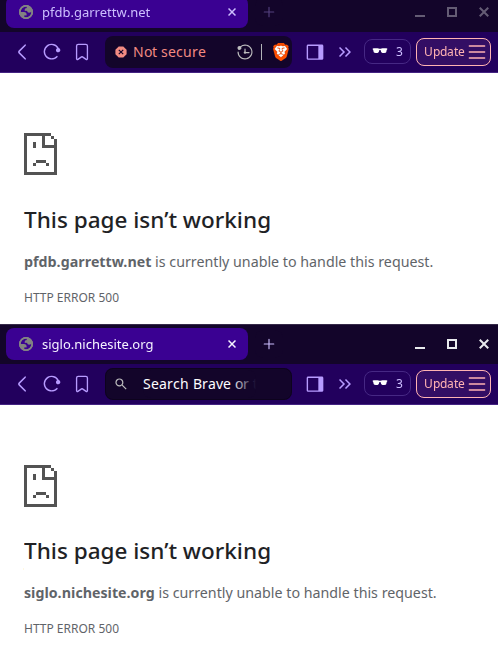
I’ve followed the instructions here to get Laravel to work, but I keep getting a 500 error from the web server (not from PHP, because turning display_errors on doesn’t do anything). I even tried adding line 2 below to my .htaccess to prevent redirect loops, but it didn’t help. This is my root .htaccess right now:
RewriteEngine On
RewriteCond %{REQUEST_URI} !^/public/
RewriteRule ^(.*)$ /public/$1 [L]
And the one in /public hasn’t been modified from the stock Laravel version. My .env file is in place and the database has been created and all tables imported.
Anyone have ideas of what I could try?
Edit: I tried renaming Laravel’s /public/.htaccess to disable it, and the error continues to happen. And when I rename the root one, I get a different error which I would expect. So it’s definitely coming from the root /.htaccess but I can’t figure out why.
What does the 500 error look like? Is it a generic NGINX error message, are you redirected to our 500 error page, or is it a Laravel branded error page? Knowing that would help determine what is generating the error.
Note that we also ask you to provide your website URL when asking for help. One of the reasons we do that is so that we can check the error ourselves, so we would have known without having to ask you.
Note that:
The display_errors option only works for PHP errors, not .htaccess error.
The display_errors option is not guaranteed to work. Website code can override the default PHP error handling functionality.
I know for a fact that Laravel has its own error handling system, so any error within a Laravel application will not be affected by the display_errors functionality. The APP_DEBUG setting in your .env file is the way to enable error messages instead.
Nice to hear from you again! Tried this and it’s working without error. Can you please provide a screenshot of what your successful Laravel app should look like from your local computer?
Be sure your app is working already locally so we can eliminate other potential problems. Your htaccess code is ok so I would assume the error is from something else.
Be sure to follow exactly what was said here and notify us if you accidentally missed or having trouble fulfilling a step:
Sorry, I should have mentioned what it looked like. The HTTP response body was empty, so it was just the browser’s error message. And I noticed a header from “openresty” — no Apache, Nginx, or PHP.
I think the blank 500 error means that there is an .htaccess code issue. Normally you should get a more informative error page, but that doesn’t appear to be working.
A quick look at your .htaccess file also shows me that you’re currently using different code than what I shared in that article, and code that honestly doesn’t quite right to me. So I’m guessing that that’s the reason you get this error.
Laravel can run on IF with the limitations specified in the old thread, and the article works even for the uninitiated up to this date.
It seems you have a rich experience with Laravel already and this might be a little bit too obvious exercise for you. But we can walk it through slowly to identify the real problem. If you gained access to your local copy already, other than the screenshot of a working site (so we know what to expect and compare), kindly provide also the screenshot/list of files (including hidden ones) and folders of the local root directory only.
Since one might suspect the .htaccess file, we can temporarily disable it by renaming it to not_good_htaccess.txt or something like as stated here:
With root’s .htaccess disabled, your Laravel site should be temporarily accessible in http://pfdb.garrettw.net/public . This should output similar to your local copy or should throw a more informative error if Laravel was able to catch it.
Thanks for your reply. After disabling the root .htaccess and accessing http://pfdb.garrettw.net/public/ I still get the same empty-body 500 error from openresty.
The very first installation as admin already described was truly really messy. Unfortunately, I haven’t documented every error I got and the exact steps I did to fix it other than following the prescribed steps above to the letter.
With assumptions of your local copy is running error-free, the root .htaccess in htdocs folder temporarily disabled, the vanilla Laravel .htaccess is in public folder, and performed the HTTP 500 troubleshooting tips in the previous article but still with the same result; I could think of a few things.
One, it is possible the Laravel copying was corrupt. You may need to reupload everything again, starting with the vendor folder only as this is of considerable size. If reuploading just the vendor folder still fails you may really need to reupload everything. I wish there is a simpler way but I’m unaware how to check the checksum of files in your local copy against the online copy. It is better to delete the online copy and upload a new copy than replacing or overwriting on top of the old one.
Is file corruption possible? Speaking based on experience, well yes, especially with large and lengthy uploads. My simple Laravel installation took hours and there were frequent disconnects and timeouts. Not sure, but it may be possible you had the same. You may need an FTP client like FileZilla for a job like this. Tell us again if the error still persists or something new came up.
EDIT:
Two, you may try this before or after the first one. But it is better we are sure we are not dealing with corrupt uploads.
On your vanilla Laravel .htaccess inside public folder (the root .htaccess is currently disabled temporarily), add the following lines just below RewriteEngine On
 php_value display_errors On
 php_value mbstring.http_input auto
 php_value date.timezone America/New_York
Save and revisit your site. If Laravel is corrupt you should get a different error probably a Warning and/or Fatal error.
I can’t help but wonder if there is a file permission issue somewhere that I have no ability to see or fix. Anyway, the php_value changes didn’t do anything so I may just try a reupload, but I’ll do it as a zip file and extract it on the server.
I just tried to setup a new Laravel site using the .htaccess lines I wrote all those years ago, and I had no trouble setting up the website. I didn’t test anything beyond the default landing page, but at least it proves that the .htaccess code doesn’t break the server.
What may make debugging difficult is that usually Laravel overrides the system error handler with it’s own functionality. But if that doesn’t work for any reason, there is really no way to find out what’s going wrong.
There is nothing that can be done on the server level to fix this, websites can and should be able to change how errors are handled, but all code can break.