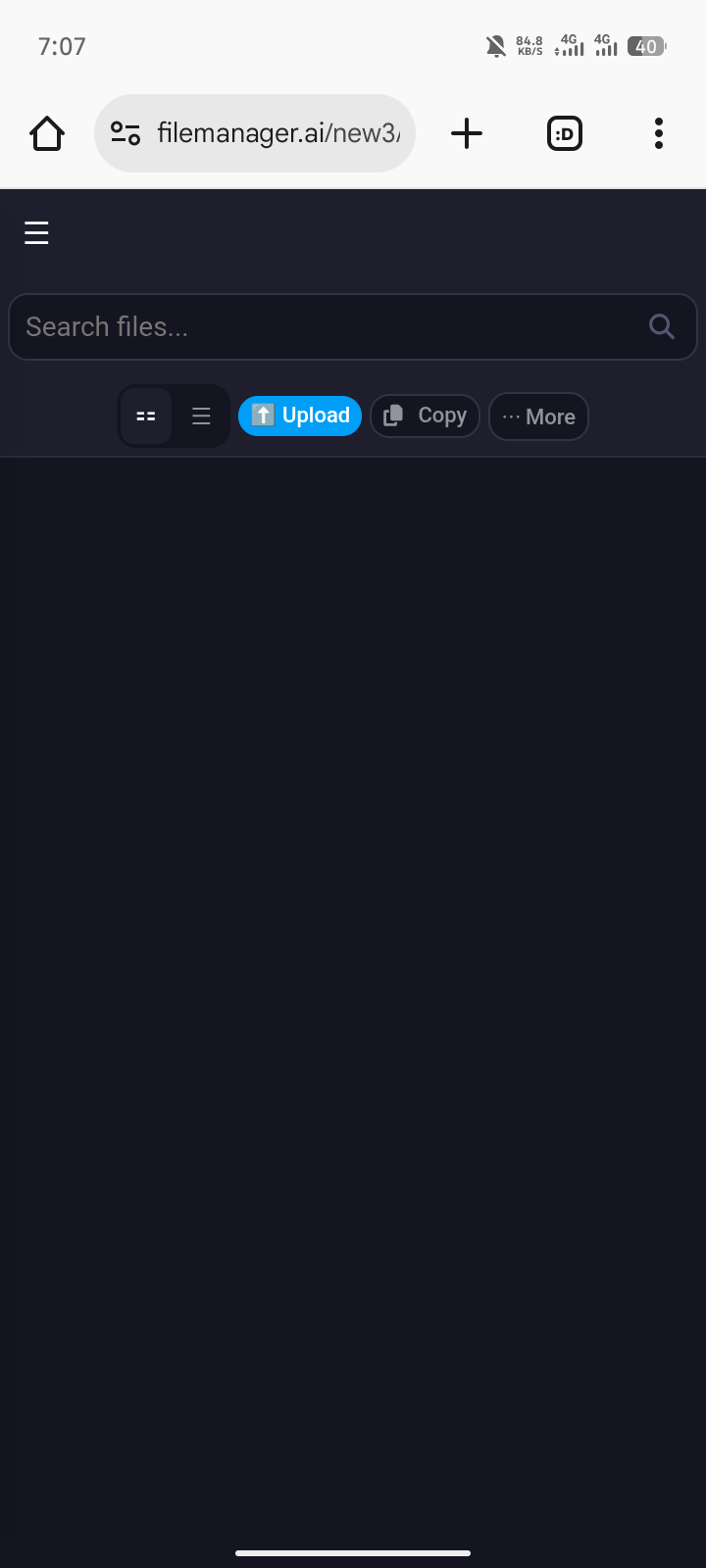
Help!! I’m also having the same problem from 2pm till now its 9pm.. I can’t see the files in file manager, it says 0 files, but I can access the website normally fine. When I try to access filezilla , it says I can’t connect even when I enter all the information details… I hope this issue get fixed soon!
What’s the issue and how to fix? Or is it the server problem?
Website URL
(please specify the https://arfollower.page.gd/ of the site on which you are experiencing the problem)
Error Message
(please share the file manager no visible all file is delet
error message you see, if applicable)
Other Information
(other information and details relevant to your question)
can you try using an FTP client like Filezilla to connect and see if you can see your files?
i am android user, please solved this problem..
There are FTP clients for Android.
But its possible theres a problem with the FTP server.
If you’re sites still working, I wouldn’t stress too much, it should hopefully start working again in due course.
Help!! I have this problem from 2pm till now its 9pm.. I can’t see the files in file manager, it says 0 files, but I can access the website normally fine. When I try to access filezilla, it says I can’t connect even when I enter all the information details…
can you tell me in filestash do i need to go to ftp tab and then give hostname , username and password of my infinityfree account in order to access those file manager files ? if yes then what will be the hostname , using “infinityfree” as hostname says invalid account , also have double checked the name and pw of the account
My account username is if0_37273284. Please help. I can’t view the files in the file manager, but the site is working fine. I was trying to link the backend and the frontend together (the database and the frontend code together), and it was fine originally because I did it for a day now. But suddenly, when I edited the file and tried to save it, I couldn’t save it. When I refreshed the page, it said there were 0 files in the file manager. I then tried using FileZilla, but it didn’t connect successfully. I have all the required information; however, it was still unsuccessful. Please help me!
Website URL
Error Message
I don’t see any error message.
Other Information
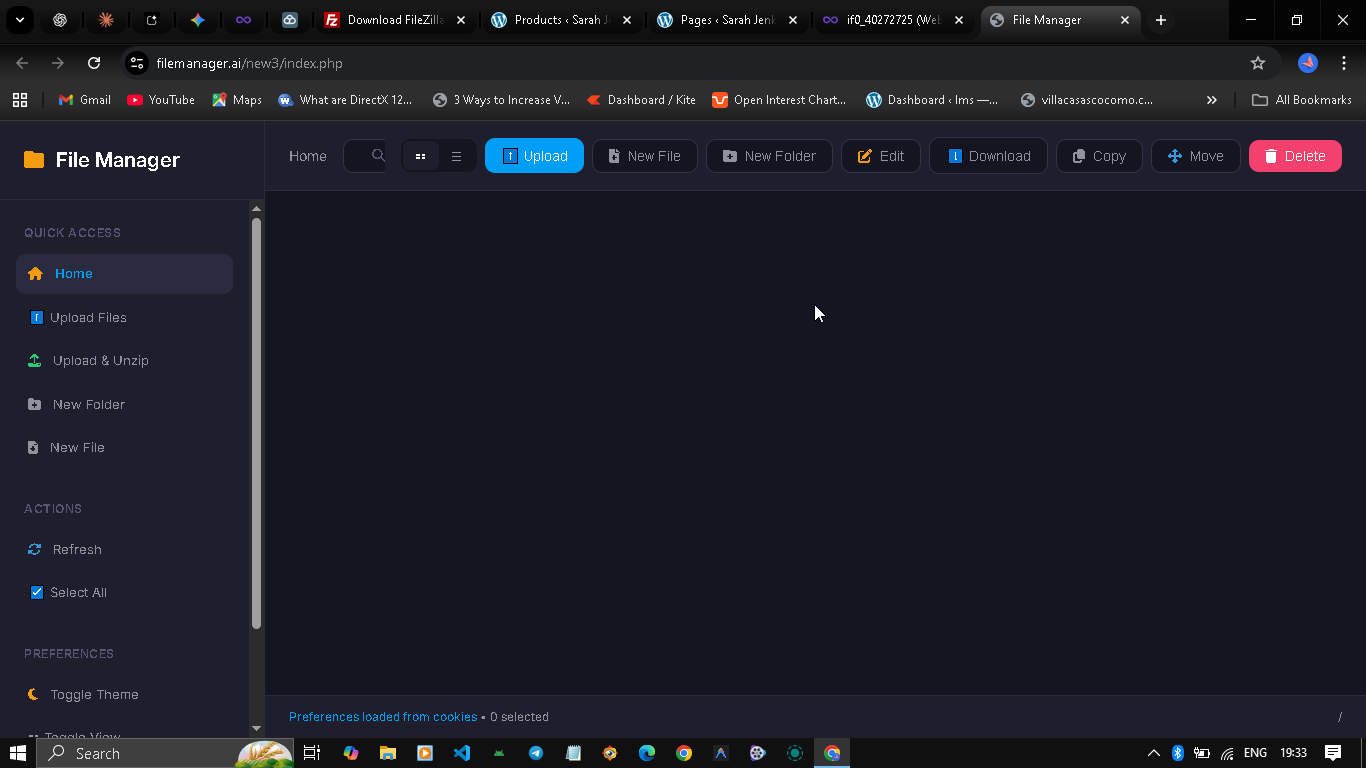
Hi to everyone, I was trying to access my website’s files but the online file manager doesn’t show any. I searched for this type of error but the only thing i found was a post closed 25d ago where was said that the problem was fixed. How should i behave in this case? any solutions? thanks to you all in advance!
Hello Admin,
I need assistance with my hosting account. My website is currently live and loading correctly, but when I access the File Manager:
USER NAME:if0_40272725
-
The directory appears completely empty (showing 0 folders and 0 files).
-
I am unable to create new files or folders (I suspect a “Write Permission” error).
Since the site is online, the files definitely exist. This looks like a file ownership/permission issue, or possibly a disk quota limit.
Could you please check my account permissions or reset the file ownership so I can view and edit my files again?
Thank you.
Website URL
https://erp-solartec.free.nf/?r=auth.login
Error Message
(please share the FULL error message you see, if applicable)
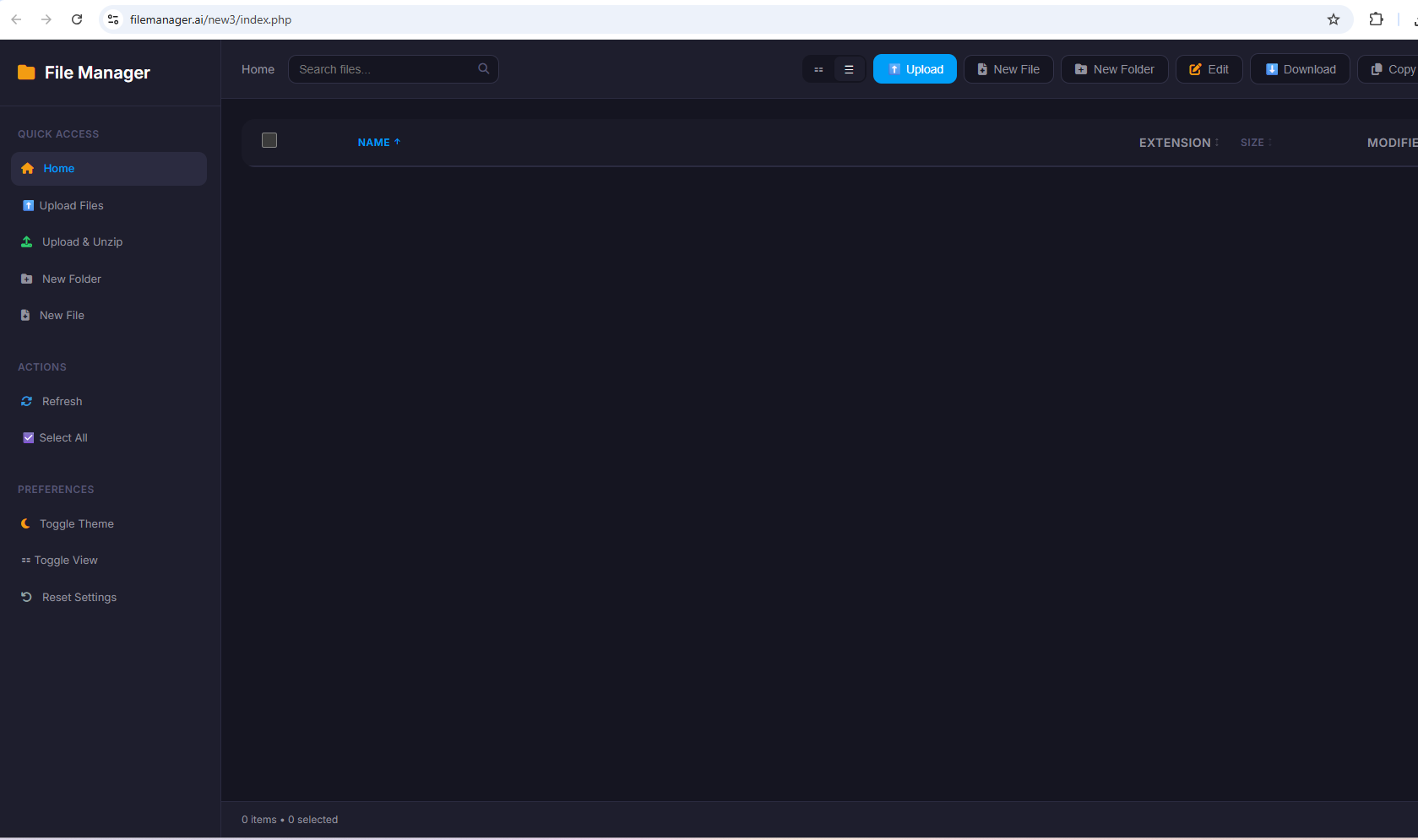
Other Information the main floder or route “htdoc” not existe help me please

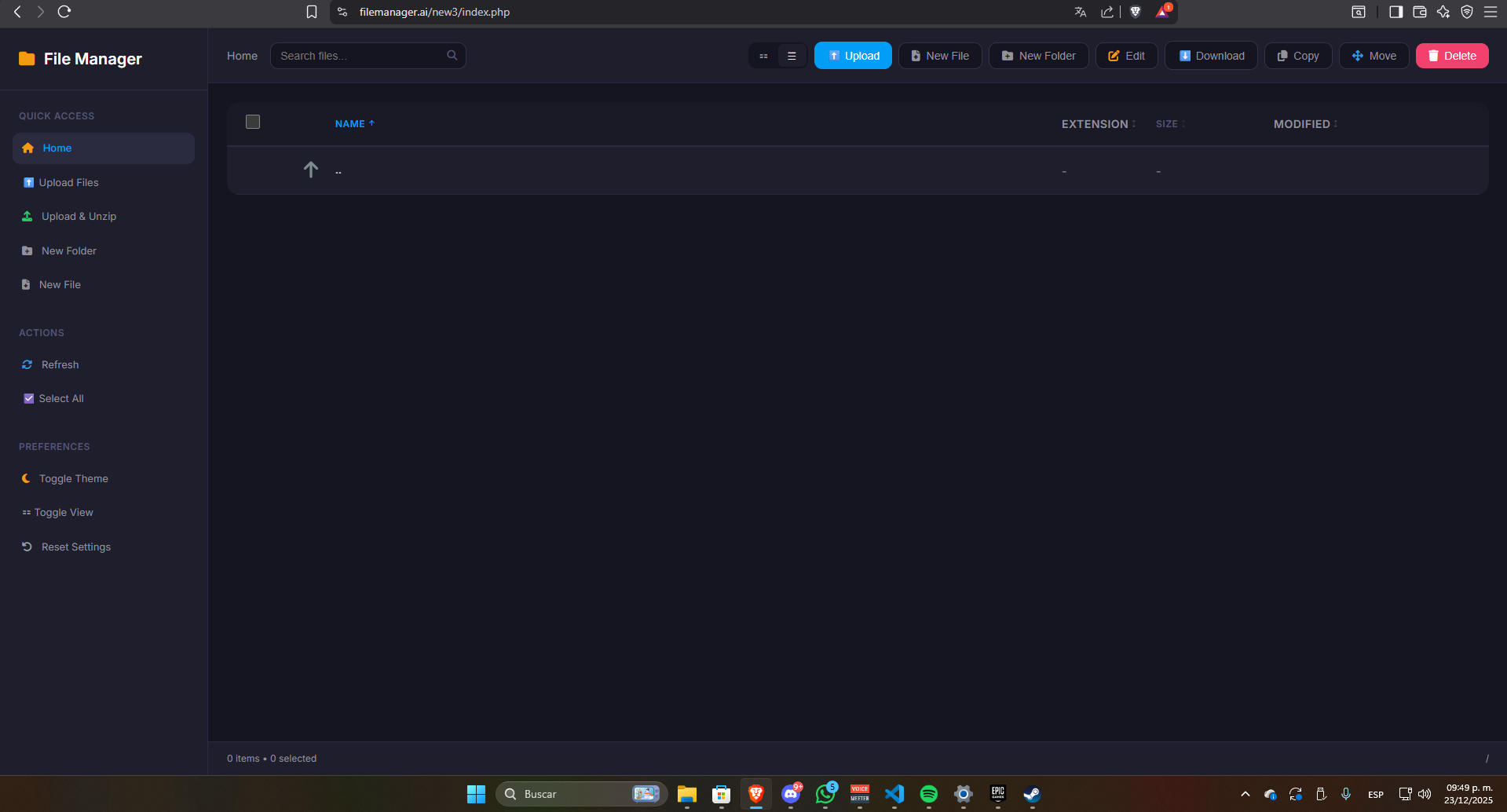
I just checked the file manager for a number of accounts and it everything seems to be working fine now. Seeing how many of you reported the issues around the same time, I’m guessing it was a temporary issue with the file manager and/or FTP server.
I’ve been told that iFastNet has made some changes that should help with stability of the file manager yesterday. But I’ve messaged them again to see if they know more.
Maybe the bug can’t be reproduced due to the ifastnet IP
I don’t have an iFastNet IP.
I checked your account and I see the issue.
The file manager doesn’t work because your hosting account password appears to have been modified outside of the client area.
You can view and edit your hosting account password at any time through the client area, but it’s also possible to edit it directly through the control panel. However, if you do that, then the password in the client area will no longer be valid, and a lot of client area functionality will break, including the file manager button.
To fix that, please go to your Account Settings in the client area for your account, and save the password there. That will sync the password in the client area with the one on your account.
After that, you should be able to login to the file manager again.