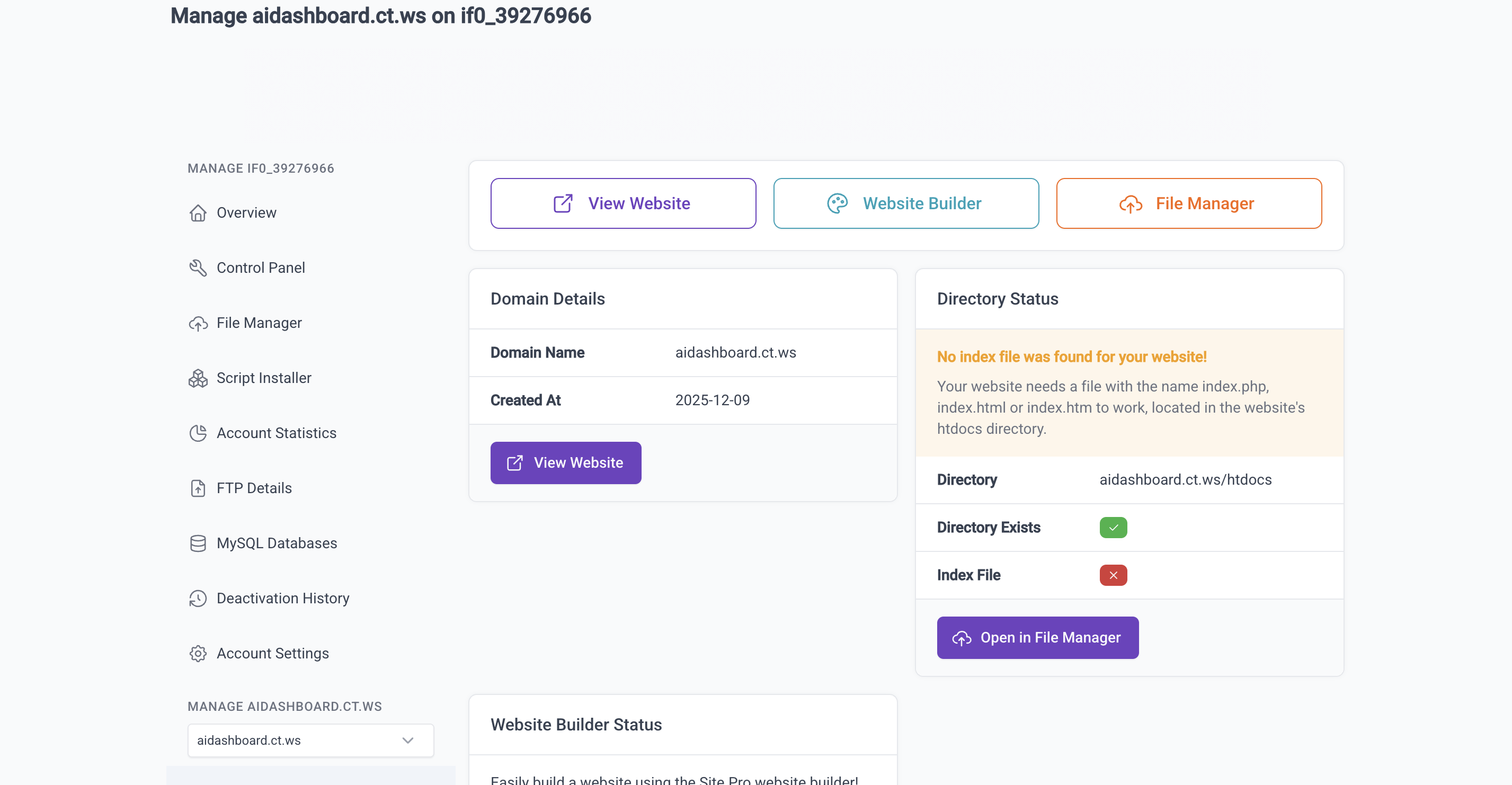
My website mymb.gt.tc is working absolutely fine but when I go into the file manager I can’t see any files. Anybody know how I can see the files so I can edit them?
Thanks in advance for your help
My website mymb.gt.tc is working absolutely fine but when I go into the file manager I can’t see any files. Anybody know how I can see the files so I can edit them?
Thanks in advance for your help
I have the same problem; the website works fine, but no files appear in the file manager.
My site: hobi.wuaze.com
When will the problem be resolved?
Why not try using Filestash? I did it!
We were constantly logging in automatically, Where can I find the necessary information to log in using the link you provided?
On the hosting account management page, in the Account Details list, you can find your hosting account name and hosting account password (which is usually hidden).
Perfect thanks. Filestash works

Thanks, the file manager works flawlessly with this method.
I’m glad you guys found a solution using Filestash.
But I would just like to add, if you are using a computer (desktop/laptop) to access your files, we generally recommend FileZilla instead. It’s (mostly) guaranteed to connect, even if Filestash or the file manager does not work for you.
i also have same issue it still from the 5h not soved. saw to use the filestash by a user how is it
I just checked all the accounts/domains that were posted here and the file manager seems to be working for all of them.
If someone is still having issues, please clearly state the domain name or account username that is experiencing the issue.
Using Filestash is a reasonable workaround, but the main file manager is leading.
After downloading the file, do I need to upload it again to the file manager, or can I just edit it in Infinity FileTrash?
I’m not sure what you mean by that. Both our regular file manager, the FTP server and Filestash are all just interfaces to your files on our servers. Any modification made through any of those methods are visible through all other interfaces too.
And I’m not sure if you’ve misread the name or just don’t like the interface, but it’s called FileStash, not trash.
https://memberheader.ct.ws/.
this is just one of the URL, i have almost 20 URLs, having same issues
All htdocs folder is empty now
404! We couldn’t find that page. Please check to make sure you’ve typed the URL correctly. This webserver is CaSe SenSiTiVe so ensure capital letters in the URL match the files uploaded.
All my html files got deleted from the htdocs. I was having all most more then 20 folders all different files hosted on different links. Now I lost all.
Tried searching every where, but I cannot find any html file in any of my links in file manager
The file manager has been having some issues viewing files for some users recently, and it’s probably worth checking if you can see your account’d files if you access it using FTP such as through FileZilla. If they still aren’t there, that means that they really are gone.
I can confirm that the file manager is working fine for my own website however.
What ID should i use to login to FIleZilla
Your hosting account username and password. You can find all of the details in the client area for the specific hosting account.
Tried but in FTP i am getting this message
Critical error: Could not connect to server
I am worried i will loose all my files.
It came back online for a while but has gone offline again. Does anybody know what’s causing these sporadic issues?