Asking for help

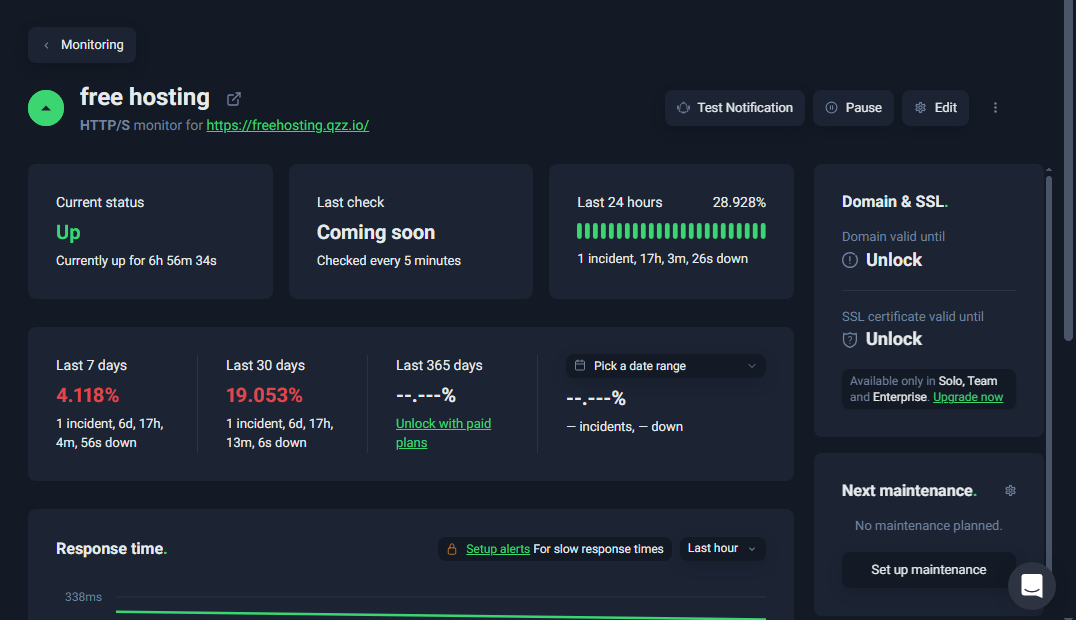
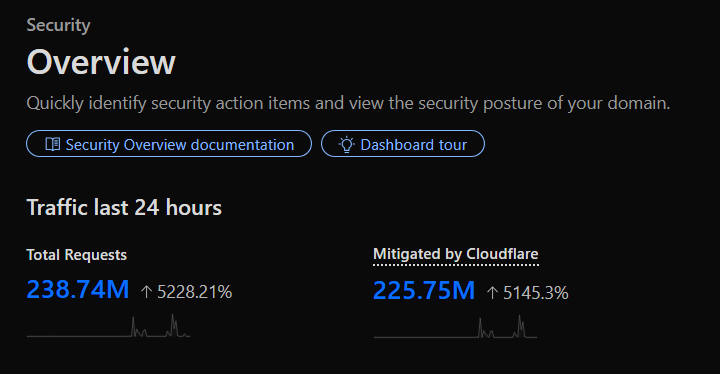
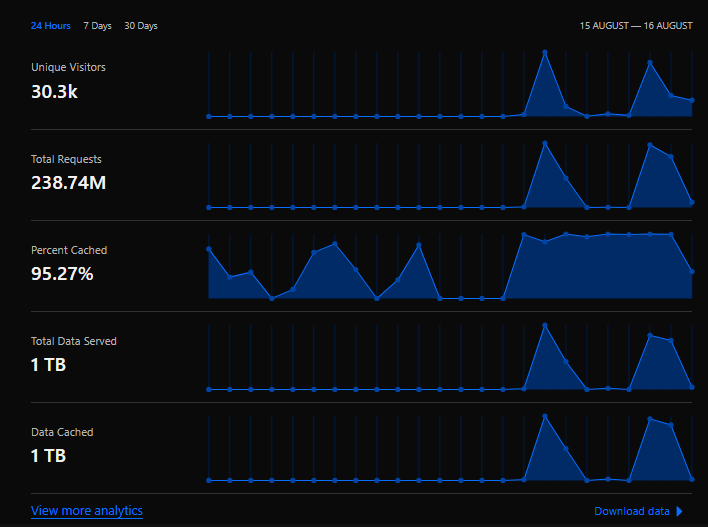
So uhh my site got ddosed, and i try to turn on every single option on cloudlfare but they somehow manage to bypass all of that.

I do write a node.js script that check my website, if the total requests for the past 24 hours more than 2m requests then it will auto turn on managed challange to block some attack, but this isnt the best option so i need to find some rule that work best for my site. I do search the web for ‘setup rule anti ddos cloudflare‘ but it doesnt give me much info so if you know how to setup waf, please help me. Thanks.

  1. https://community.cloudflare.com/t/mitigating-an-http-ddos-attack-manually-with-cloudflare/302366
4 Likes

In my experience, only enabling “I’m under attack” mode truly blocks HTTP attacks. Even though the traffic patterns are very abnormal, Cloudflare really doesn’t care and will just forward everything.

The guides that @Oxy shared can help. But maybe you also just need to realize that Cloudflare isn’t the be-all-end-all solution to stopping any and all attacks.
5 Likes

ig i have to purchase some firewall proxy, that might work better than cloudlfare

Feel free to try it if you think it works better for you. But you may have to accept that there are no perfect solutions to solving DDoS attacks.

3 Likes

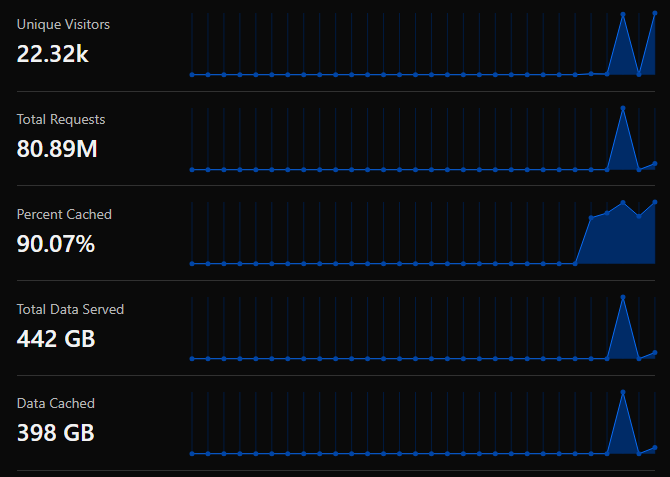
works pretty well, athough some ddos still get through and make my site take 20 seconds to load, but at least it does not crash

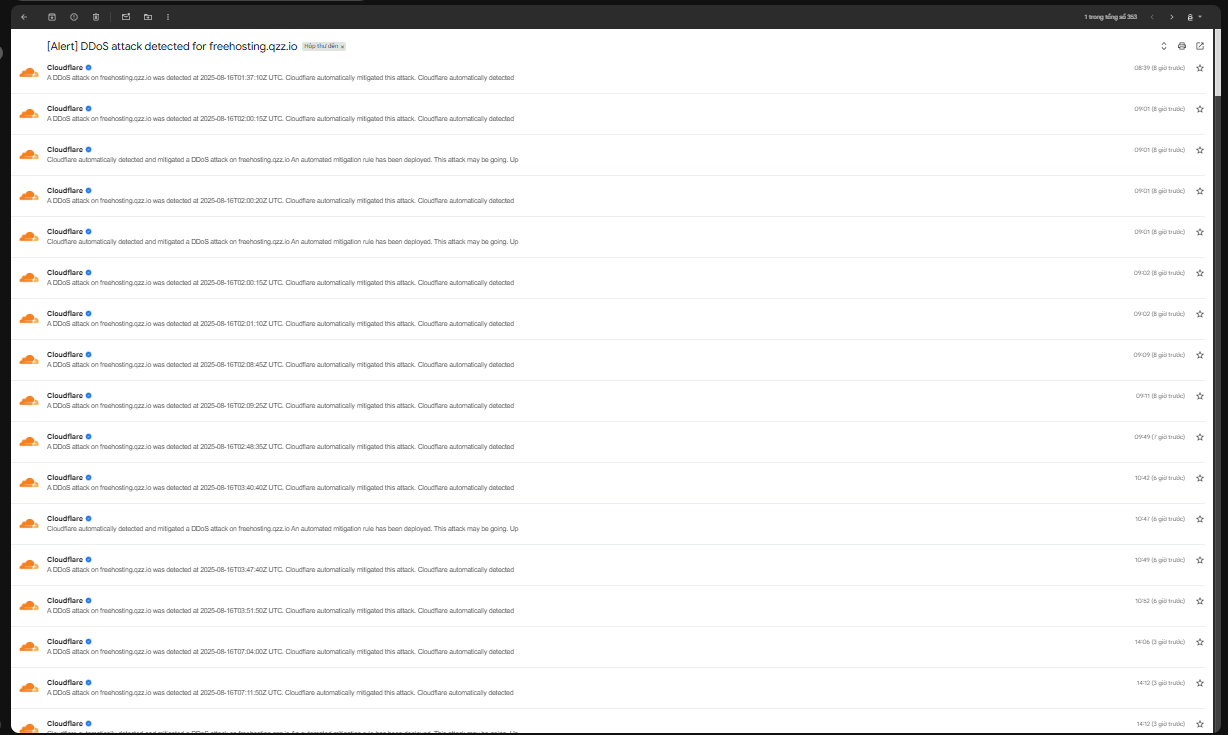
lol cloudflare is screaming me to about the ddos attack

image

This topic was automatically closed 15 days after the last reply. New replies are no longer allowed.