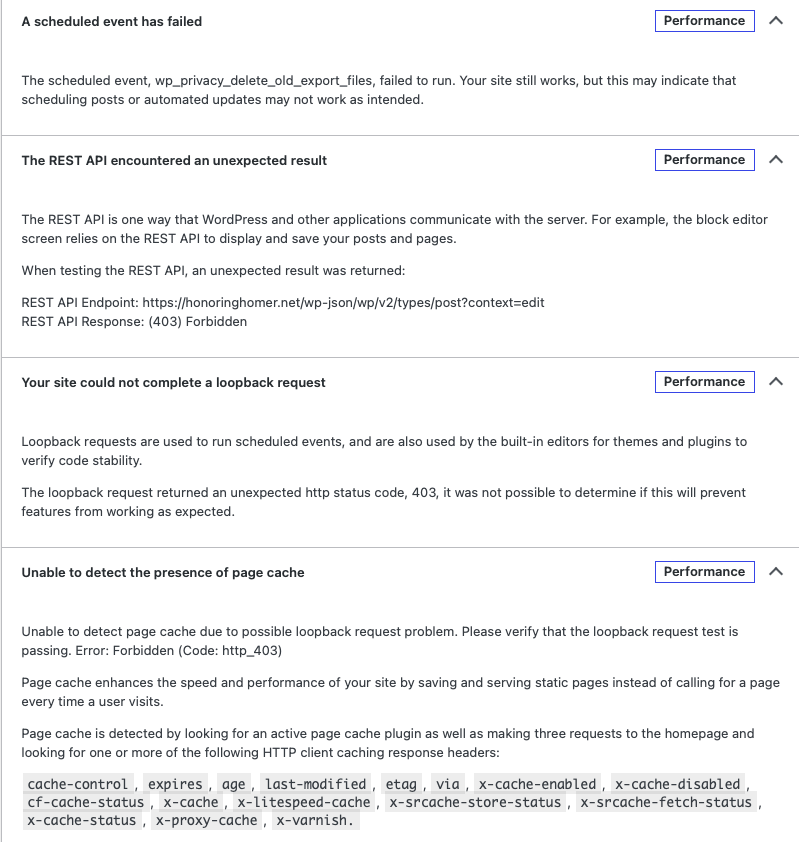
There are some 403 error messages mentioned in Site Health, along with problems completing a loopback request and detecting the presence of page cache. A scheduled event failed to run, and automated updates to plug-ins and to Wordpress itself do not occur.
A scheduled event has failed
Performance
The scheduled event, wp_privacy_delete_old_export_files, failed to run. Your site still works, but this may indicate that scheduling posts or automated updates may not work as intended.
The REST API encountered an unexpected result
Performance
The REST API is one way that WordPress and other applications communicate with the server. For example, the block editor screen relies on the REST API to display and save your posts and pages.
When testing the REST API, an unexpected result was returned:
REST API Endpoint: https://honoringhomer.net/wp-json/wp/v2/types/post?context=edit
REST API Response: (403) Forbidden
Your site could not complete a loopback request
Performance
Loopback requests are used to run scheduled events, and are also used by the built-in editors for themes and plugins to verify code stability.
The loopback request returned an unexpected http status code, 403, it was not possible to determine if this will prevent features from working as expected.
Unable to detect the presence of page cache
Performance
Unable to detect page cache due to possible loopback request problem. Please verify that the loopback request test is passing. Error: Forbidden (Code: http_403)
Page cache enhances the speed and performance of your site by saving and serving static pages instead of calling for a page every time a user visits.
Page cache is detected by looking for an active page cache plugin as well as making three requests to the homepage and looking for one or more of the following HTTP client caching response headers:
cache-control, expires, age, last-modified, etag, via, x-cache-enabled, x-cache-disabled, cf-cache-status, x-cache, x-litespeed-cache, x-srcache-store-status, x-srcache-fetch-status, x-cache-status, x-proxy-cache, x-varnish.