I migrated my Wordpress from Azure to Infinityfree. I am having this problem where after clicking around in the website, it starts to download the page instead of opening it. I have to either access the website in incognito mode or wait some time (not sure exact duration, maybe a day) in normal mode before it works correctly again. Did not have this problem when on Azure.
Other Information
Migrated using All-in-One WP Migration and Backup – WordPress plugin.
I checked your site and it seems to be working fine from here. Which exact URLs on your website do not work or trigger a download action?
Just a few things to note:
You hosting it “on Azure” doesn’t really narrow it down. I haven’t used Azure that much, but those big cloud platforms typically have many ways to host applications: virtual servers, serverless functions, container orchestrators in various kinds. And in most cases, the actual server runtime (which web server you use, how it’s configured, PHP versions, extensions and settings, which method you use to run PHP at all) is entirely up to you to setup. So the only thing that “it was hosted on Azure” tells us who owns the hardware, which is the least relevant part when troubleshooting compatibility issues between hosting solutions.
I do not recommend the use of backup/migration plugins. You never know what parts they migrate and what they don’t, or what changes they make to your data. The best, most reliable way to migrate a WordPress site (or any other website for that matter, it’s completely software agnostic) is to just copy the files and database of the WordPress installation itself.
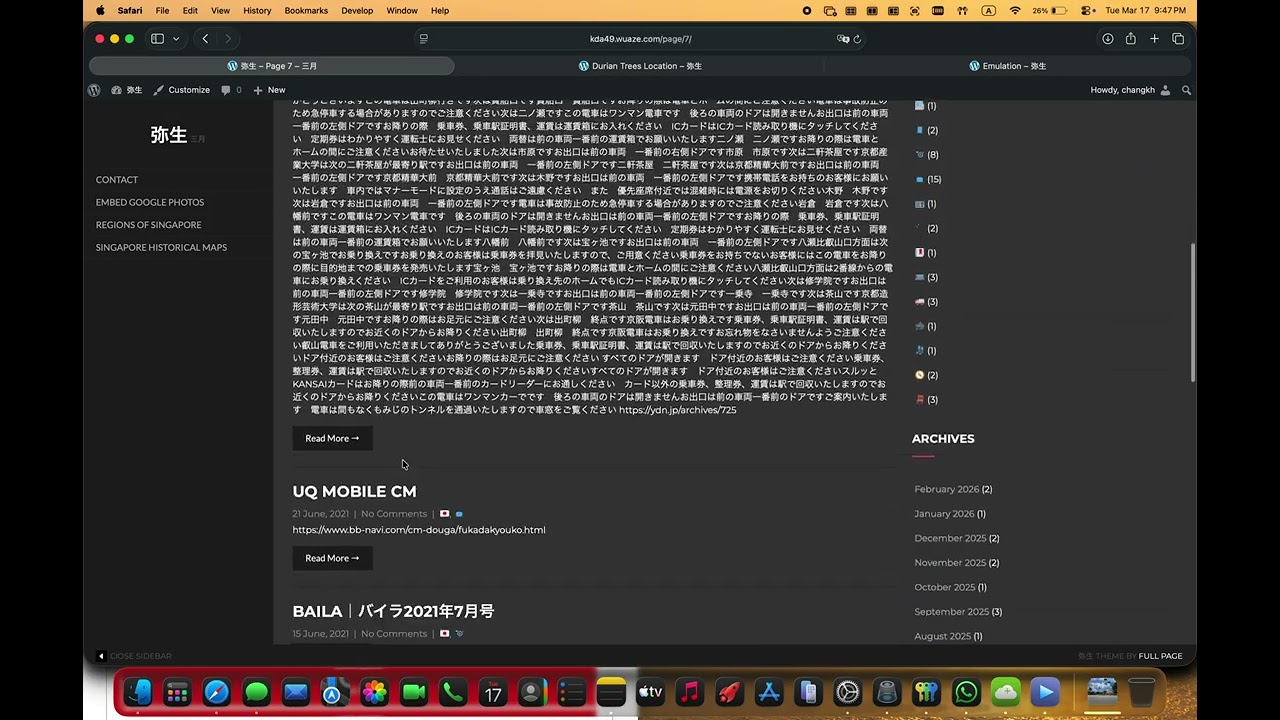
After you replied, I tried and indeed it works as per normal. So I tried playing around with screen recording and managed to replicate the problem again. You can skip to 6:25 where it starts to download again. If you try on your browser now, does it also download?
Hmm, so you’re just interacting with your website, and for some reason, after 6:25, all links suddenly only start downloading files? With no real pattern as to which URLs this happens to, or what you were doing beforehand?
Also, can you please check what is being downloaded exactly? Do you get the HTML content of the target page? Or PHP code? Or something else?
I just checked your website and it seems fine now.
Based on what I know so far, I’m not sure yet if this something weird happening with your website, with our hosting or with your browser.
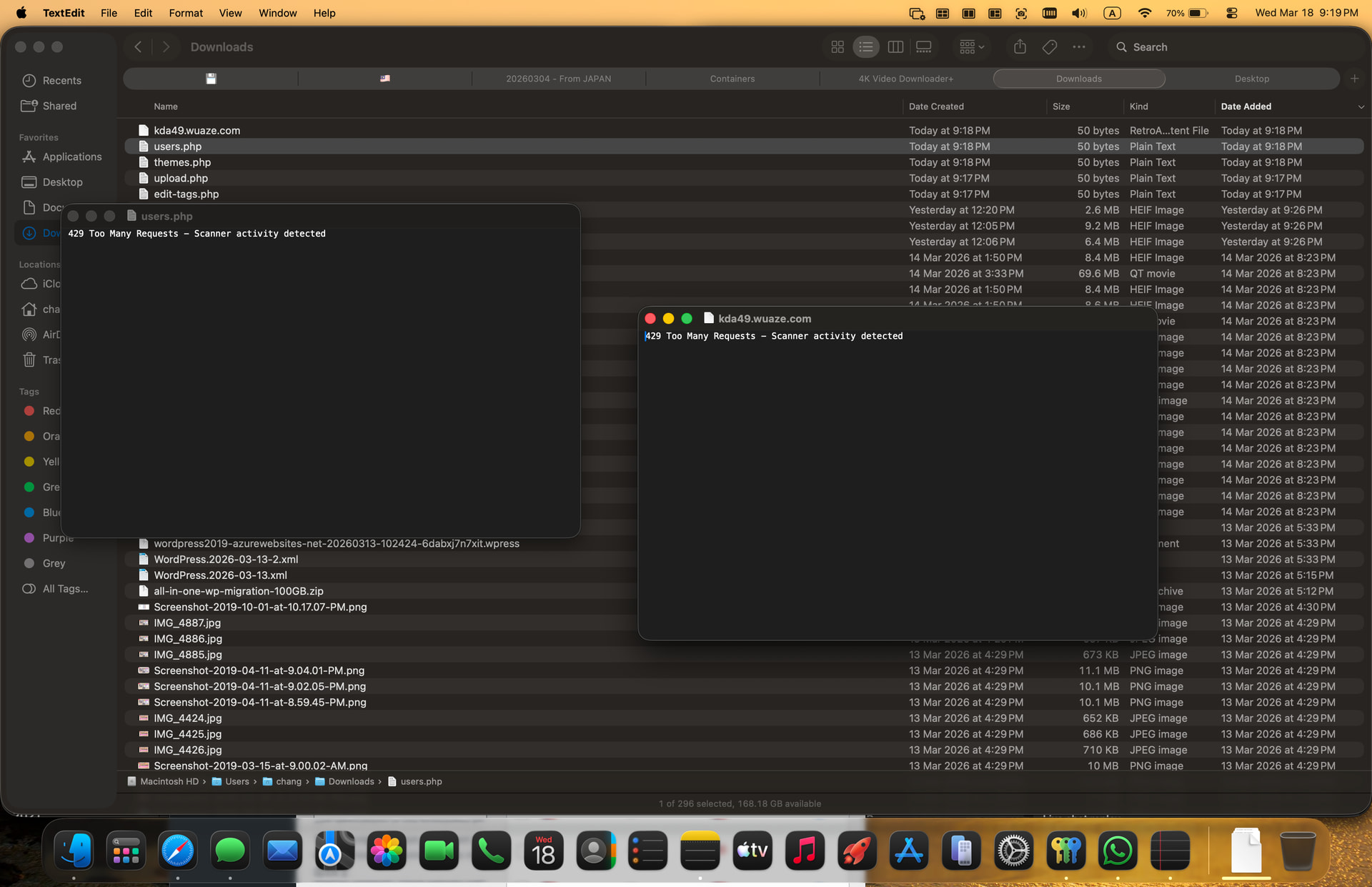
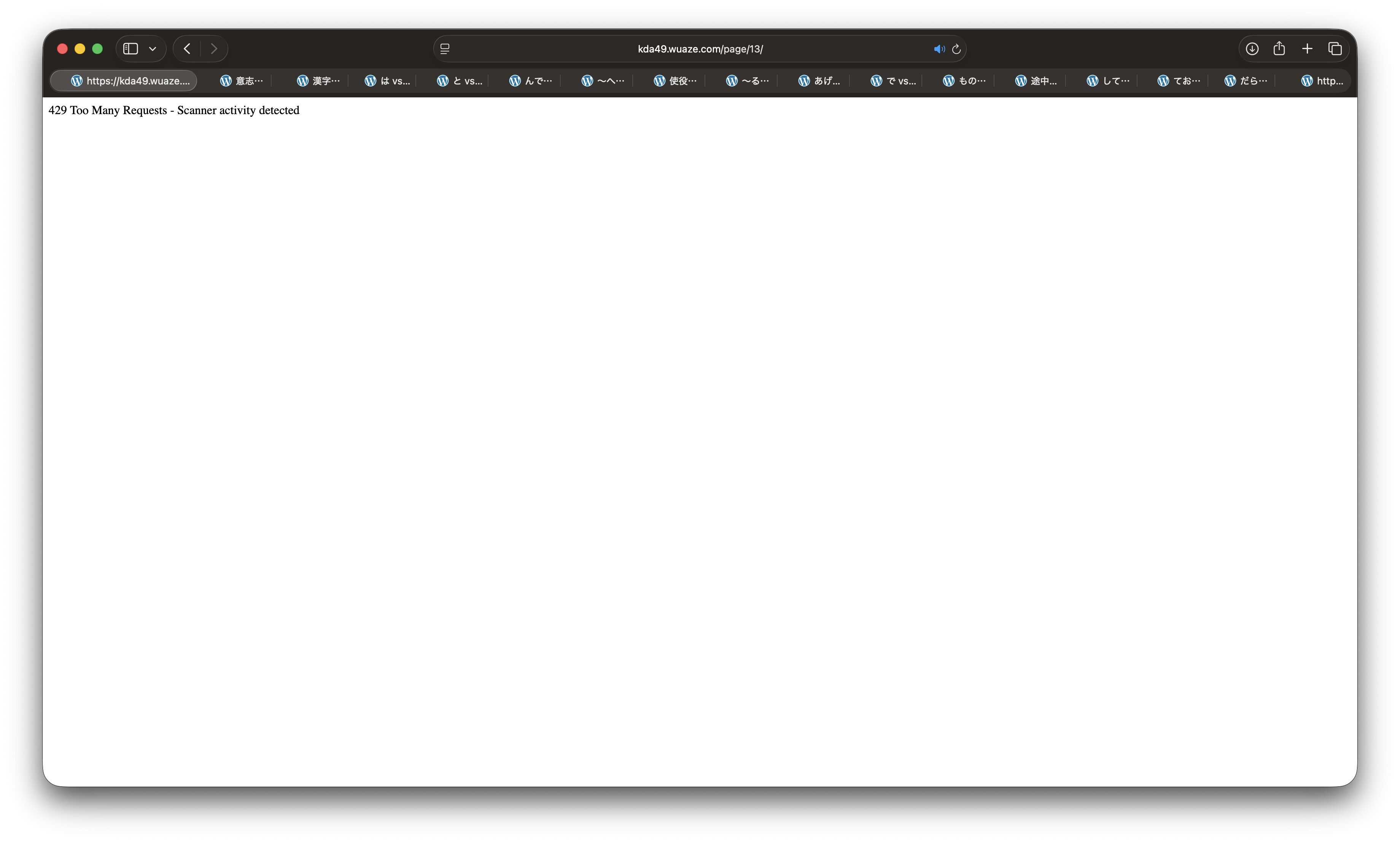
Yes, no specific URL that caused the problem. I was just doing some updates with my blog and no problem for at least 30 minutes. When I saw your reply, I tried again and managed to get the problem coming. As I was stuck at the dashboard, I could only click links there. Here is a screenshot.
I think the content of these files are pretty self-explanatory…
You are rate limited. For some reason the content is being sent with a MIME type that triggers a download instead of displaying directly in a browser. But all in all, this is rate limiting. “It starts to download stuffs” is not the real culprit.
I cannot really tell if this is a hosting thing or a plugin that you’ve installed (this is the first time I’m ever seeing this error message).
Judging from the basic design and the faulty implementation I suspect that this is a hosting limitation, probably a very new one, so “free plan” as you would call it.
I’m cannot say for certain, but I suspect that this error may be caused by a rate limit on our hosting. The fact that you are hitting a rate limit is not immediately an issue, but the fact that the resulting error page is being downloaded instead of shown in the browser is definitely something that should be addressed.
I’m sorry for the delay, I just got a reply from iFastNet about this.
The file downloading issue should be solved now.
The blocking issues might not be solved for you though. The underlying system detects certain unusual traffic patterns and then blocks the visitor. The method itself is sound (I’ve seen other systems have similar abuse detection), but might trigger false positives, especially if there is broken code in your website generating excessive error traffic.
The rate limit is intentional part of the InfinityFree hosting. We cannot say what other hosting providers do.
The Premium Hosting is provided by IFastNet, not InfinityFree, so we can’t confirm exactly what they offer
The issue with the error message being downloaded instead of displayed has been fixed.
The reason you see this page is because we have systems in place that detect potentially abusive traffic patterns and block them. Specifically, the system is designed to block scanners: automated scripts looking for known software with known vulnerabilities to exploit.
However, it seems that for some reason, you visiting your website is causing that detection system to trigger. So then the big question is: what’s the reason that you are being flagged as a potential scanner.
My best guess at this time is that something is running in the background that’s causing the suspicious traffic. That could either be something going wrong on your website code or perhaps something is actually scanning in the background (like malware on your computer).
But it’s hard to say. When just navigating your website, I don’t see anything unusual.
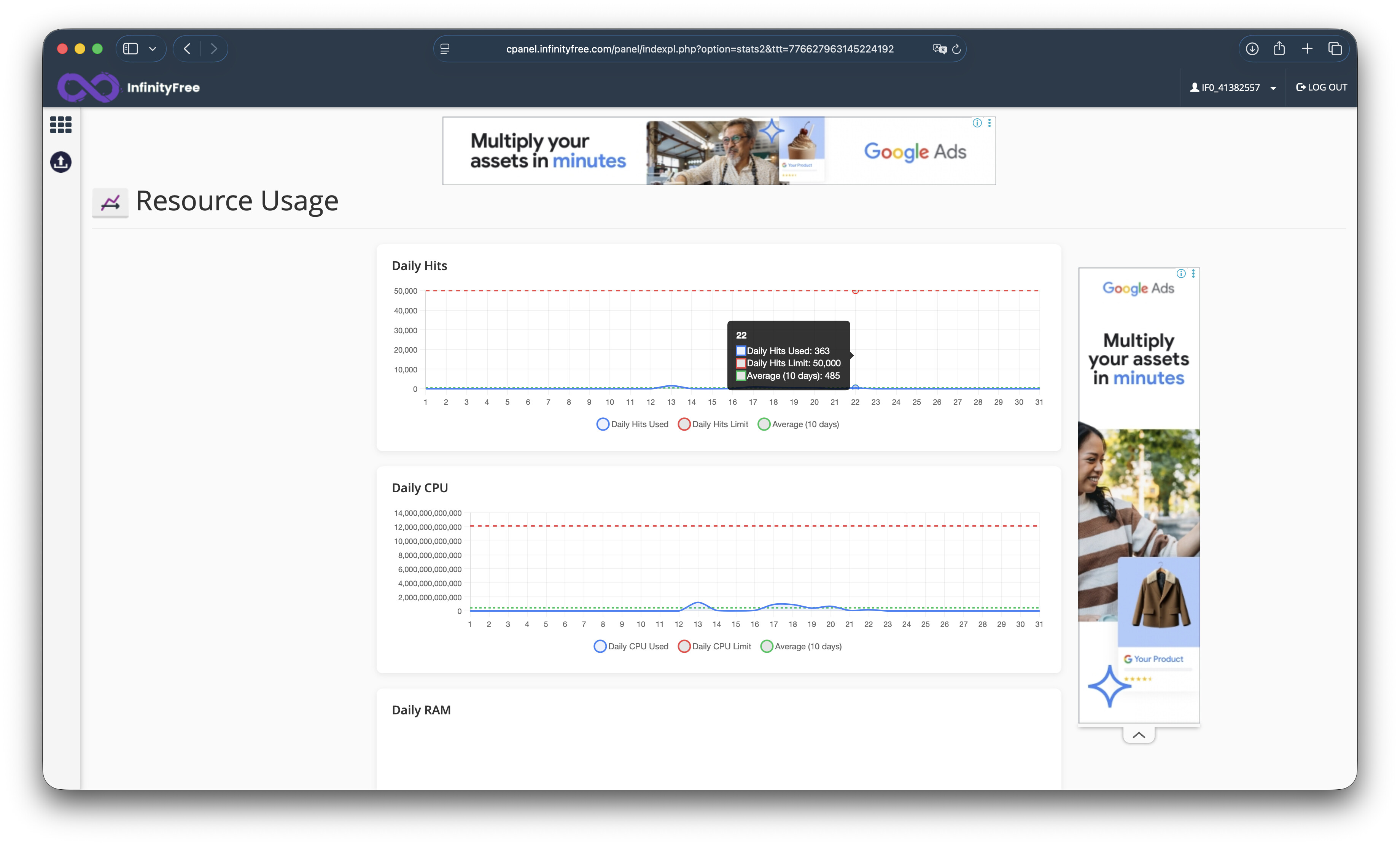
I am not sure if the rate limit in place is the same as the daily hits statistics that I can see in the control panel but numbers are way below the limit.