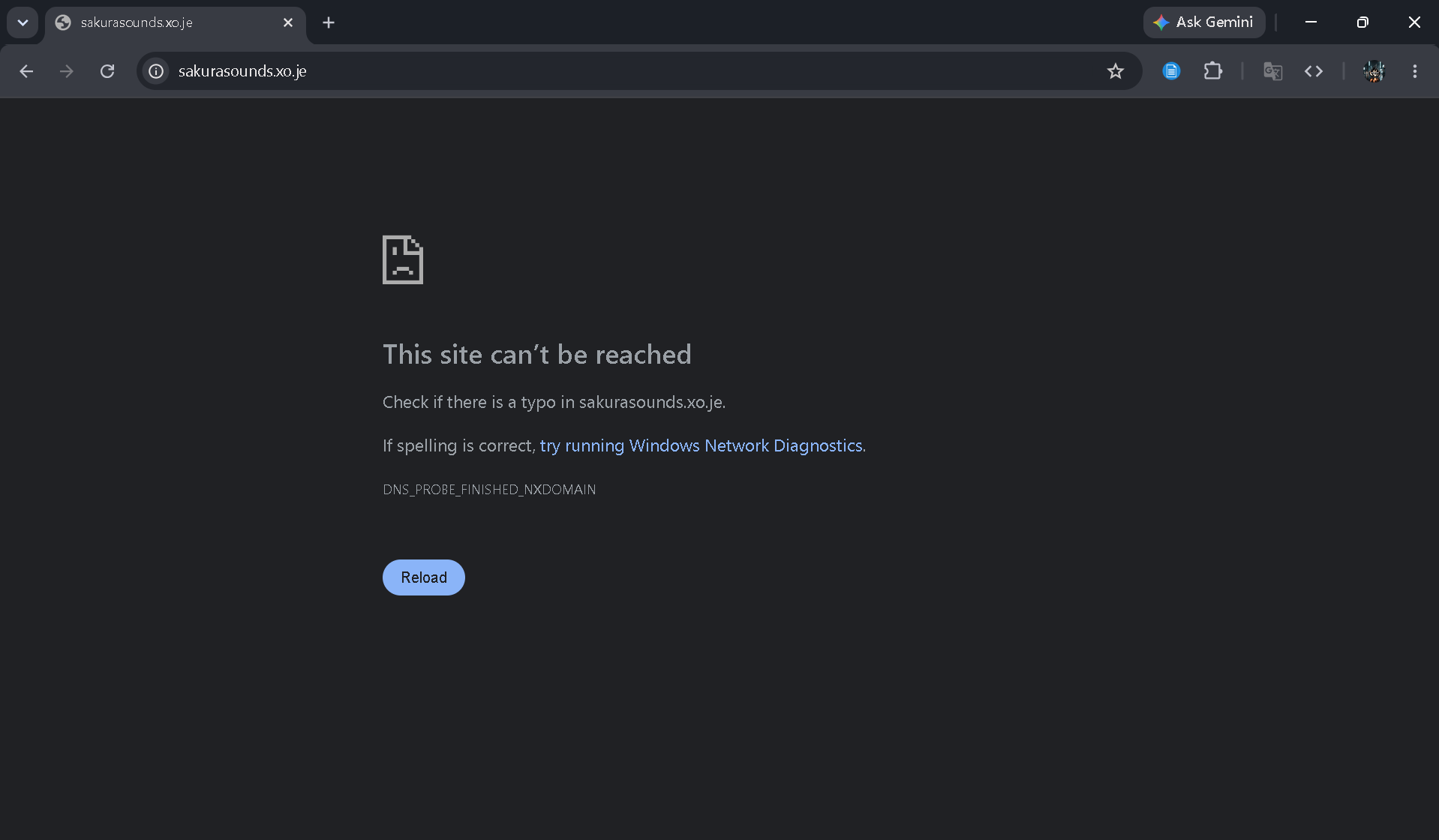
Hmm. We’re having trouble finding that site.
sakurasounds.xo.je could not be found. Please check the name and try again.
Other Information
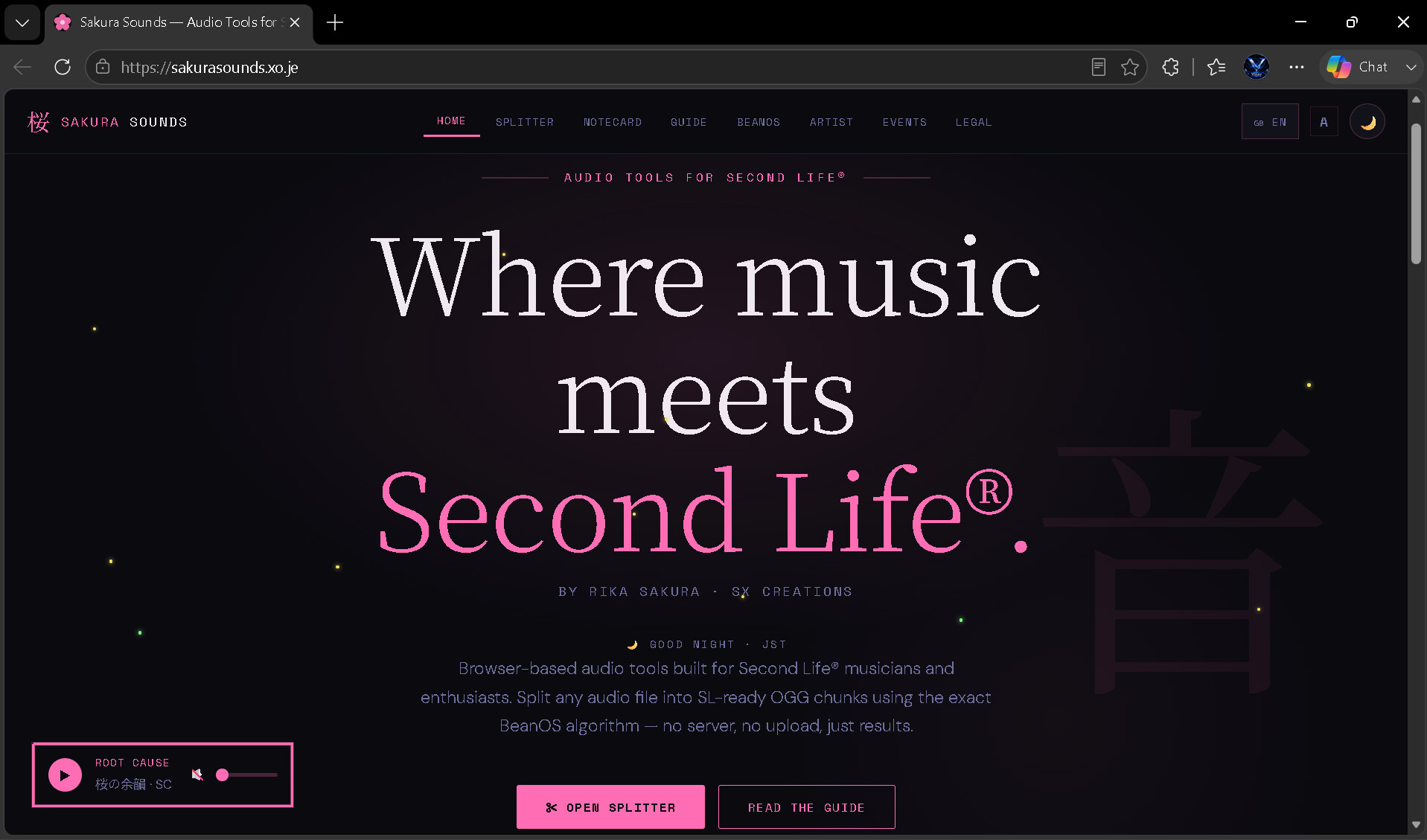
I have tested it from various devices, iphone 12, iphone 14 with same ip as my computer and they load
If i disable wifi and i try using the hotspot or with the phone data, the page is not found.
I also tried using tor withh ips from netherlands, some germany, gave same error message.
The ip address of my website appears to be on Issues | InfinityFree Status , 13 days ago, resolved in 5h48min but there still seems to be a bit of disruptions on my end.
Any assistance or guidance?
Edit 1: the setup of the website has been completed for longer than 2 months
it seem more like a DNS resolution/cache or regional resolver issue rather than the website itself being down. if you belong to us-west region then there is currently an DNS resolution issues in us-west : DNS resolution issues in us-west | InfinityFree Status
That’s should be the case. Any DNS resolver that’s not comfigured completely wrong will not cache an empty result when it encounters an unresponsive nameserver. Some negative caching is a good idea, but not for such a long time, because it just amplifies outages with little benefit.
Neither. Your website works and your server IP works. Your website is working fine from here. So whatever issue you are having seems to be specific to you.
My best guess is that the problem rests with your network’s DNS configuration, but that’s not something I can check from my end.
And like I said, this is probably just DNS caching being weird. Give it a while and it clears itself up.
for me the cause of these are ad blockers, I have this problem if I use one of the free domains. My router has built-in ad blocker and I have to add my new free domain to the whitelist or allow list.