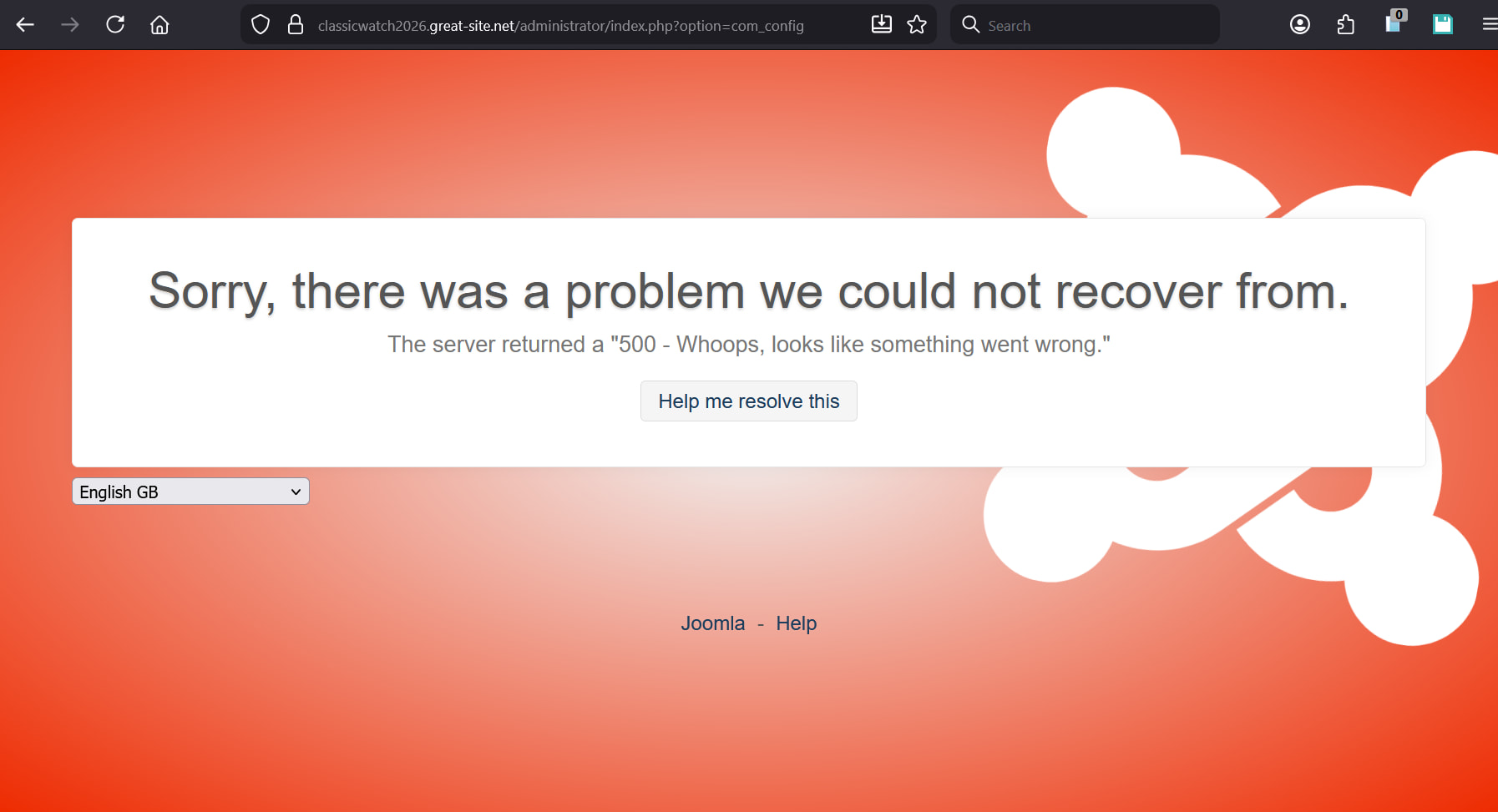
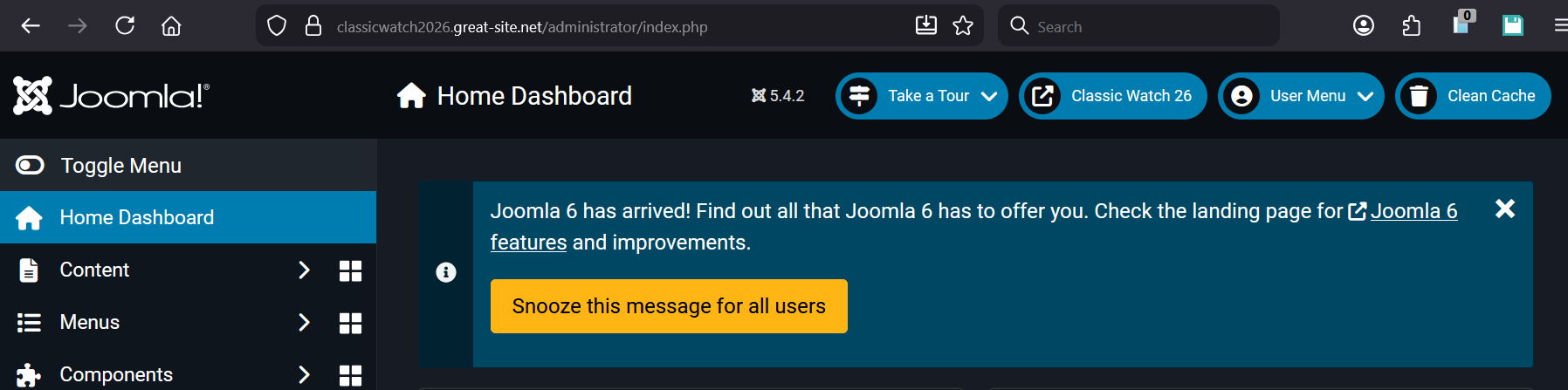
Hello, I wonder if Admin could help me, I am having trouble saving from my Joomla Admin to my website server, my Joomla version is 5.4.2, and this is my site…
The site seems to load, and it has let me update to the latest Joomla, and the back office opens, but I am finding it impossible to save anything, it returns a server 500 error and my changes are not saved to the site? I can close pages down in the Joomla Admin, it is just when I try to save something to the server it doesn’t save?
I actually put the site on a while back, and have had no trouble at all with it until today. I think I installed Joomla through the FTP if I remember. The site loads fine, frontend and backend, and displays fine, it just is not overwriting, I can cancel without saving and it works fine, it is just when it comes to overwriting anything. The server is returning the error, but everything else to do with the site seems to be working as it should just when I save a continue I get the error page.
Cheers Dan I’ll have a look when I have a chance, hopefully Admin will be able to confirm whether there are any server side issues, as the site was fine last time I tried, and I haven’t done anything to it, but I will have a look at this for sure but it is server side not my end.
an Error 500, although technically server side, is caused by the PHP code on your site. So it is highly unlikely that there’s a problem server side causing the issue (that would more likely cause 503 or similar timeout or unreachable errors)
Out of interest, when was it last working? Because the PHP version was updated to PHP 8.3 in April 2025. so if it was before that, its possible your Joomla install is running an outdated php version that isn’t compatible with 8.3
Actually, looking at it, the current version of Joomla on the script installer is 6.0.1… so that might actually be part of the problem. You might want to try taking a backup of your site (How to backup your website), installing the most recent version of Joomla, and then if needed restoring your settings\database from the backup (I believe Joomla can be updated in place, but I’d never risk it myself)
I’m not aware of any server side issues or other compatibility issues between Joomla and our hosting. But I must also add that I’m not a Joomla expert and I see many people on here who use Joomla.
Joomla 5.4.2 was released just two weeks ago. Joomla 6 is already out, yes, but they are still fixing security issues with Joomla 5 it seems. And they even added support for PHP 8.5, so PHP 8.3 should be fine.
I turned on PHP reprting as Dan suggested, and I got no error message at all, I just got the same landing screen I got when I started getting the issue, this..
Thanks for the clarification Admin, it is acting like it is a write error, everything else in the admin works as I would expect it to, until it comes to writing to the server, to change anything, cache options, create a new article, that is how it is acting to me. The site also displays, I just can’t make any amendments at all to the site??
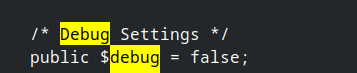
Can you check if there is configuration.php in your site’s folder? Kindly open it, press ctrl + f, type debug , modify this line to true, save and revisit your site again. Are there any new helpful messages?
Also, can you post the contents of your htaccess file?
Hi, I tend to leave the actual code alone as I don’t know what I am doing, how would I go about this, by using the file manager, download it from the server, amend it and then upload it again??
Is there any way you can check the write permissions Admin? It seems to me the way that it is acting, that it is preventing me writing to the drive, like I said, everything else seems to be working fine? I have not made any amendments to the site, it worked when I left it, and now it doesn’t? It is nothing we have done to break the site ourselves?
Kindly check if there are .htaccess files inside your htdocs (main), and sub-directories namely: administrator, cache, tmp, media.
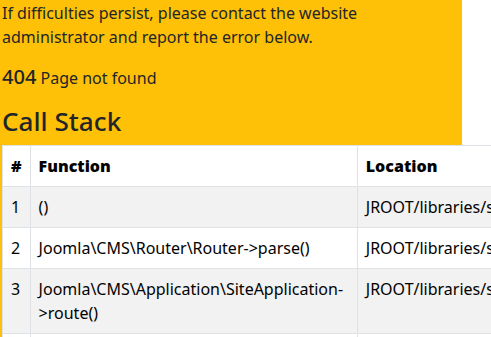
I understand that there is no need to mess the code, but we need to turn on the debugging to show us more helpful message as dan suggested. We can alternatively do this manually in the configuration.php inside the htdocs folder. Set public $debug equal to true and public $error_reporting equal to 'maximum' quotes included. Hopefully errors will display something (not exactly) informative like below:
You can do this by using the File Manager in the Client Area, open your site’s htdocs and locate configuration.php. Select the file and there should be on orange pencil icon on the right side. Edit and save.
DJ extensions is the front page image slider, that is the only extension I use from them, DJ Imageslider the extension is called, it is up to date currently.
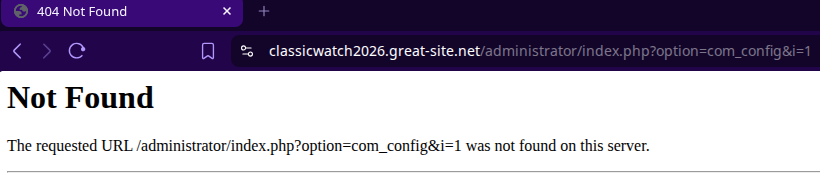
That is the main directory isn’t it classicwatch2026/administrator as far as I know yes it almost certainly exists with no redirects. It seems to be a landing page of some sort I only get it when I try to save anything to it, almost like there is something blocking the writing, I can view the site backend and frontend.
Does this mean, you have a completely working local development copy on your machine before uploading it online? Are your local and online copies synchronized?
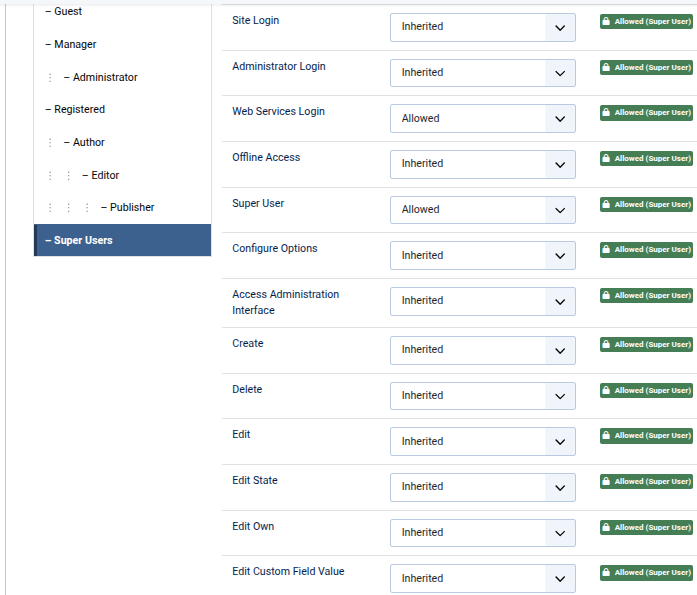
Note that Joomla account types differenciate “Administrator” from “Super User”. And you are having trouble saving changes as a Super User, right? Kindly verify if your “Super User” permissions (Login → Global Configuration → Permissions → Super User) is similar to below:
That’s generally a good idea. But this is just the configuration file, that’s generally pretty safe to edit (but it doesn’t hurt to have a backup!).
Either way works, whatever is easiest for you. But I like using the file manager for quick edits like that.
Not really, no.
Options in an admin panel are usually saved to the database, and databases are a bit more complicated under the hood than straight up files. So things like “being prevented from writing to the drive” doesn’t really make sense in that context.
Again, it’s impossible to say really.
Let’s focus on getting that debug mode enabled and see if we can get some actual error message about what’s going wrong. That will be more effective than just wild speculation.
I suppose that sounded really clever when you said it, however I have no idea what it means, sorry…
I use a plugin to protect my website, I can assure you that the administrator side of the webiste works fine, the website displays fine, the only thing I cannot do is write to the server, this is a write error in my opinion. It says Super User when I am logged in i will have a look at the settings and compare next time I try to log in to the site.
This is no speculation, we have not broken our own site, one day it saved to the server, the next it didn’t. It is hard for us to allocate time to fix an error we did not cause. Why is our site not working? Surely we should be abe to leave a site on your server and you not break it? I have told you the problem, a write error. Maybe we have just been unlucky and our site is on a bad sector of your server that is corrupt, either way, how is the duty on us to fix it when we never broke it? Surely the person resposible for fixing the site should fix it, no?
I cannot do anything in the back end, when I try to clear the cache it says cache not cleared, nothing I try and do is making it to the server?