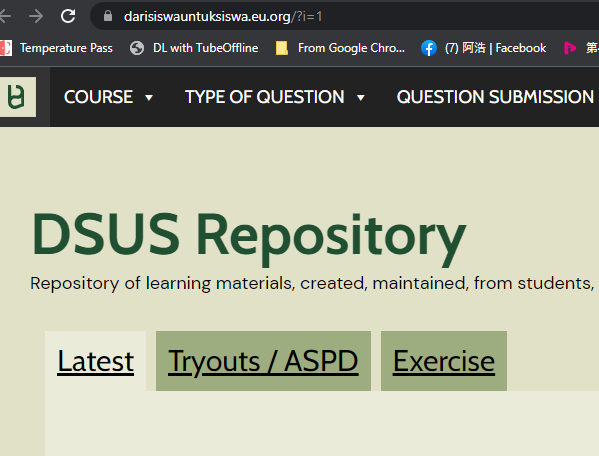
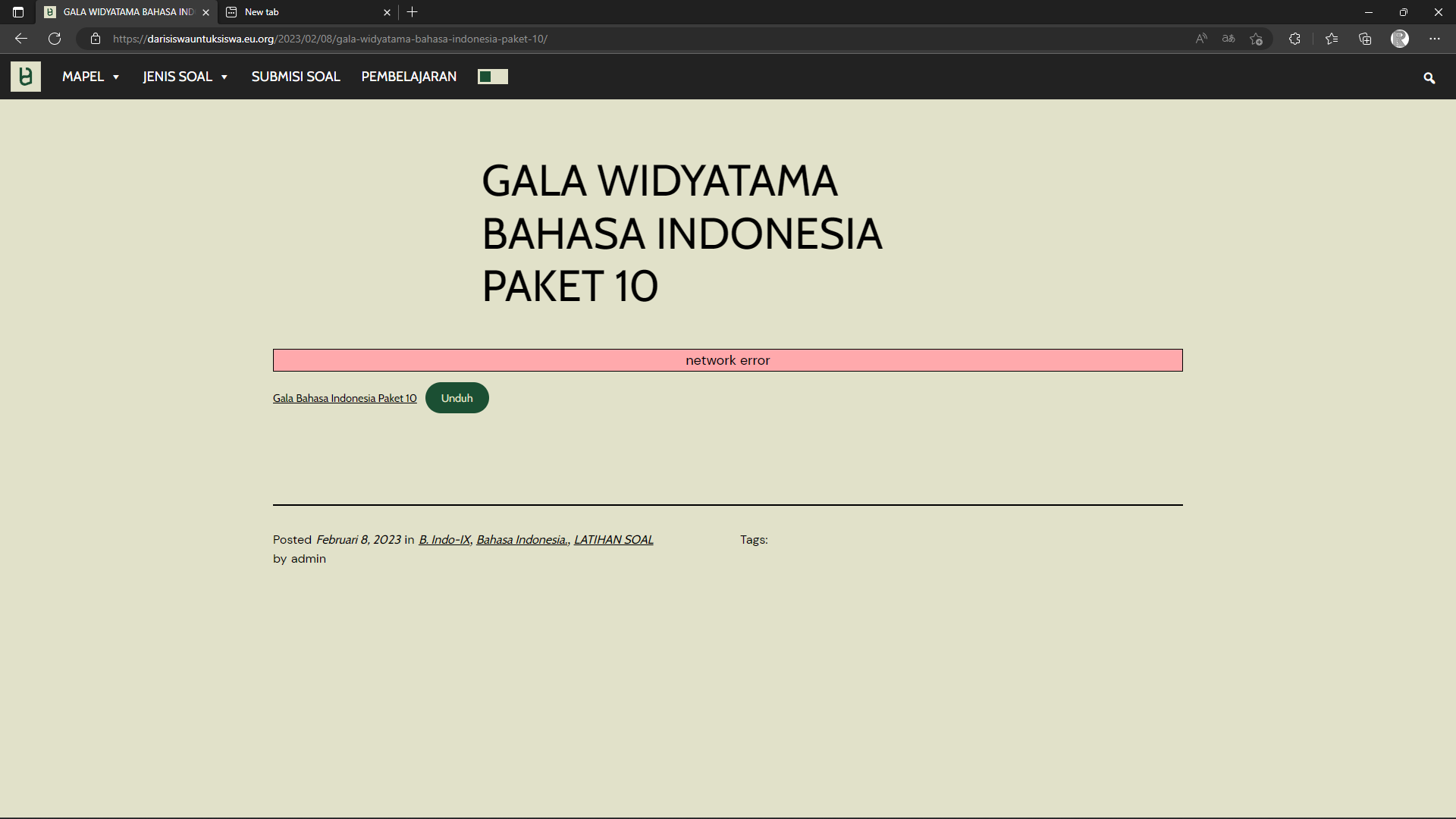
sometimes 404 error, or when you go to a file, it just won’t load
try opening some of the posts there
you opened a page, not a post
KangJL
February 25, 2023, 7:13am
7
I do not read your language.
This may help
While working on your website, you may be redirected to the InfinityFree 404 error page . This article explains why this typically happens and what you can do to fix this.
http://example.com which is linked to the folder htdocs in your hosting account. If you then try to load a certain URL, like http://example.com/blo…
Good day…
i do understand, but i do not require you to speak my language, just see that it says network error there, and when you try to download a file, it just stops mid way, this sometimes is atrributed to network error cause it is slow, and slow enough to trigger a timeout possibly, it wasn’t this slow yesterday
KangJL
February 25, 2023, 7:20am
9
You can use CloudFlare.
Hello,
I will show you how to easily set up Cloudflare, Edit Records, and Troubleshoot with images!
yoursite.com ) and with Custom Sub-Domains (subdomain.yoursite.com ).
A video tutorial can be found at the end of this guide, should you get stuck.
You must connect your domain to your InfinityFree account first. Read more here .
Dash…
it works again, weird, seems like a server side issue