Welcome to the InfinityFree community forum! Good to have you here.
Most people answering here are volunteers. They’re often the fastest source of help. Admin (the only staff member) checks in about once a day for issues on our end.
Volunteers can’t see your account or website. Share what you actually see, like error messages and what happens when you try something. That’s more useful than your theory of what’s wrong.
AI tools often get InfinityFree wrong. If a volunteer’s advice differs from what an AI told you, please try the volunteer’s suggestion first.
Solving an issue is a joint effort. Try the suggestions you get and report back what happened.
Beep boop, I’m a bot! I dug through the forum to get you started. I sometimes get things wrong though, so do with this what you will until a human has a look.
The most useful next step is to run your site through check-host.net and tell me what it shows.
ERR_CONNECTION_RESET means your browser couldn’t set up a connection to the server. It isn’t an error from your website, so your uploaded files and your DNS settings aren’t involved. Changing your DNS to 1.1.1.1 wouldn’t affect it either. The knowledge base article below says the block is usually on your device, in your network or provider, or on the hosting server, which blocks IP addresses that look suspicious.
Please do these two checks:
Go to check-host.net, enter https://debuggingcode.gamer.gd, click HTTP, and tell me whether most locations show OK or fail. If most fail, the problem is with the site or its server. If most pass, the problem is between you and the server.
Try the site through a VPN, or after getting a new IP address for your home connection. If it works, the block is tied to your IP address or network.
You already tried Wi-Fi and mobile data, so both of your connections are failing the same way. The article has further steps for telling a provider block from a server IP block.
I tried the HTTP check on check-host.net, but clicking the HTTP button does not show any results.
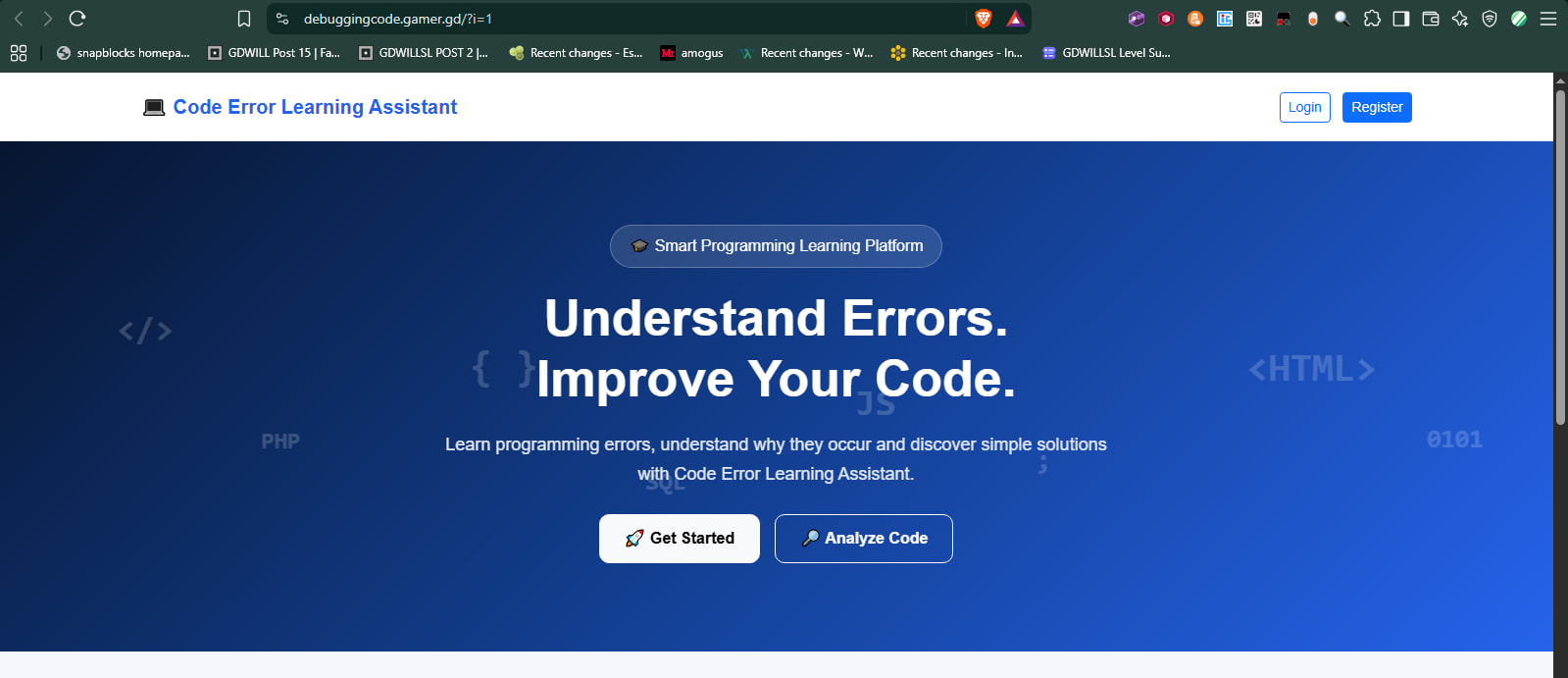
My website still shows ERR_CONNECTION_RESET on both my computer and phone using mobile data. I also changed DNS to 1.1.1.1 and 1.0.0.1, but the issue remains.
Could you please suggest another way to check whether the server is reachable?
Does it show no results, no errors or no response? I checked it twice, the first had two failures and the second had none, so it seems that your site is reachable around the world.
The ERR_CONNECTION_RESET, is a connection error, not a DNS error. Switching DNS resolvers will not help you if something is blocking you from accessing the IP address that the domain points to.
What would help you is what Lemni told you:
There are many, many tools you can use to check whether your website works. What they exactly test can vary, but if your website is actually down, all of them will show that.