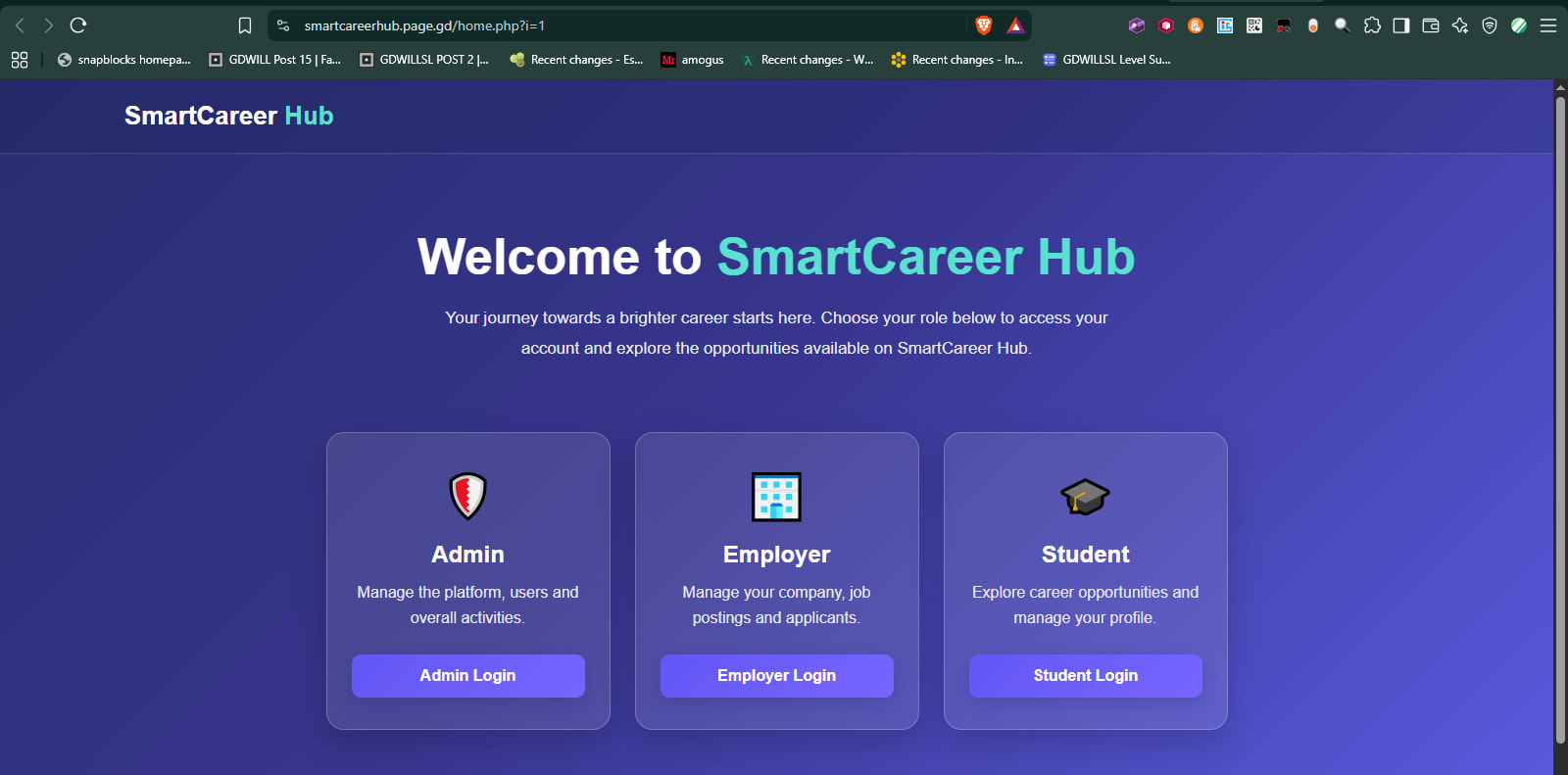
My website is hosted on InfinityFree using the free subdomain smartcareerhub.page.gd.
The website does not open on several mobile phones when using their default DNS settings. Chrome shows DNS_PROBE_FINISHED_NXDOMAIN.
When Private DNS is set to dns.google, the website opens.
I tested the domain using Google DNS (8.8.8.8) and Cloudflare DNS (1.1.1.1). Both return the IP address 185.27.134.60.
Could you please investigate this DNS issue and advise how to make the website accessible across different mobile networks without requiring visitors to change their Private DNS settings?
Welcome to the InfinityFree community forum! Good to have you here.
Most people answering here are volunteers. They’re often the fastest source of help. Admin (the only staff member) checks in about once a day for issues on our end.
Volunteers can’t see your account or website. Share what you actually see, like error messages and what happens when you try something. That’s more useful than your theory of what’s wrong.
AI tools often get InfinityFree wrong. If a volunteer’s advice differs from what an AI told you, please try the volunteer’s suggestion first.
Solving an issue is a joint effort. Try the suggestions you get and report back what happened.
Beep boop, I’m a bot! I dug through the forum to get you started. I sometimes get things wrong though, so do with this what you will until a human has a look.
Which mobile networks or carriers are the affected phones on? And can you run these two commands on one of them, for example in a terminal app, and post both outputs?
Your tests show that Google and Cloudflare DNS return 185.27.134.60, while the phones’ default resolver answers “this name doesn’t exist”. The first command’s output shows which resolver gave that answer and what it said. That’s what lets someone work out whether it’s one carrier’s DNS or something else. I couldn’t find an answer on the forum that covers this.
I tested the domain on three mobile phones, but the website did not open with their default DNS settings. It opens when Private DNS is set to dns.google.
On my Windows PC, both commands return the same IP address, 185.27.134.60:
nslookup smartcareerhub.page.gd
nslookup smartcareerhub.page.gd 8.8.8.8
I also tested Cloudflare DNS:
nslookup smartcareerhub.page.gd 1.1.1.1
It also returns 185.27.134.60.
I will confirm the affected mobile carriers and share the default DNS results if needed. Could you please advise how to check which DNS resolver is causing the issue on the phones?
All three affected mobile phones were using Jio mobile data. The website does not open with the default DNS settings and shows DNS_PROBE_FINISHED_NXDOMAIN.
When Private DNS is changed to dns.google, the website opens.
On my Windows PC, Google DNS (8.8.8.8) and Cloudflare DNS (1.1.1.1) both resolve smartcareerhub.page.gd to 185.27.134.60.
Could you please help investigate whether Jio’s default DNS is failing to resolve this free subdomain?
There hare been more reports like this from Jio customers recently, and it’s pretty clear that Jio is blocking some of our domains through their DNS resolvers.
Unfortunately, this block is performed on the Jio side, not by us, so there is not much we can do to fix this issue from our end. You’ll have to take this up with Jio.