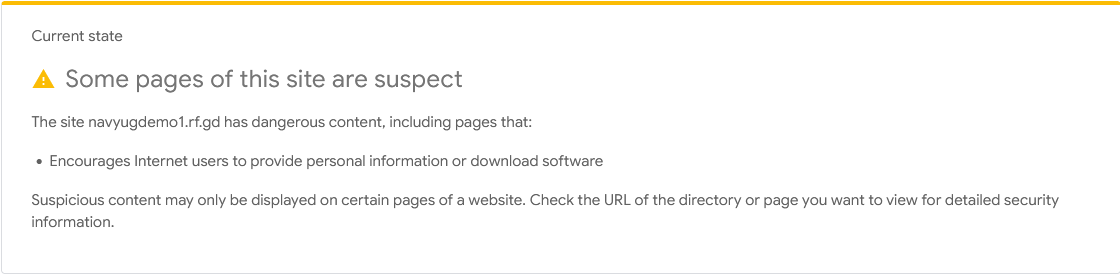
Website URL
Error Message
Deceptive pages
Other Information
I have backed up my website and checked the root .htaccess, main index.php, JavaScript filenames, and upload folders. I have not found an obvious cause.
Welcome to the InfinityFree community forum! Good to have you here.
Beep boop, I’m a bot! I dug through the forum to get you started. I sometimes get things wrong though, so do with this what you will until a human has a look.
The article below covers this warning. It says Safe Browsing flags a site for one of four reasons: a copied login page, another brand’s name or logo, a hacked site, or a new site that looks like phishing (a false positive). It also says only Google can remove the listing, after you request a review.
Why Do I See a “Deceptive Site Ahead” Warning on My Website?
I couldn’t find anything in our articles about server-side malware scanning or security logs, so I can’t tell you whether those exist.
Your hosting account was created a few days ago, and the article says new sites with little history are judged more strictly. Do any of your pages have a login form, or use another company’s name, logo or design? That includes demo or school-project pages.
Two things would help narrow this down:
navyugeducationmorbi.com or navyugdemo1.rf.gd? Your hosting profile only shows navyugdemo1.rf.gd, so I can’t tell where the other domain is hosted.navyugdemo1.rf.gd