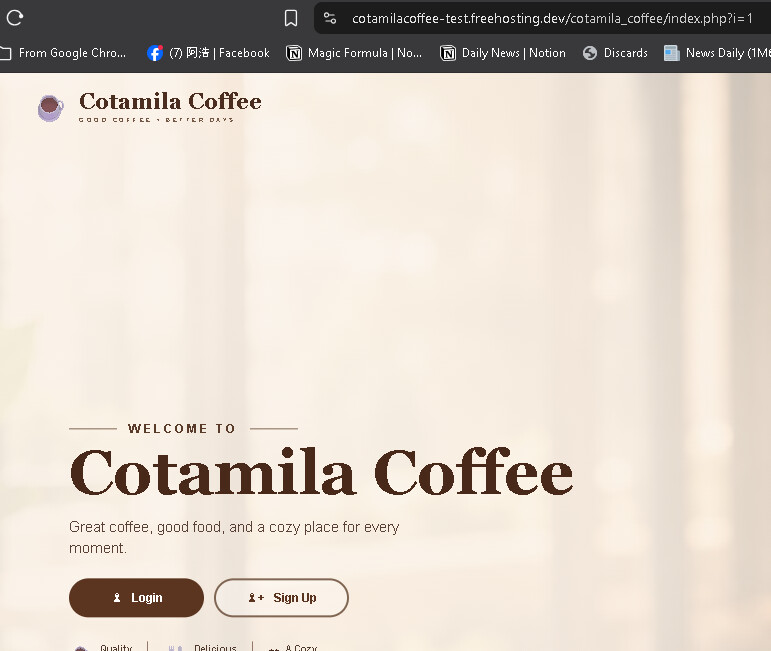
I tested the domain using Check-Host.net. Multiple locations, including Australia, Austria, Brazil, Canada, France, Germany, Hong Kong, India, and Indonesia, reported “Connection timed out.”
I uploaded the website files to htdocs/cotamila_coffee/ and successfully imported my database through phpMyAdmin.
I also opened the hosting Control Panel and retried the FTP upload successfully, but the website still times out, including when I try using mobile data..
I have not made any further changes while troubleshooting.
Welcome to the InfinityFree community forum! Good to have you here.
Most people answering here are volunteers. They’re often the fastest source of help. Admin (the only staff member) checks in about once a day for issues on our end.
Volunteers can’t see your account or website. Share what you actually see, like error messages and what happens when you try something. That’s more useful than your theory of what’s wrong.
AI tools often get InfinityFree wrong. If a volunteer’s advice differs from what an AI told you, please try the volunteer’s suggestion first.
Solving an issue is a joint effort. Try the suggestions you get and report back what happened.
Beep boop, I’m a bot! I dug through the forum to get you started. I sometimes get things wrong though, so do with this what you will until a human has a look.
Your account’s free subdomain is spelled differently from the address you tested. It has no hyphen between “cotamila” and “coffee”, and the address in your post does. Could you open the subdomain exactly as the control panel shows it, and run check-host.net on that one?
I don’t have a source saying a misspelled subdomain gives a timeout rather than a “not found” error, so this may not be the whole story. If the correct address also times out from many locations, I need to know what check-host.net’s HTTP test shows for it.
This article explains what the timeout error means and how to tell a blocked connection from a server-side problem. It includes the check-host.net step you already did: