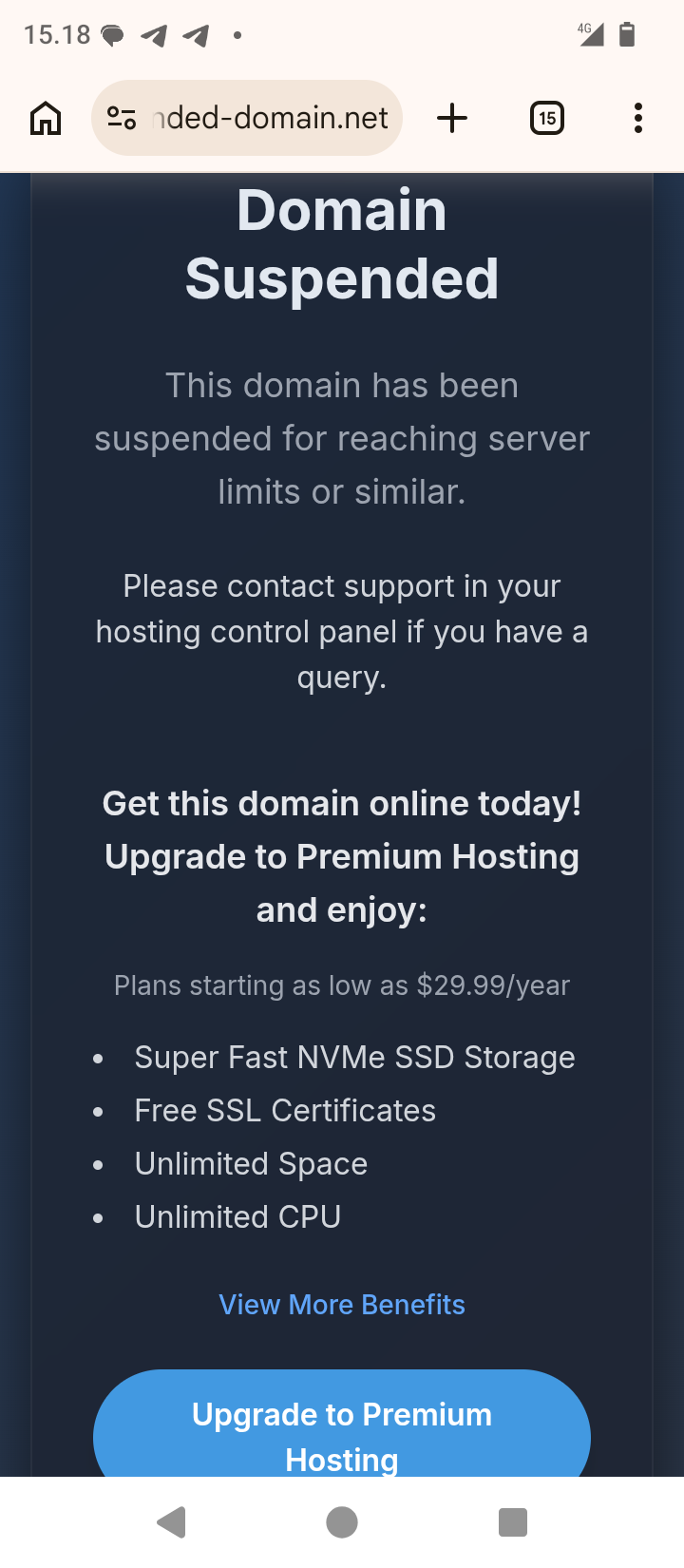
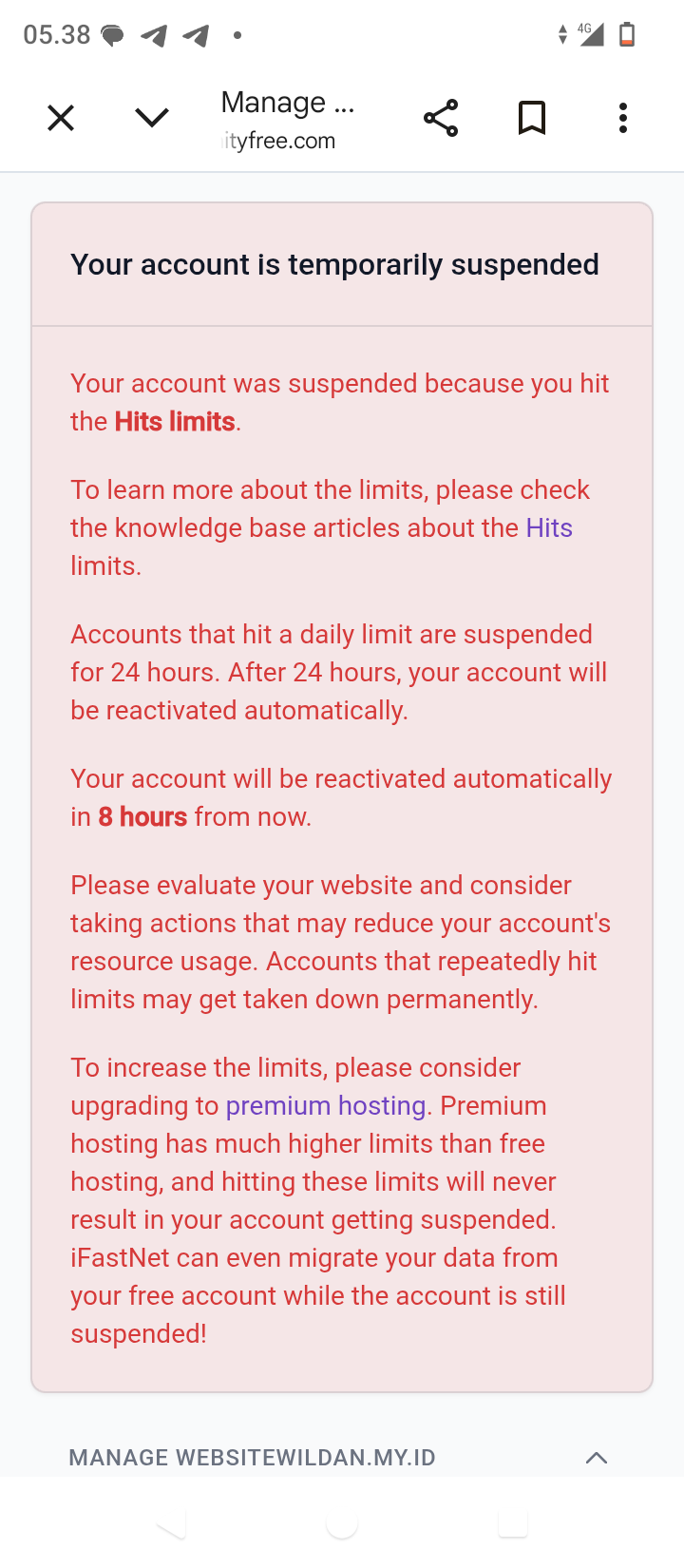
The document root is correct: /websitewildan.my.id/htdocs
index.php is located in the document root
The .htaccess file only contains an HTTP-to-HTTPS redirect
There are no blocked IP addresses in the Blocked IPs section
There are no Protected Directories
The public SSL certificate is still active
DNS is managed through Cloudflare and points to 185.27.134.149
Cloudflare Security Events do not show the homepage request being blocked
I also created a simple static HTML file:
/htdocs/test.html
The file contains only basic HTML and does not use PHP, a database, or any other application configuration.
However, this URL also returns a 403 Forbidden error:
https://websitewildan.my.id/test.html
Therefore, the issue does not appear to be related only to PHP or the database.
Could you please check whether there is an issue with the hosting server, website IP 185.27.134.149, browser-security layer, or server configuration that is causing requests to my domain to be rejected?
Oh right! It works perfectly when I use mobile data, but when I try with my home WiFi, it doesn’t work and shows error 403. Does anyone know why this happens?
No, I think this block is on our end. We track web activity for abnormal behavior, and block IP addresses that behave suspiciously. On direct connection, you’ll see that as a connection refused error. But since we cannot block IP addresses on the network level when you’re using Cloudflare, you’ll see that 403 error instead.
The block should be lifted automatically after 24 hours. If it hasn’t yet, I can check it for you, if I know which IP address to check. You can either share your home IP here, but if you’d rather not share it publicly, I can pull it from your login history too. Is the correct IP the IP address you’ve generally accessed our panel from, as seen in the login history of your profile?
My login history contains multiple IP addresses because I have accessed the panel from different devices and networks.
I’m currently experiencing a 403 Forbidden error when accessing my website from my home Wi-Fi. Could you please check from your side whether the IP associated with my current home network is blocked or restricted?
For privacy reasons, I prefer not to post any IP addresses publicly in the forum. I can provide additional information privately if necessary.
Checking your home network IP is exactly what I want to do, but then I do need to know which IP to check.
Looking at the last month, there are indeed multiple IP address in your login history. Specifically, there are two. One IP address you used once, and one you’ve used every other time. Is that latter one the IP address to check?