Website URL
Error Message
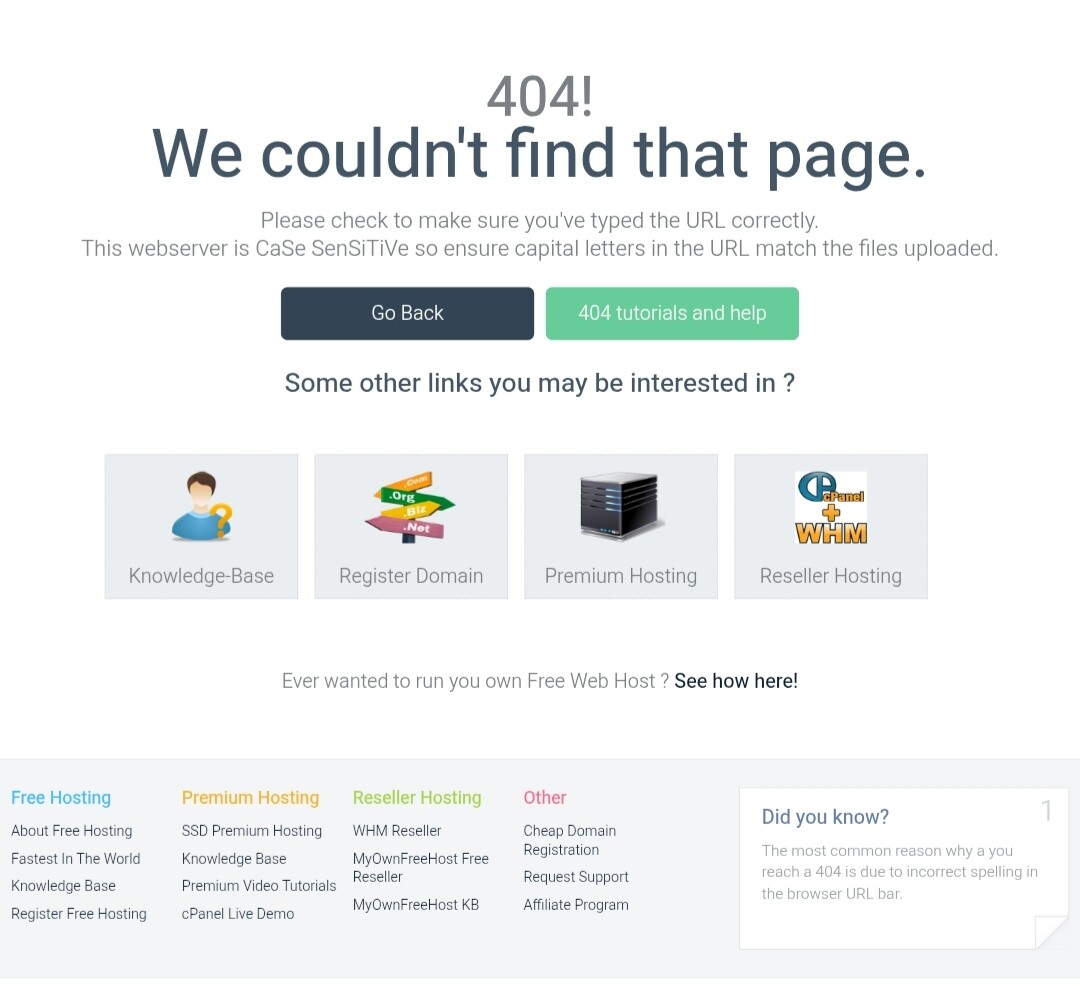
Even though my files are in the right place, it gives 404 https://zectopia.com.tr
Are you sure?
The 404 error you are getting feels like this, but make sure to read other parts of the article as well.
My old hosting account is showing a 404 page, and the place you mentioned says the DNS will be available in 72 hours.
That’s why then, your browser is still resolving to the old host because the dns changes have not propagated to your machine yet.
So, if I just wait and do nothing, will it get better?
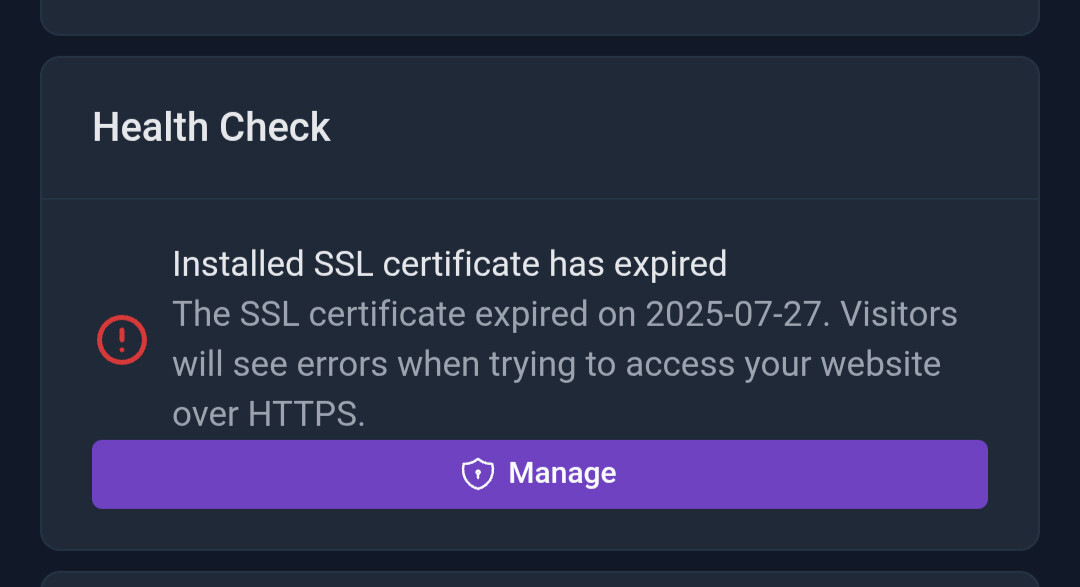
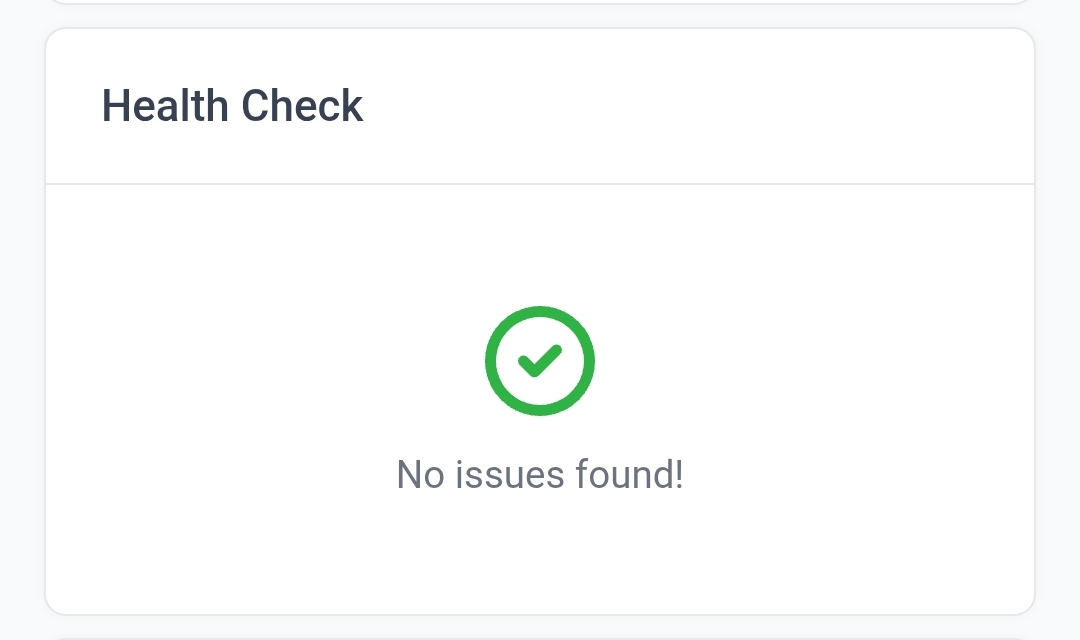
If you look at the Health Check for your website, you’ll see that an issue is noted there:
And if you look at your website files in the file manager, you’ll see that there are none.
So I don’t think that things will get better by waiting. If you want to see your website on your domain, the next step is for you to actually set one up.
I also deleted the domain from my account and added it again because it wasn’t working.
Having done that you may need to wait up to 3 days for it to work properly. Make sure you’ve for the appropriate index file in place
Checking your domain name again now, I see two (potential) issues: