Tips for quality website design

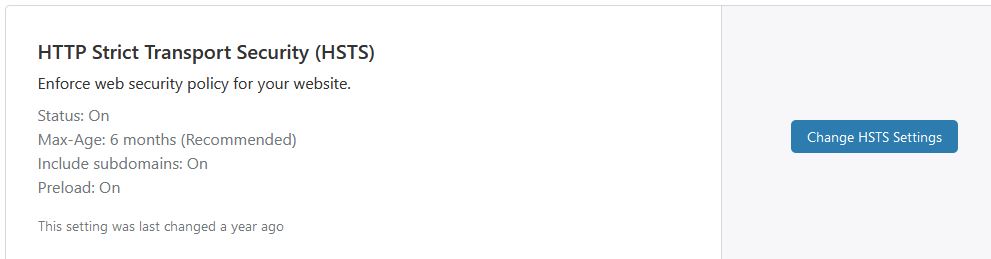
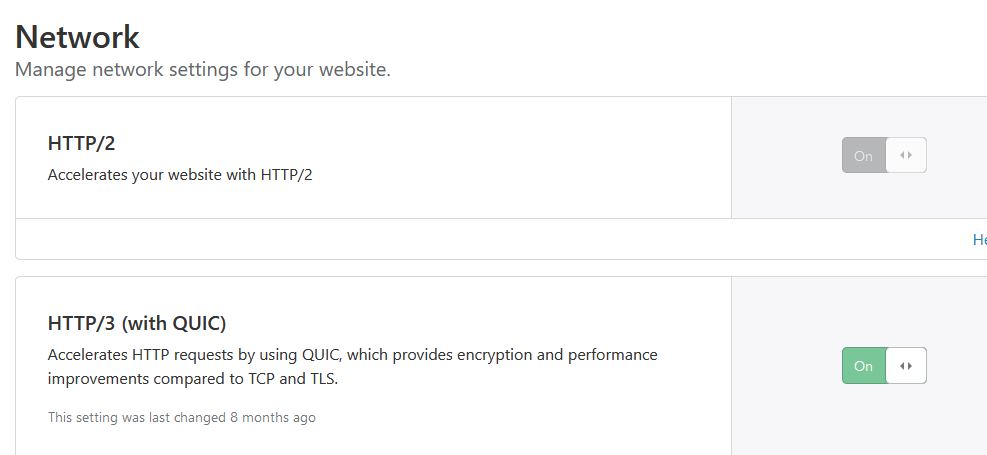
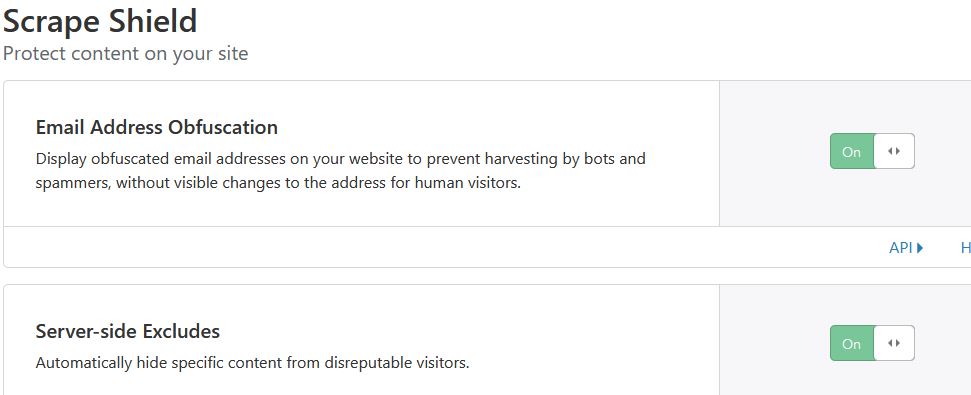
The simplest is to install the CF plugin and then via one button to have the CF generally configured to work with WP. https://support.cloudflare.com/hc/en-us/articles/227634427-Using-Cloudflare-with-WordPress

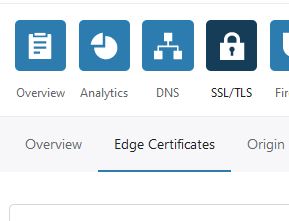
TLS SSL Security Test | ImmuniWeb

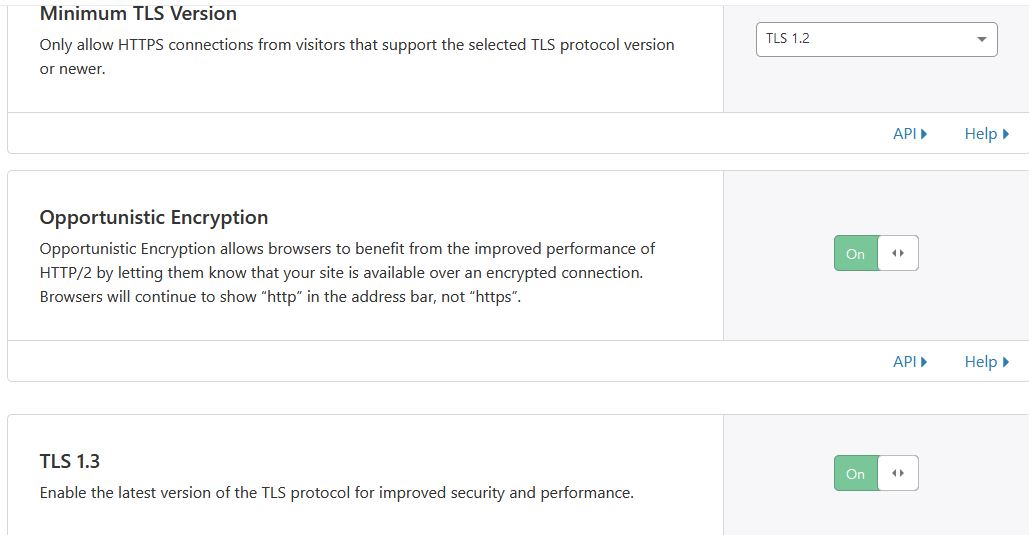
Here you could turn off all versions that are below TLS 1.2

0

you can adjust other things.


And regularly review the Firewall section ( logs and tools there )
and block if necessary (in a smart and considerate manner) bots or hackers digging through your site.

I don’t have WP but I often see someone running various tools and looking for sensitive directories from WP (or critical vulnerabilities from some plugins) on my site hoping to find a hole !


Mobile result - I ignore it :slight_smile:
today mobile devices have much higher resolutions (in some cases you don’t even need a mobile version of the page), it is normal for them to have 8 cores and so on, and as time goes…they will open pages easily as if they were desktop devices.
You can only get a higher grade if you have the most basic page and if you write it yourself, so you can combine all CSS or JS into one file. WP by its nature has a lot of REQ.

Images are important for impression
and those that are in the service of attracting attention you should not compress to the maximum because they will become blurry, and that will then turn off your users because they will think your site is from 1999.

Images should be optimized to some extent until there is a compromise between quality and file size.

The image on your monitor may look nice but someone watching it on a 4K TV or higher resolutions would be very disappointed.

A visual impression matters because it’s all psychology

10 Likes

I already configured cloudflare with my wordpress site using WP Rocket (The caching plugin that I am using)

I don’t think it’s necessary in speed optimization

I had already adjusted other things with cloudflare and also page rules :smiley: ignoring wp-admin only.

Ok

I had already combined all css and js using WP Rocket (Caching Plugin)

I know and I always check the quality of images after compression.

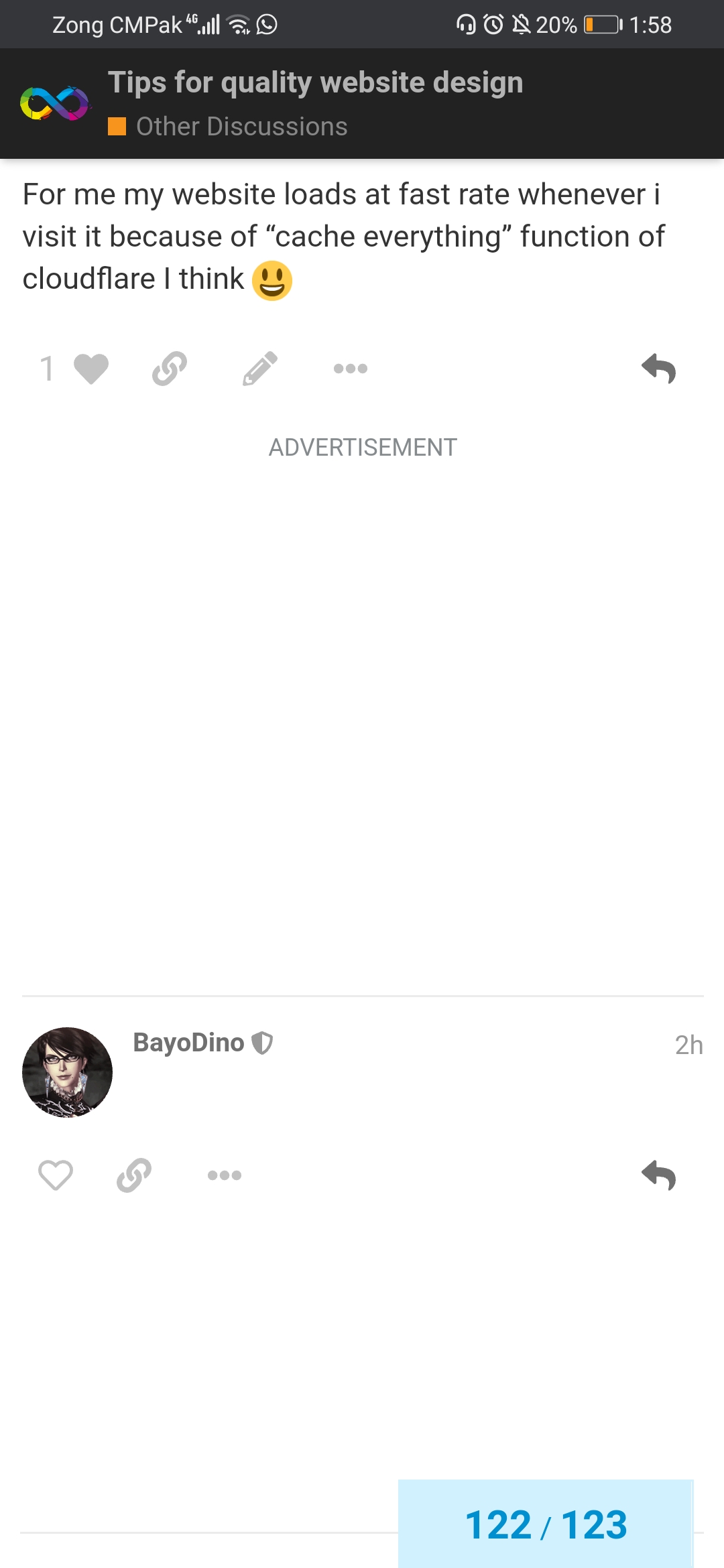
For me my website loads at fast rate whenever i visit it because of “cache everything” function of cloudflare I think :smiley:

5 Likes

Cough is this because People mix Hosting&development issues?
isnt3

Or a browser issue at my end?

3 Likes

Empty message

3 Likes

You can do the same thing:
<Insert text here>

Output:

6 Likes

Ok, maybe invisble character will also do the trict

3 Likes


I see nothing

3 Likes

Just like i used invisble character in above message :grin:

2 Likes

It’s not empty now. I just put it into <!-- and - → suddenly.

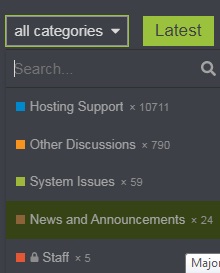
RIP Development support. I guess Admin was tired of hinting people to put their issues in correct catagory :expressionless:

6 Likes

I got sore eyes after seeing that screen shot. It’s 9 months I use dark theme and never switched to light ones.

7 Likes

:rofl:

5 Likes

I am using dark mode on my laptop but not the default dark mode of discourse because i don’t like default dark mode version of discourse. I am using extension to enable dark mode on every site.
3 Likes

Yeah because you modified it

3 Likes

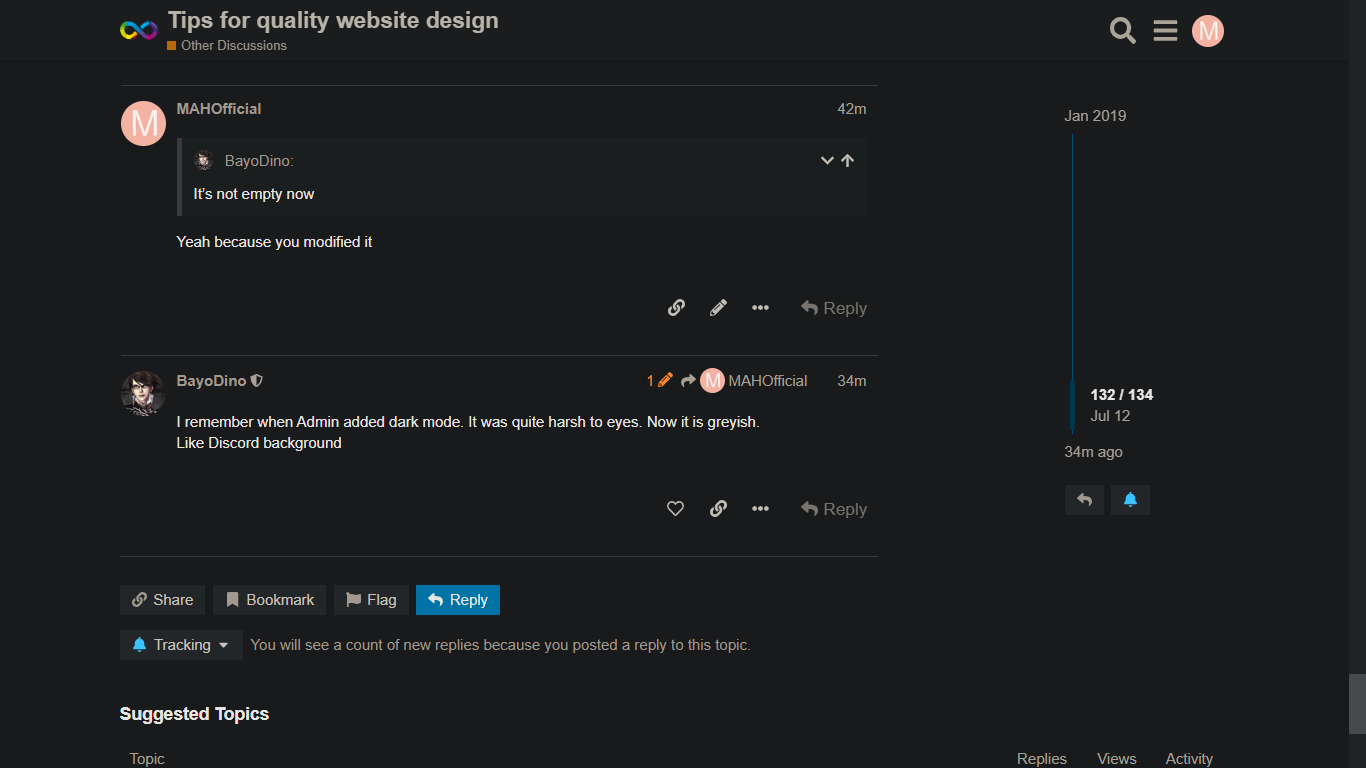
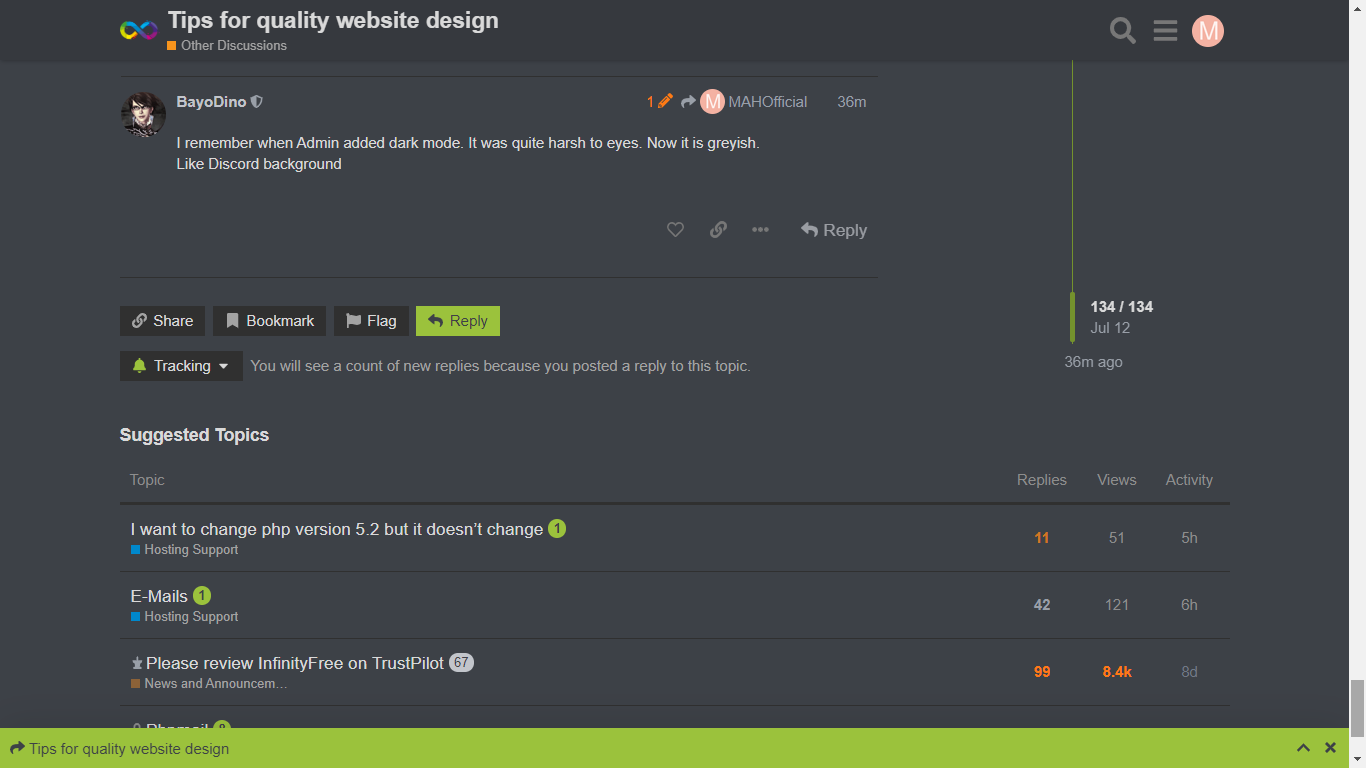
I remember when Admin added dark mode. It was quite harsh to eyes. Now it is greyish.
Like Discord background

3 Likes

This is what I am using


This is what the default dark mode looks like

3 Likes

I will only used Light mode if there is no Dark mode.

3 Likes

yeah the current dark mode is better tbh but I actually prefer the blue scheme.

3 Likes

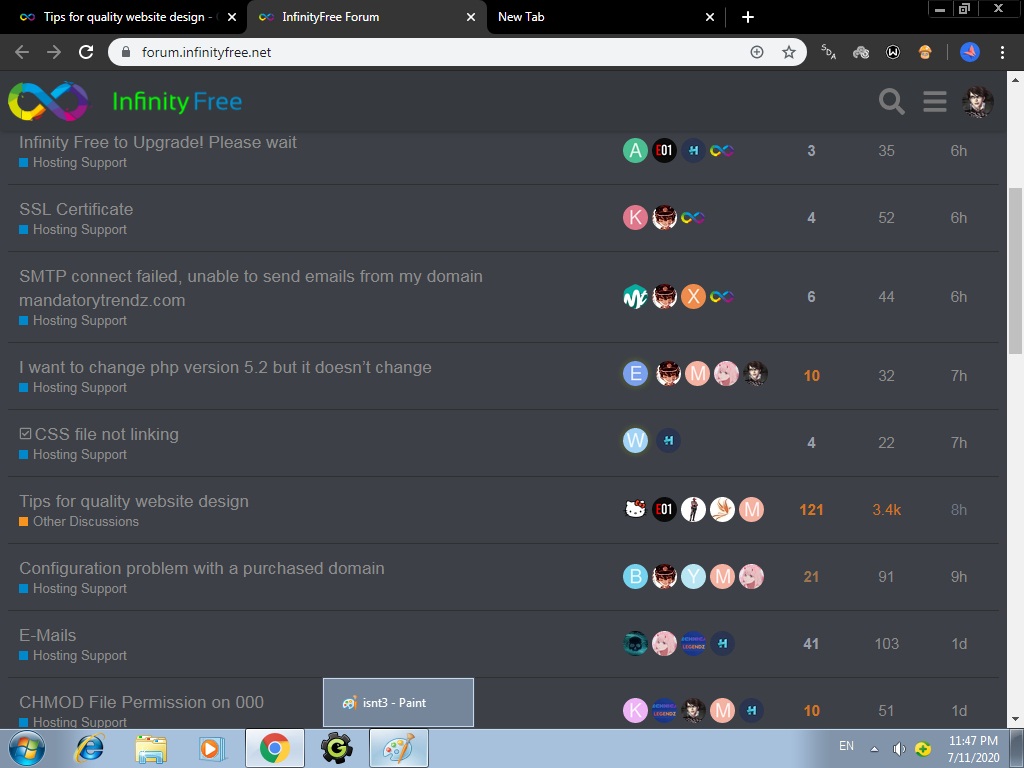
I see some users blocking ads (screenshots) on the forum :frowning_face:
please think about it and support InfinityFree

8 Likes

I already disabled my adblocker onto all pages and subdomains of InfinityFree, just to support it.

6 Likes

I never had used ADBlocker nor i do it now for google ads. Unless the ADS are popping up above eyes or downloading virus to PC.

Actually because my ISP is too slow to load ADS (without vpn)

5 Likes