techy6dotcom added via CNAME but still shows 404 and no files load
Body:
Hi,
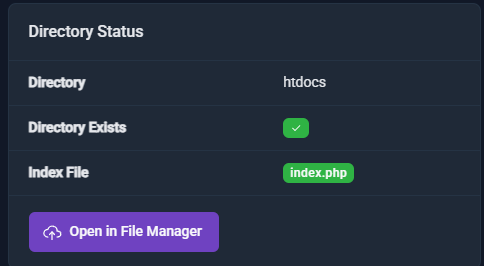
My domain techy6dotcom was added to my hosting account using CNAME verification. The domain shows a green OK in the client area, and the folder /techy6.com/htdocs/ exists. The website builder publishes successfully into that folder.
However, visiting techy6dotcom only shows a 404 error and an SSL warning. Neither my uploaded files nor the builder’s landing page appear.
DNS A‑records are correct and fully propagated.
I am using external DNS (LCN) because I need Zoho Mail, so I cannot change nameservers.
Can you please rebuild the virtual host configuration for techy6.com?
Thanks.
Other Information
I have added the a name records which have propagated as have the cname record
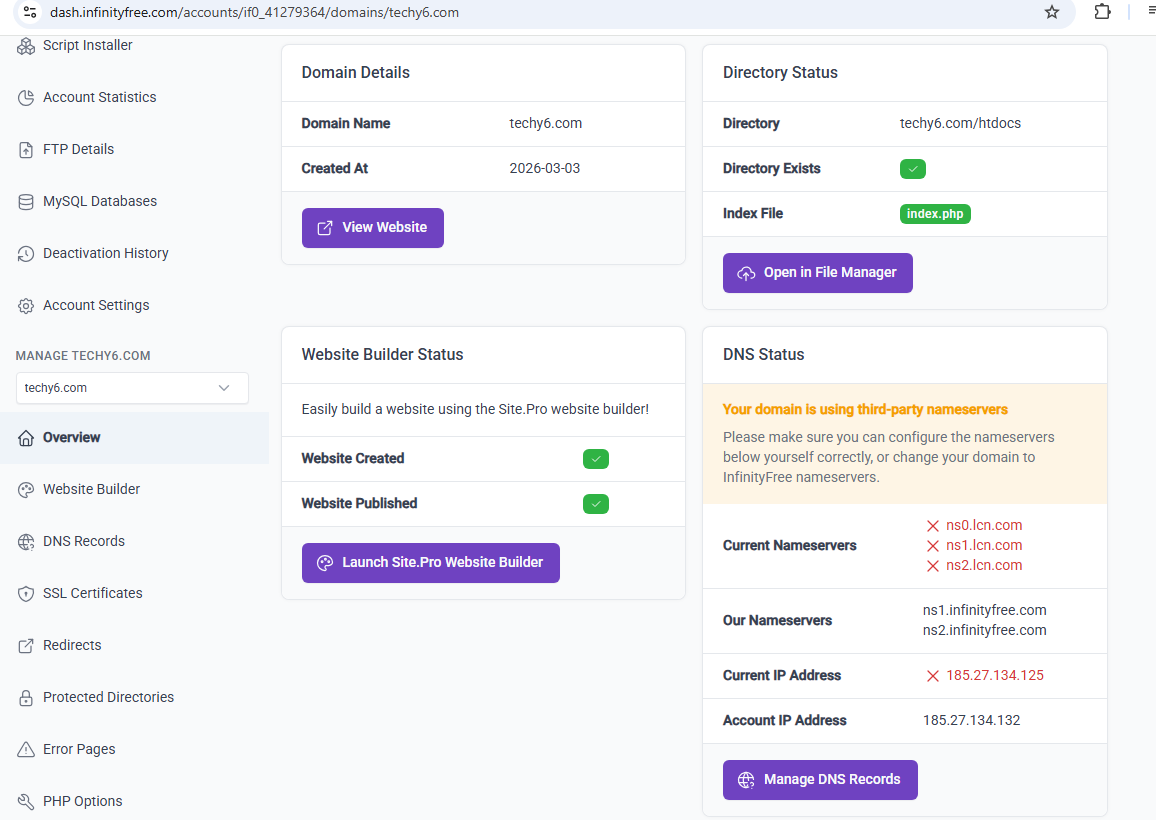
Thanks for quick reply, I think i found the issue but let me explain why it was wrong i first pointed my name servers and also created an a name record but i lost my email and could not set it up through infinityfree mx records so i removed my addon domaain and re added it with cname but did not realize that caused aan a name mismatch which i have now fixed and it shows a green tick now on current ip but i am still getting the 404 possibly due to full propagation? I have attached screen shots of file manager(removed due to 1 image limit but I have index.php in the folder published by the builder) and where I spotted the above problem , hopefully it will resolve soon thanks for your kind, friendly warm and fast reply! Andy
Yeh any DNS changes (including A records) can take up to 72 hours to propagate properly (usually a LOT quicker) so fingers crossed it’ll all be working nice and quickly for you