Website URL
0974.rf.gd
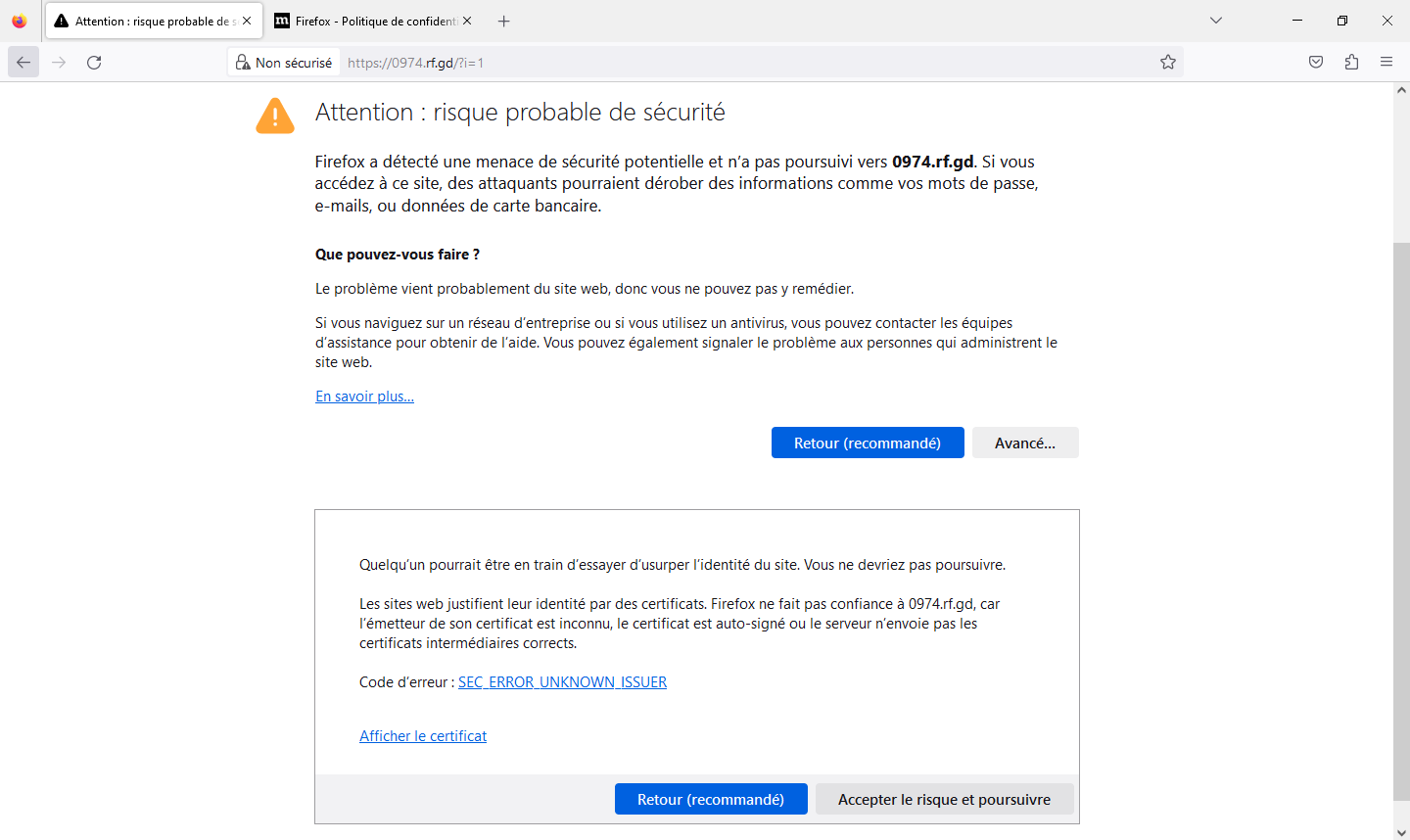
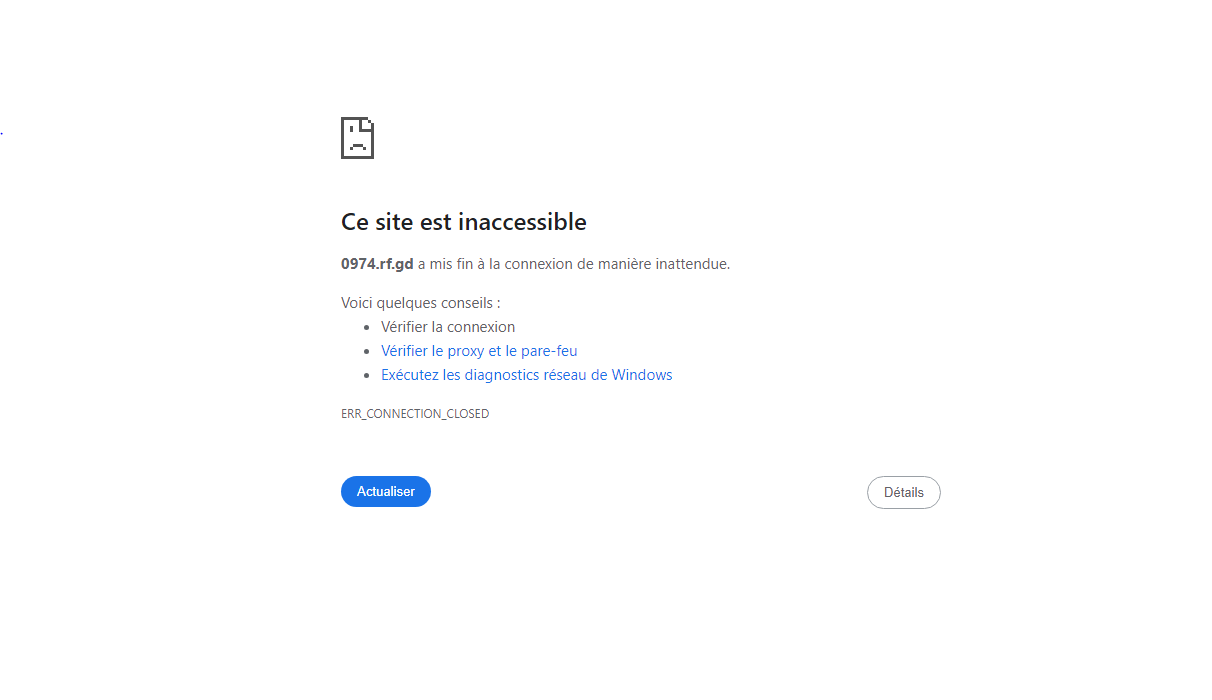
Error Message
my website takes too much time to load or sometimes takes too much time that i need to relod
I just checked your site and it loaded fast for me. Using an external test shows me a page load time of only 688 ms, which is really fast.
I don’t know what’s your threshold for “too much time”, but I can’t confirm the issue.
To be honest, the combination of these two errors gives me the idea that the connection to your website is being hacked, which is why you’re seeing the SSL error and the connection being killed.
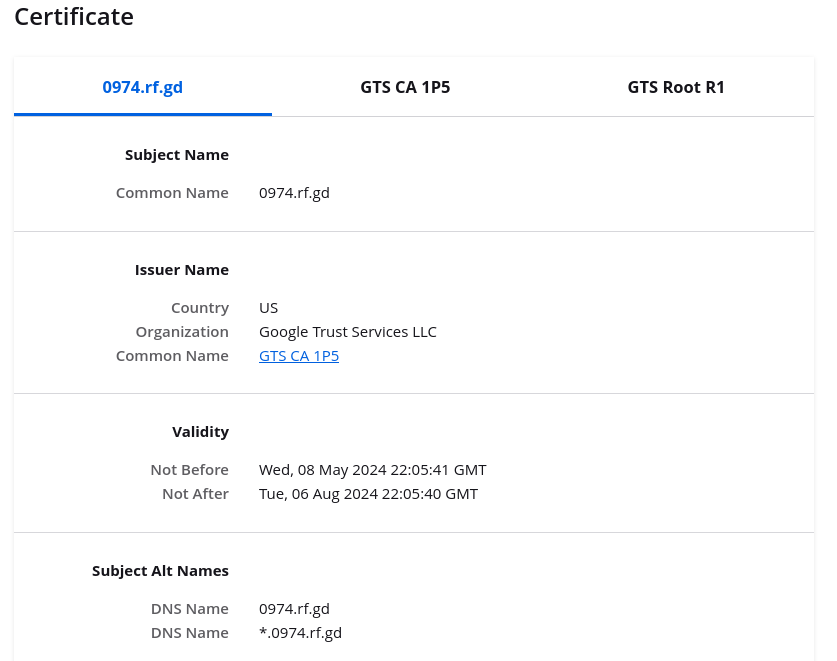
If you click the “View Certificate” link in the Advanced panel, you can view the details of the certificate being used. This is what your certificate looks like from my end:
Do the certificate details look the same on your end? Because if not, then you’re definitely not connecting to our hosting.
And if that’s the case, you should definitely not continue, and instead figure out what could be blocking you from accessing your site. Both malware and anti-malware software has the tendency to do this.
well im surely using yor hosting but wtf i got hacked? i will check the certificate later too.
You misunderstand. Having an account with us doesn’t mean you’re actually using our hosting. If something on your end results in you not connecting to our hosting, but to something else instead, then you’re not connecting to our hosting.
That could be malware that’s trying to steal your web traffic. Or anti malware software that tries to “protect” you from accessing that evil site of yours (to be clear: their opinion if true, not mine).
im using .rf.gd subdomain that is on your website 

I think you still don’t understand what I’m trying to make clear.
Under normal circumstances, if you try to access a website, your browser, computer and network will try to connect to the location where the website is hosted. However, through various means, it’s possible for something in the middle to intercept that connection and make it so that you won’t connect to the location where the website is hosted. That intercepting entity may then either block you from accessing the site outright, or make you connect to something else.
I think that this is what’s happening to you. And if so, then it’s completely irrelevant where the website is actually hosted. Because if something in the middle is preventing you from accessing it, the hosting is pretty much irrelevant.
ok well i think that i dont understand a word but i understand thats its not your fault but anyways its works now
The hosting service uses a server to display your website to people via files (mainly, webpages).
DNS and IP stuff seem like magic, but they’re really just your computer trying to connect to the computer that is hosting the website you are wanting to visit.
Your computer may not know the “location” of the server, and malware (or anti-malware) can seize that opportunity by telling you “oh, it’s over here” and get you to go to a bad website (or just refuse to tell you where it’s located outright).
Checks using public-key cryptography that’s a little bit too complicated to explain here happen. It’s a big part of how your browser knows if something’s suspicious and someone might be tampering with the connection.
Glad that it’s working, though!
okkk thx