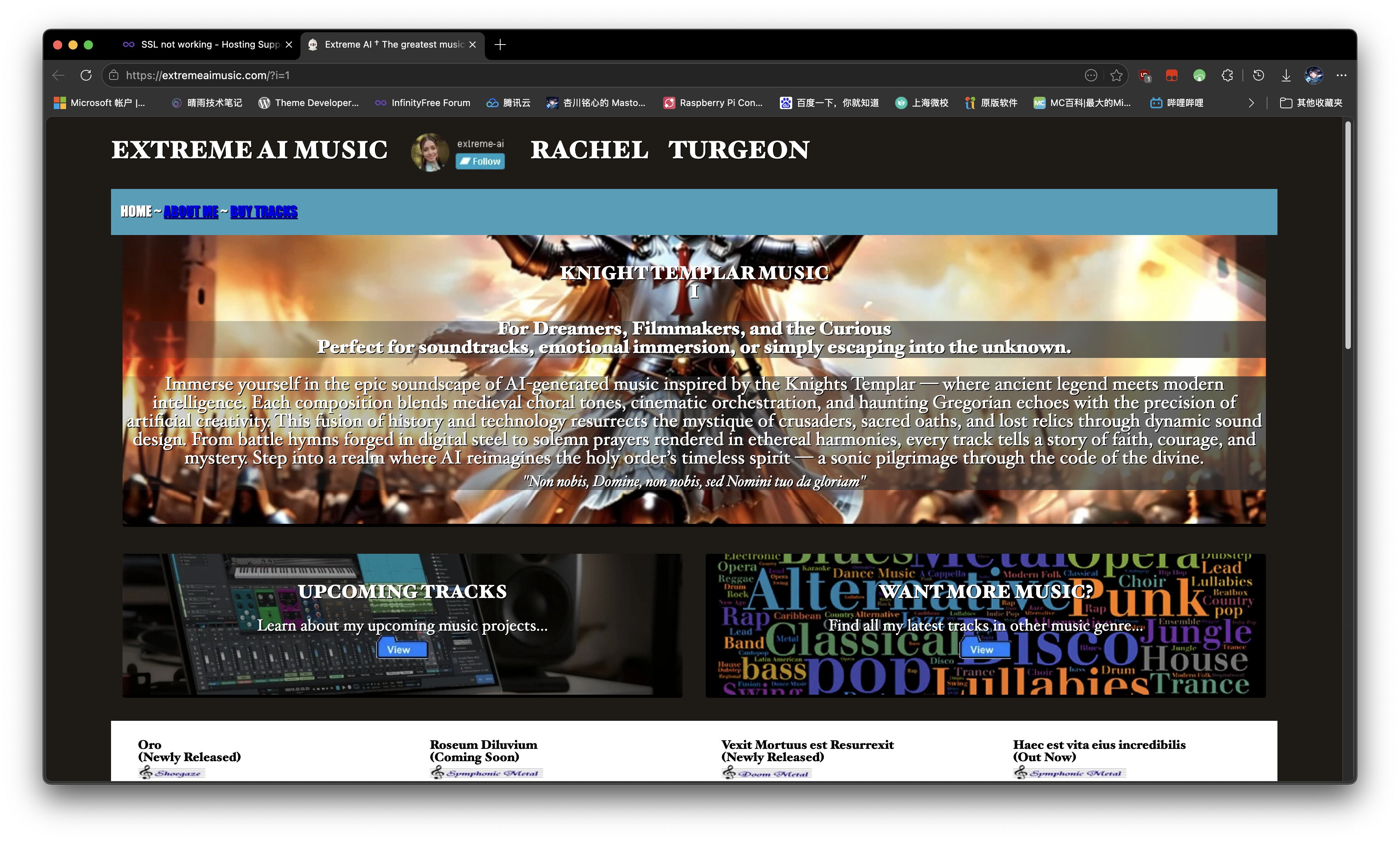
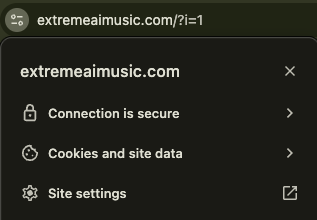
Website URL
Error Message
Browser Privacy Error (SSL) not secure.
Other Information
Can’t load the site.
Welcome to the forum, @Rachel127
A “Privacy Error” (or “Your connection is not private”) usually means your browser is trying to connect via HTTPS, but the SSL certificate isn’t correctly installed, is expired, or isn’t being recognized by your browser.
Since your site isn’t loading, please follow these steps to troubleshoot:
1. Check if the SSL is actually installed
Go to your InfinityFree Client Area, select your account, and go to the SSL/TLS section.
Is there an active certificate listed there?
If not, you need to “Request SSL Certificate” and complete the CNAME setup (follow the guide in the InfinityFree Knowledge Base).
If one is installed, make sure it is marked as “Active.” If it’s expired, click to renew it.
2. Try Incognito Mode or a Different Browser
Browsers often cache old SSL data. Open your site in an Incognito/Private window. If it loads there, your browser is just holding onto an old, invalid SSL certificate from when the site wasn’t secure. Clearing your browser’s cache and cookies usually fixes this.
3. Check your Cloudflare settings (If applicable)
Are you using Cloudflare? If your Cloudflare SSL setting is set to “Full (Strict)” but you don’t have a valid certificate on the InfinityFree server, it will trigger this error. Try setting your Cloudflare SSL/TLS mode to “Flexible” temporarily to see if the site loads.
4. Check your Internet Provider
Sometimes, local ISPs or security software can block connections to free hosting domains. Try accessing the site via a different network (like your phone’s mobile data with Wi-Fi turned off) or use a VPN. If it works on a different network, the issue is with your ISP/Local connection, not the hosting itself.
If none of the above works:
Please share a screenshot of the specific error code you see (e.g., ERR_SSL_PROTOCOL_ERROR or NET::ERR_CERT_COMMON_NAME_INVALID). This helps the support team identify exactly where the handshake is failing!