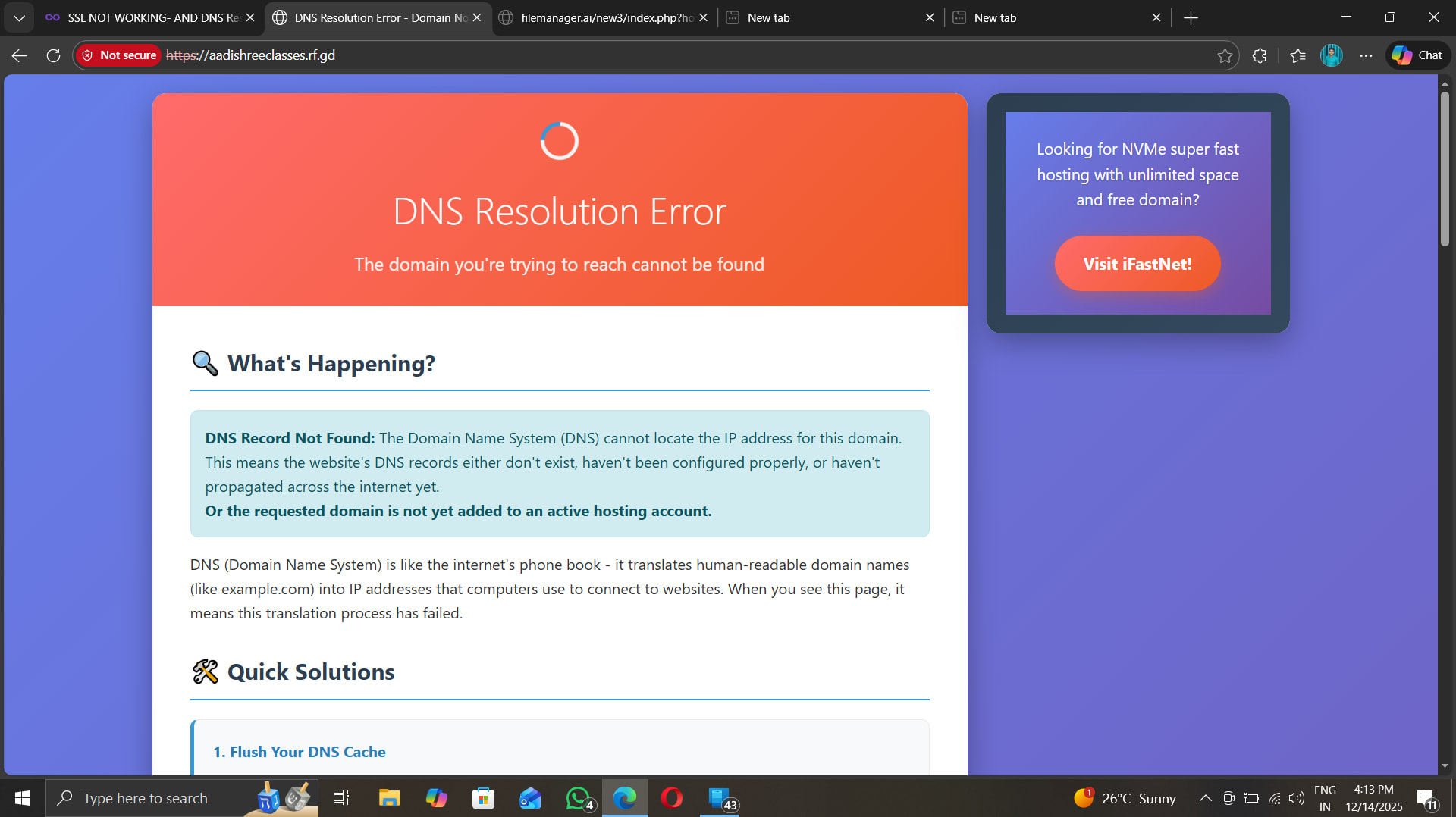
but at same time when i try to visit www.aadishreeclasses.rf.gd then my website load normally and nothing is probelm……
also ssl is an iussue now infinity free website does not give support to install ssl certificate it should be preinstalled but in my cases it is not installed yet
@Meishin hey you probably visiting www.aadishreeclasses.rf.gd,but i clearly mentioned that the site load when i visit with www. subdomain but with htttp:// or https://aadishreeclasses.rf.gd it show dns error please visit and cheak it out also it is an non secure connection says,look i have attaced screenshots
How recently did you set up the site? Remember that DNS propergation takes up to 72 hours
And the SSL failure you’re seeing is because the Dns failure page doesn’t have SSL. Not because your site doesn’t. You’re saying that page because it can’t find your site
I am currently accessing from Bihar,india it says insucure connection for www.aadishreeclasses.rf.gd and says dns errror for https://aadishreeclasses.rf.gd.
You did not answer Dan’s question. How old is your site in terms of hours? Assuming you did read the articles linked above and done the tips in the DNS Resolution Error page itself, the problem appears to be on your side. Did you try creating a new browser profile, VPN or another ISP, or opening Windows in Safe Mode with Networking Support?
Bangalore server sees you like for http with www and for https without www . Just scroll down the links to view the complete screen capture for yourself.
Otherwise, let’s patiently wait for the 72 hours to lapse.