issue Description:
I am having an issue getting my new SSL certificate to activate. I have been using the same process to renew my certificates on this account for the past year without any problems, but this time it is not working.
Details:
I requested the certificate and clicked the “Install SSL Certificate Automatically” button.
I received the green success message stating: “The SSL certificate has been installed! It may take up to 1 hour for it to become active.”
However, under Step 5: Verify Installation, the status still shows as “Not Found” (red label).
When I visit my website via HTTPS, it still shows a “Not Secure” warning.
I have waited for the suggested time, but the control panel does not seem to recognize the installation. Could you please check if the certificate was correctly pushed to the hosting server for my account?
Other Information
(other information and details relevant to your question)
Please note that it can take some time for the certificate to become active. The message says 1 hour, but I think that that estimation might be on the low side.
I just checked it and the certificate is active now.
So it doesn’t look like anything went wrong, it just took a little bit longer than expected.
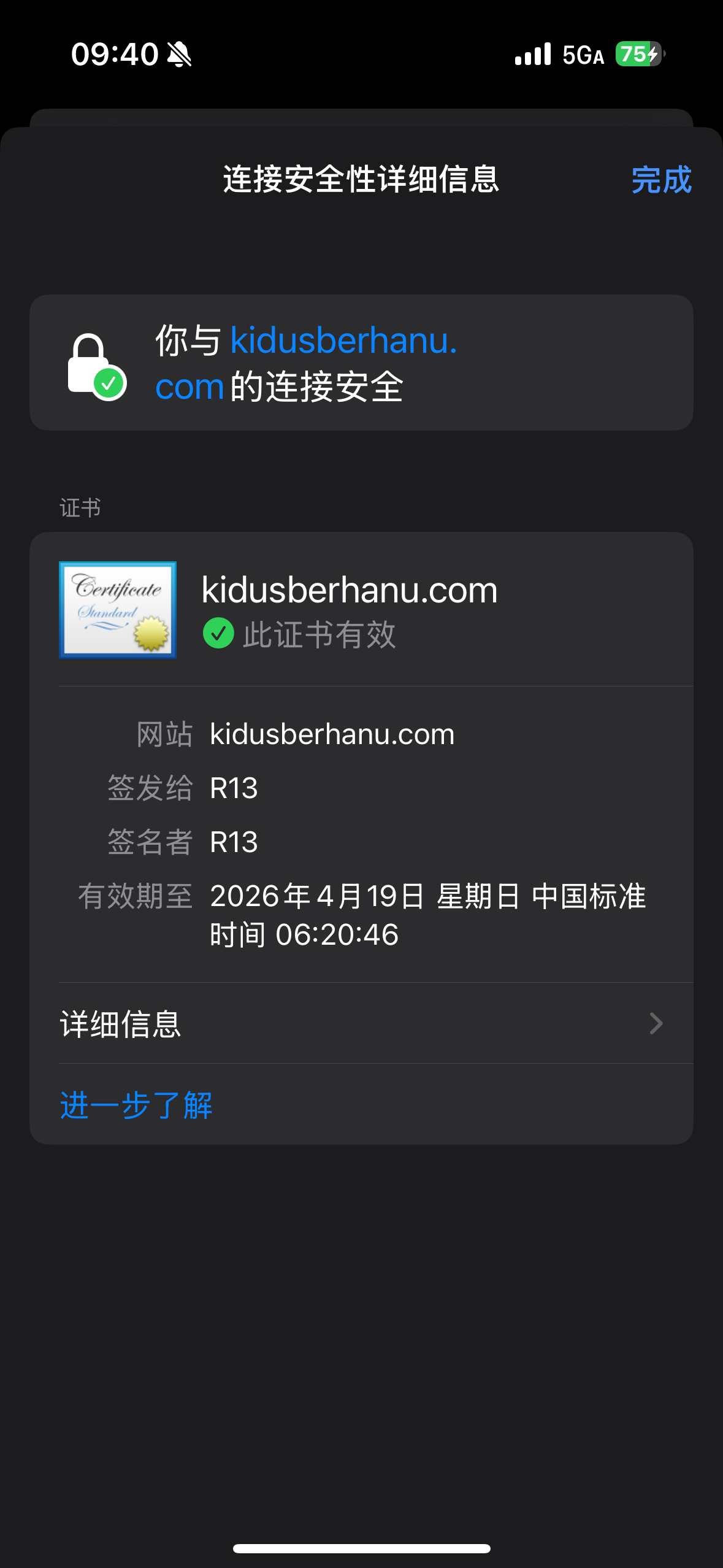
When I visit https://linguaconect.com/, I see a valid Let’s Encrypt certificate. The SSL Status checker in our panel also confirms the certificate is correctly setup.
If you don’t see an SSL certificate, it’s simply because you are not using HTTPS. Your website supports HTTPS now, but doesn’t appear to be enforcing it yet.
If you want that, you’ll need to configure it in your own website: