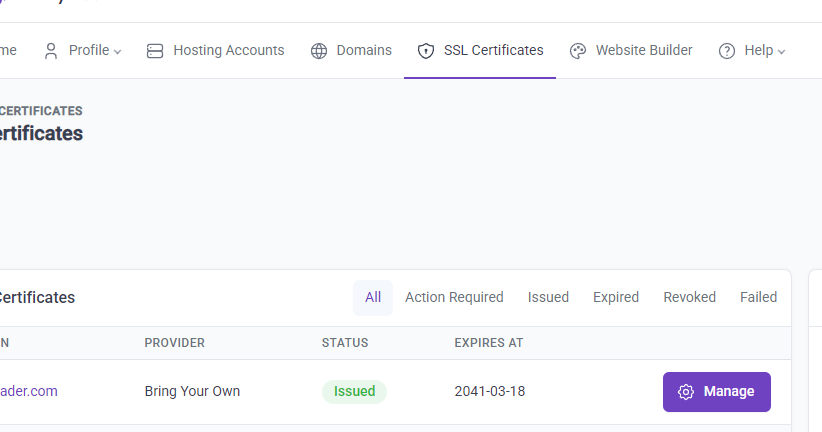
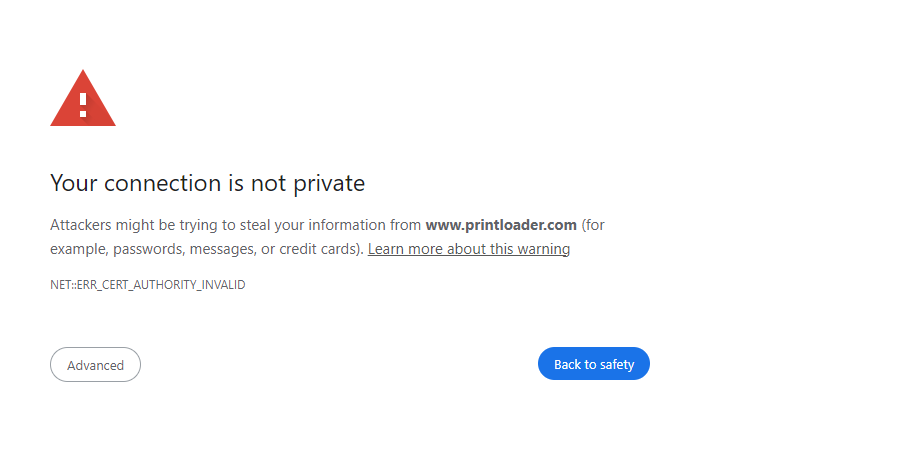
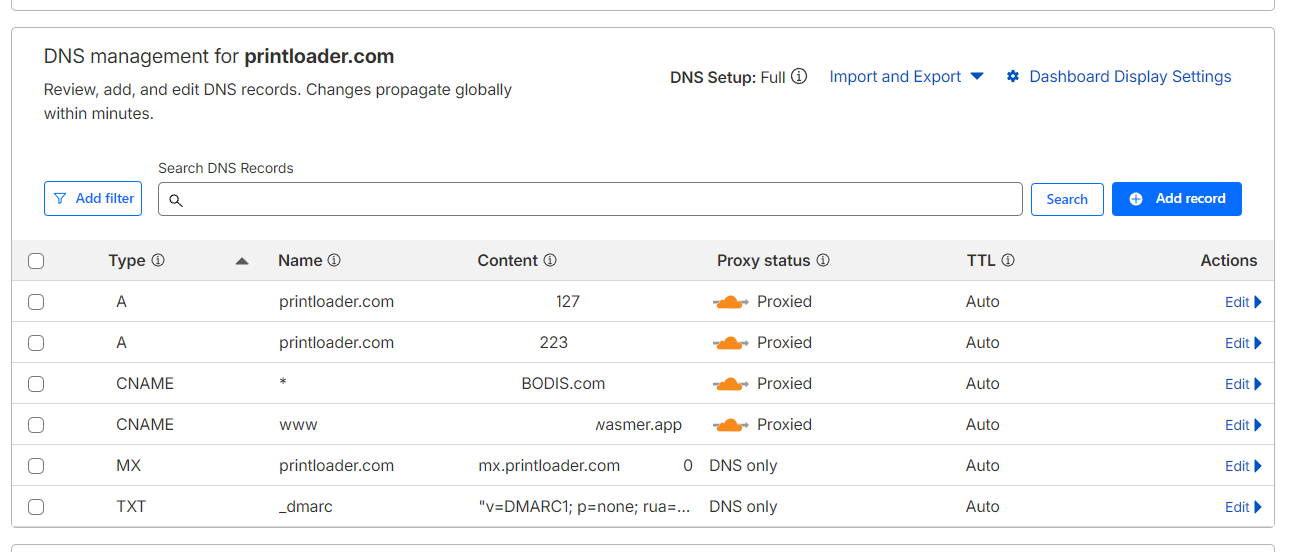
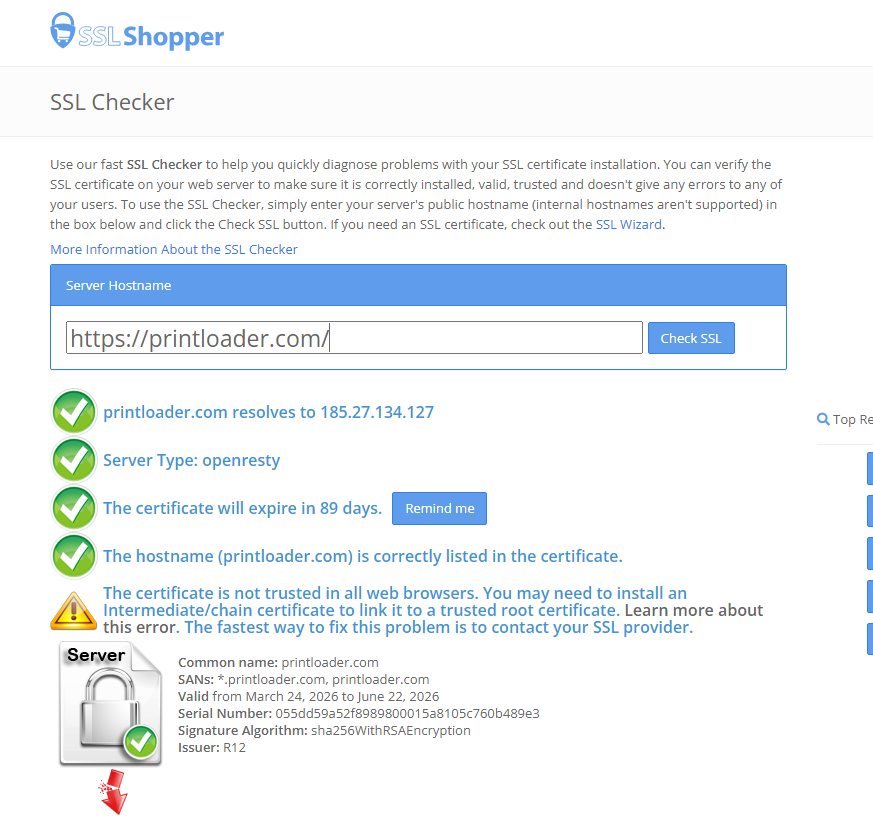
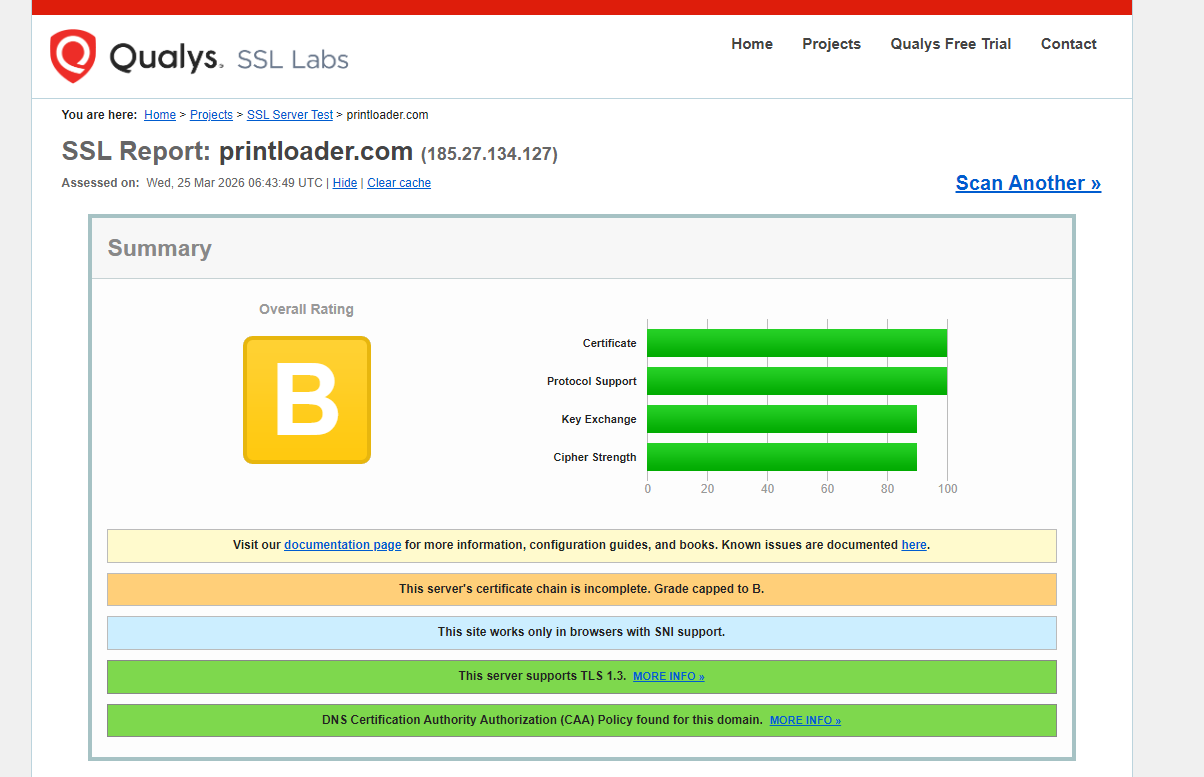
Help, i did everything correctly as far as all of the KB
even tried forcing it via .htacess
Working fine for me
The error message NET::ERR_CERT_AUTHORITY_INVALID error suggests that the SSL certificate that’s sent to your browser is not created by a trusted SSL certificate provider.
However, since your domain is using Cloudflare, this error refers to the certificate that’s used to secure the connection between your visitors and Cloudflare. This is not affected in any way by the SSL settings or website settings on our hosting - the connection never makes it that far.
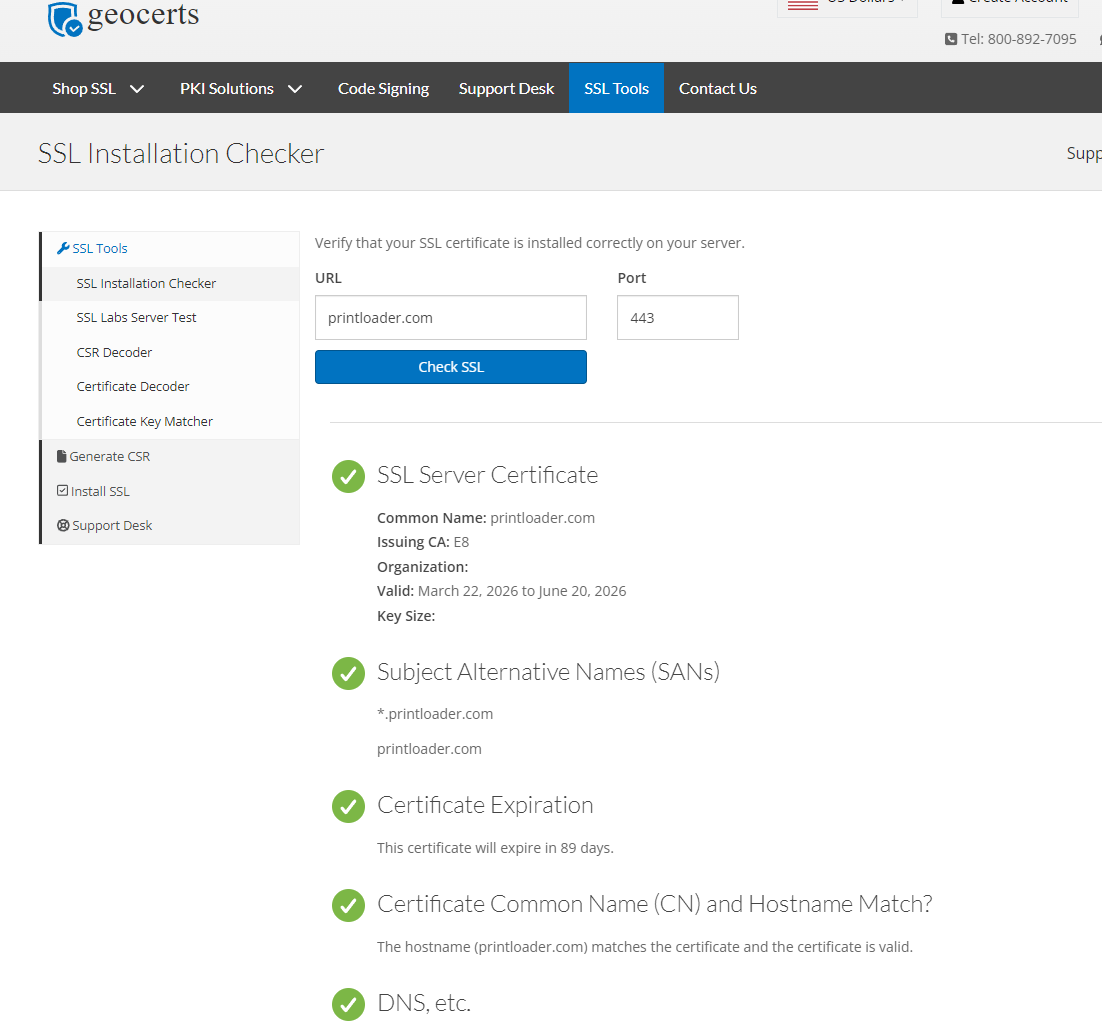
The current certificate also seems to be working fine from here.
If it’s also working for you now, then it’s probably just setup delay. Cloudflare needs a few hours to setup your SSL certificate, and DNS changes can take longer than that to be visible everywhere. That’s all completely normal.
If it still isn’t working for you, then it’s something else. What’s clear is that the issue only appears to be affecting you: @Meishin, myself and that Geocerts scanner you tried all show that your website has a valid SSL certificate.
I’m running into an issue with my site and could use some guidance.
After switching Windows users and testing in private browsing, I’m seeing a “connection is not secure” warning (this just started happening). A friend of mine is also getting the same error on their iPhone using Firefox Focus, and when the site does load, it shows a default WordPress placeholder instead of the site I built.
However, on my end, the site loaded fine on both my phone and PC, with and without private browsing. Now today it did not.
So clearly something isn’t right, and I’m not sure what’s causing the inconsistency.
For context, I had the site set up under a subdomain. I’ve since removed my domain from both Cloudflare and InfinityFree and reset the installation to use the free subdomain again.
At this point, I’m unsure how to proceed:
Any step-by-step guidance on the correct way to fix this would be really appreciated.
It might be a DNS issue.
While Cloudflare can send valid certificates on their servers, the Cloudflare Origin certificate itself (the one that you uploaded here) is not trusted by the browser.
If you turn Cloudflare on and off, browser may cache wrong DNS information, where it no longer go through Cloudflare but to the servers directly, which doesn’t have a valid certificate.
The solution (if this is really the case) is to wait. Stop touching anything. Do not remove or add domains or nameservers, DNS records, etc.
Give it sometime and see if that helped.
thanks but as i mentioned i nuked cloudflare but the NS are pointed to Cloudflare. So what would be the best way to restarted?
I’m not sure how could you nuke Cloudflare while still using Cloudflare.
If you wish to use Cloudflare, simply follow the steps you used before.
If you no longer wish to use Cloudflare, you need to switch to InfinityFree nameservers, as well as issue a valid SSL certificate here: How to get Free SSL (HTTPS) on InfinityFree
I meant that i deleted the domain from Cloudflare, while still leaving the Name Servers as-is with IONOS so if i need to just restarted from Cloudflare side… without having to wait 2 more days flipping NS between IF and Cloudflare again.
What are the proper steps from scratch is what I’m asking for since the setup was definitely not working properly.
I agree that it might be a DNS issue. But if so, then I specifically thing it’s an issue with DNS caching. If so, you just need to make sure everything is setup correctly and then don’t touch it for a few days. DNS cache fixes itself automatically. Adding and removing domains, DNS records and nameservers will just risk creating even more bad DNS cache which means it will just take longer for it to clear up.
As for your nuking Cloudflare question: if you intend to keep using Cloudflare, then don’t nuke it. It’s very unlikely that removing your domain from Cloudflare will do anything to solve the issue, and it will just cause more work and more delays.
I still don’t know what to do. someone please give me step by steps. I just went back to using IF name servers and issued a SSL there.
Now what do I do to properly move the domain to CF and still have SSL and hosting here?
The step you used before is correct. You switch to the Cloudflare nameservers, enable the proxy, upload the origin certificate, and switch to the Full (Strict) mode.
You are just way too impatient. You assumed that “it’s not working” where it’s just taking some time.
No need for some different steps. Follow what you’ve done before and be more patient this time.
This is expected