you’d create another ftp account and try to connect to it with filezilla (as test). if not worked. it looks your filezilla is corrupted?
I Just Installed It Like 10 Minutes Ago.
then you’d tell the result
lemmy try again and again
Created Another Account Signed To CPanel And…Finally…Still Nothing 
I’ve Wasted 1 Account Out Of 3 Account Limit For This.
Or Lemmy Try An Online FTP Client.
then you should deactivate the extra account
Which Account New Or Primary?
I’m Using The Account You Know.
the new one i mean
we’ve to wait for @Admin . Probably he knows how to fix
Didn’t See The Word Extra HEH
Or, could you also try to follow the instructions present in this KB article, as they are the same as what I said before?
Even Online FTP’s Useless.
Cannot you even connect to your ftp via a way after filezilla? 
yes online ftp
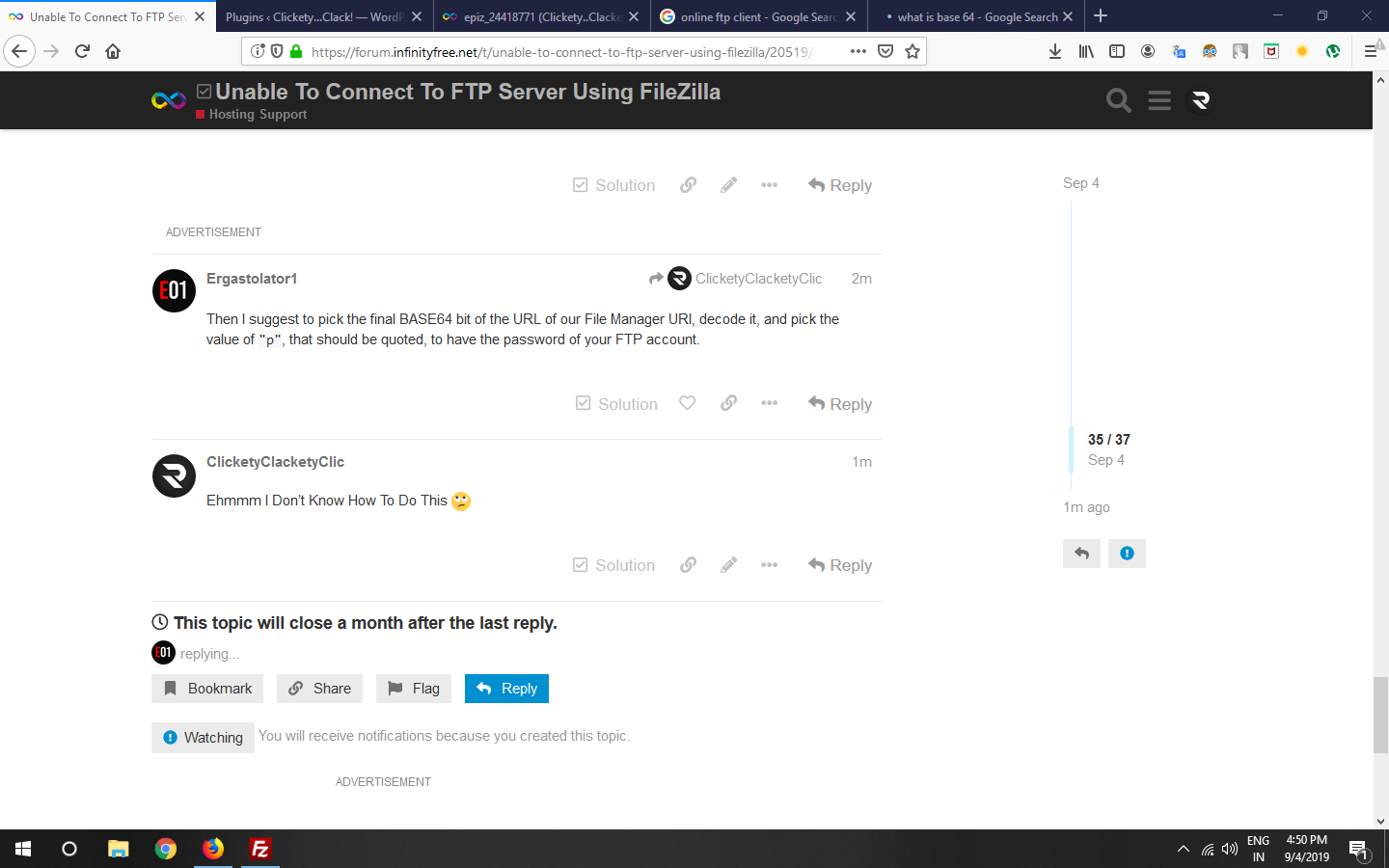
Then I suggest to pick the final BASE64 bit of the URL of our File Manager URI, decode it, and pick the value of "p", that should be quoted, to have the password of your FTP account.
Ehmmm I Don’t Know How To Do This 
To get the BASE64 bit, it’s after your username and a slash on the URL to access our File Manager. Copy that bit, then go to base64decode.org to decode it, and take in the JSON things only the value of "p" that should be your correct FTP password, without spaces inbetween the start and the end. And note, do NOT share your FTP password on this forum!
Oh… I Get It Lemmy Try.
1 Like