Website URL
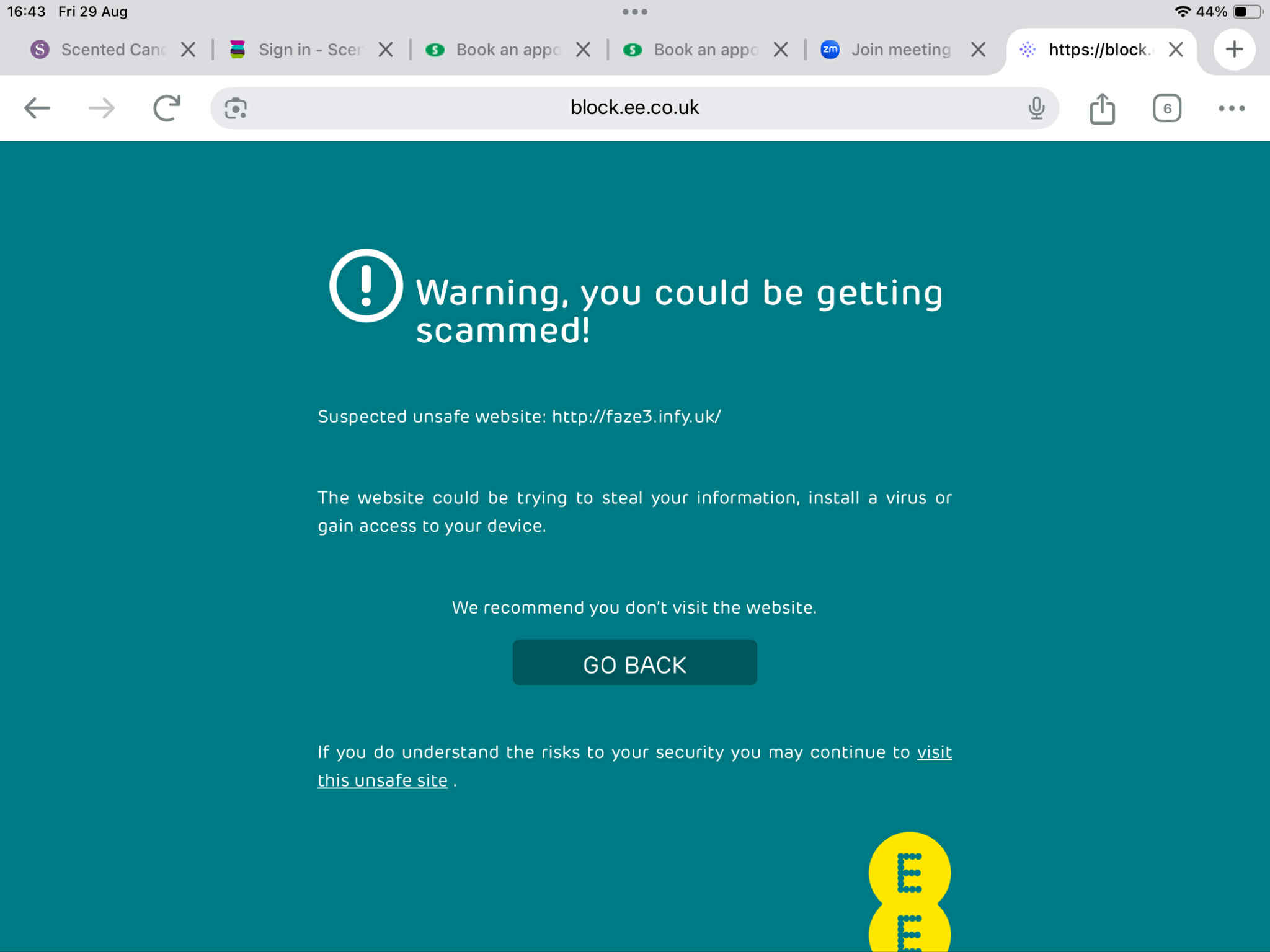
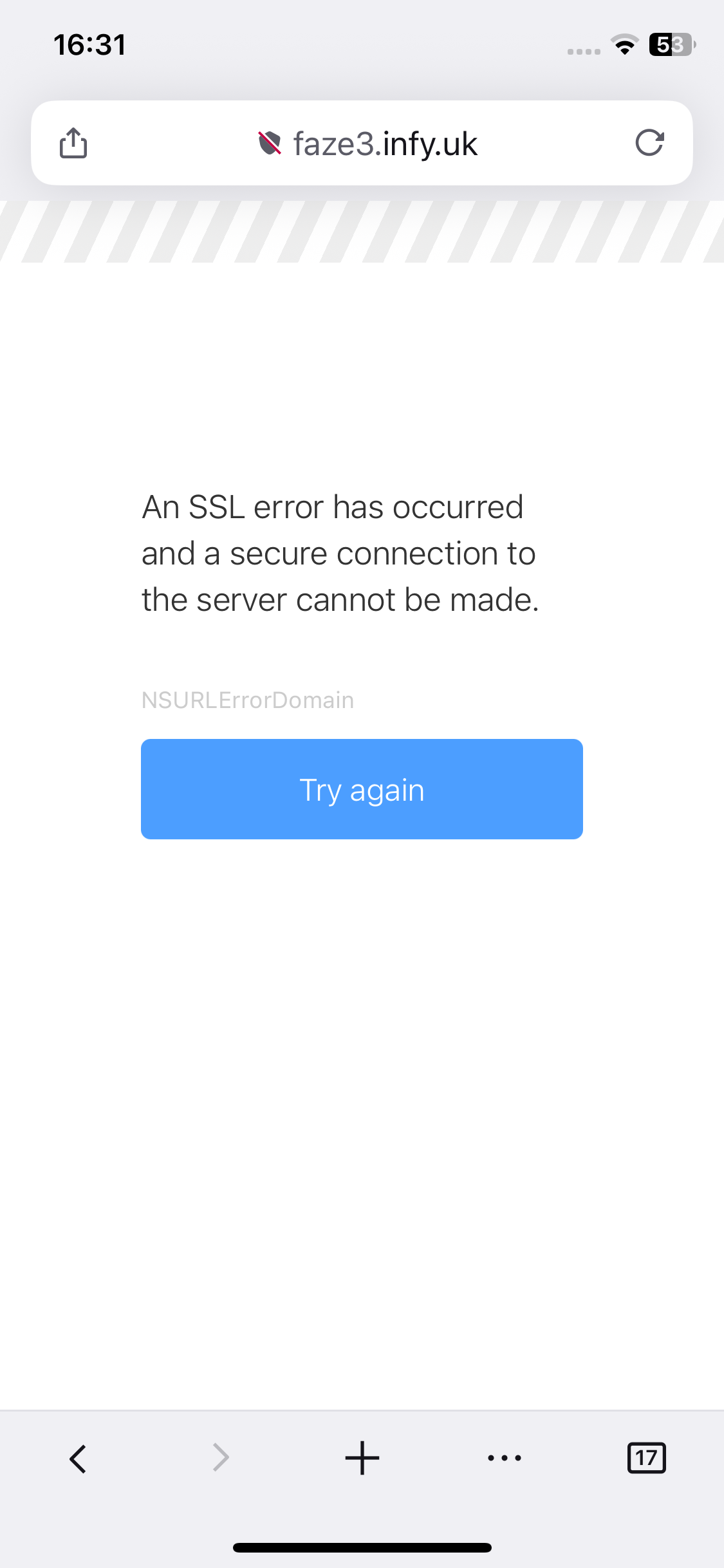
A simple html personal site. Was going to show my daughter but the url is bringing up all sorts of security and spam warnings. All works perfectly on my own computer, phone and ipad. Any suggestions?
A simple html personal site. Was going to show my daughter but the url is bringing up all sorts of security and spam warnings. All works perfectly on my own computer, phone and ipad. Any suggestions?
We cannot tell anything if we don’t see what exactly the warning screen is
Your website is working fine from here.
Based on your description, I would guess that something on your daughter’s computer is blocking access to your website. This could be caused by a web security filter, antivirus software, or a parental control filter.
If so, the problem is with your daughter’s device. Maybe you can tell what’s different between her device and your own and figure out what’s causing this difference.
Maybe we can help to try and point you in the right direction. But then it would be very helpful to have a screenshot of the warning screen your daughter sees.
EE seems to be security software. It’s probably blocking all free subdomains, not just your website. You’ll have to whitelist the site or contact the device/network admin.
As for the security error, make sure your connecting over HTTPS, I do see a valid certificate installed on your site. (This could also be a security block if EE is running on the network side)
EE is the broadband provider
EE is indeed an ISP in the UK. If they are blocking it, I’m guessing it’s some kind of security or parental control filter, either in your router or deeper inside their network. I suggest you check your router settings and see if there is anything that might explain this, or maybe contact EE about this.
These issues are sadly somewhat to be expected with free subdomains. Despite everything we’re doing to combat harmful sites, some do slip the net and can be picked up by third parties. When they see multiple bad sites on the same domain, they may decide to block the entire domain name, and the numerous legitimate websites along with it.
And if it wasn’t clear already: there is nothing we can do to remove this block. If your ISP blocks access to your website, only your ISP can fix that.
This topic was automatically closed 7 days after the last reply. New replies are no longer allowed.