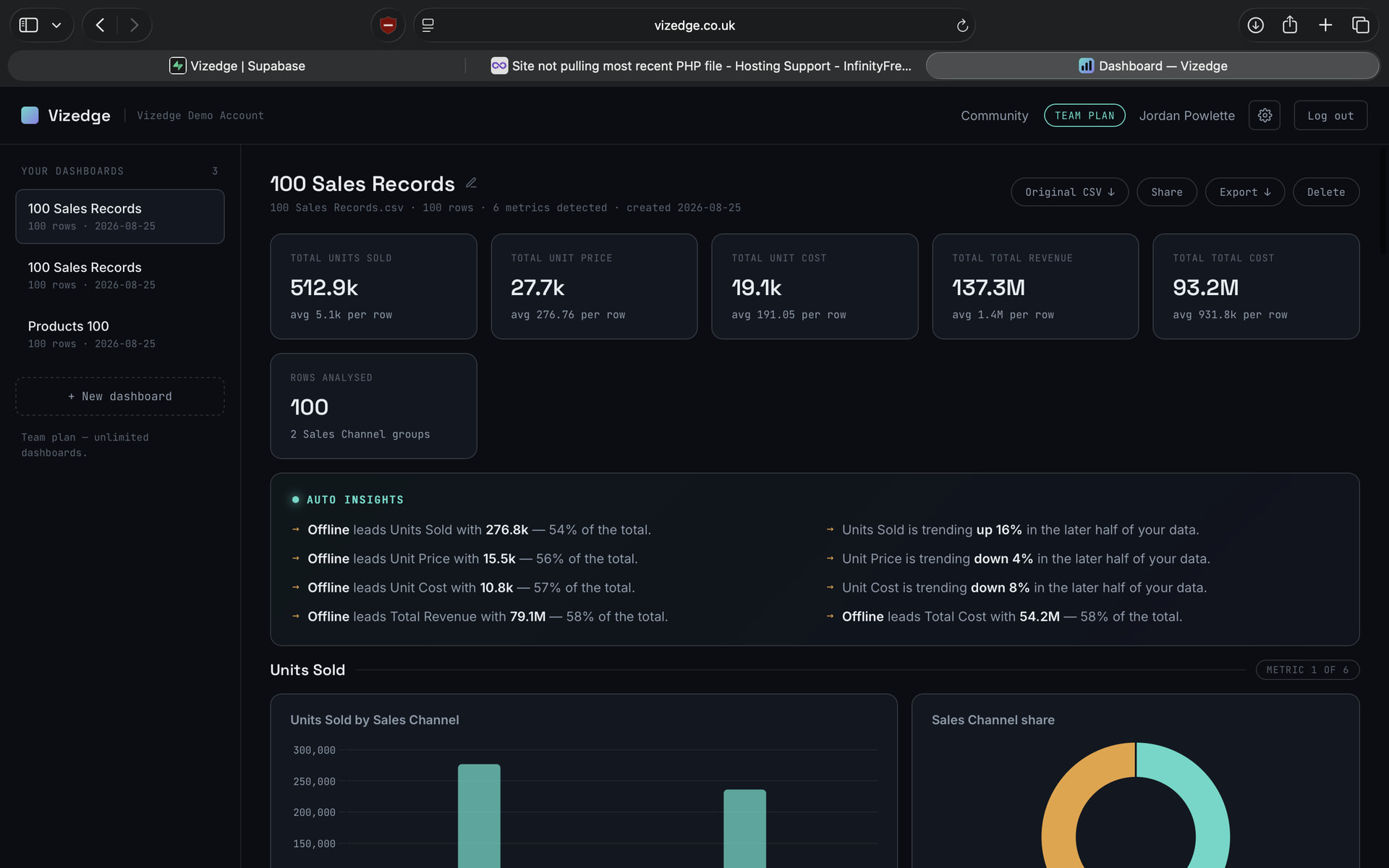
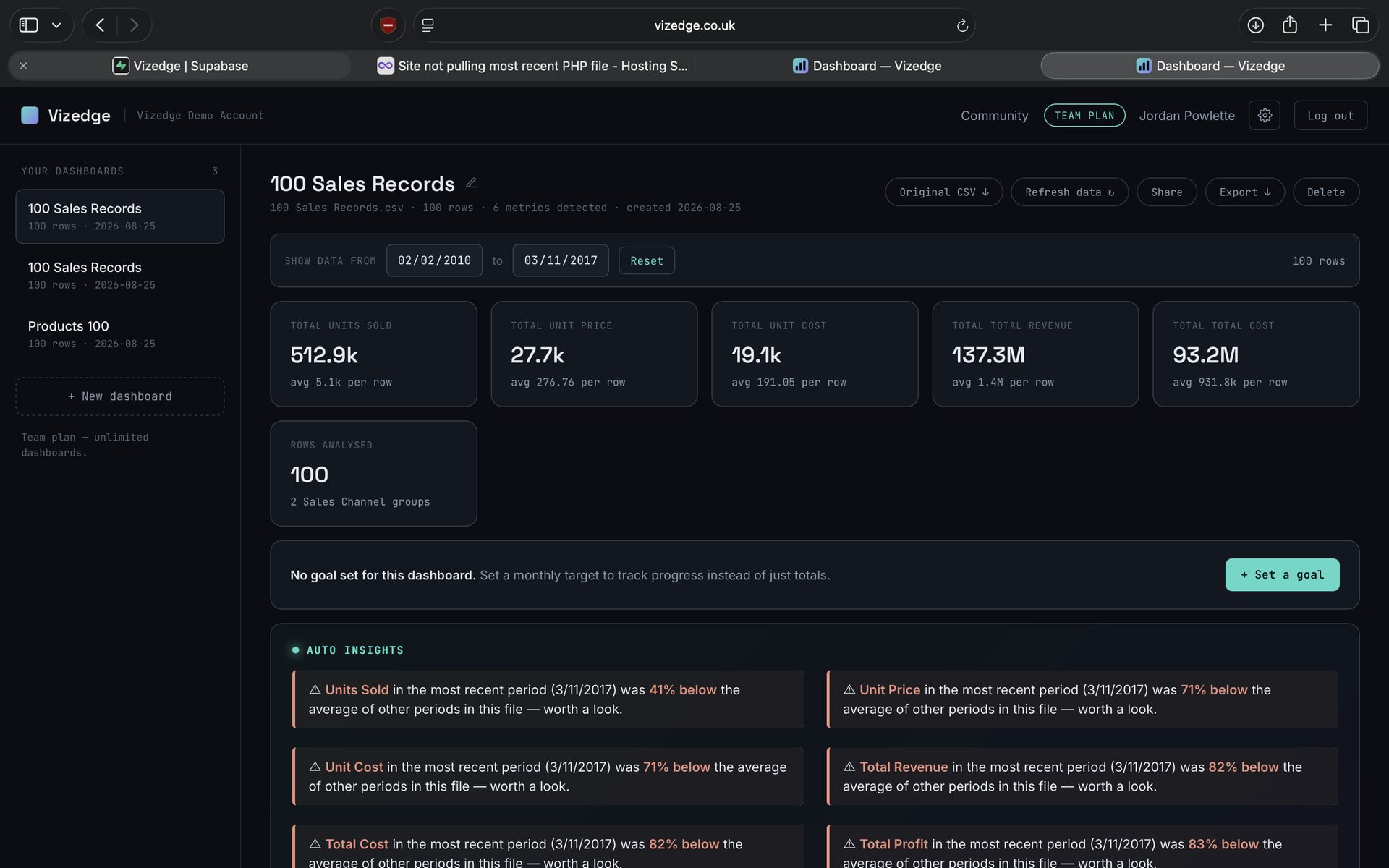
I have uploaded the most recent PHP to my file manager within InfinityFree - When I log in to my live website to view the changes it hasn’t pulled the new version through, only showing the old version.
I have forced a cache clear within Cloudflare and if I use the no cache?= function the new version shows but for some reason no matter if I try a different machine, different login etc it seems to pull the old version.
What could be causing this?
EDIT - The old version no longer exists in the file manager only the new version.
We don’t cache PHP output at all because we know it’s dynamic, and Cloudflare doesn’t cache any HTML output because it might be dynamic (Cloudflare doesn’t know if a static HTML file was loaded or a PHP script).
I checked your website and it looks like you’ve built this project on top of WordPress, and you do have a caching plugin installed in WordPress. If it is a caching issue, my money is that the caching plugin is the cause.
Please try clearing the cache in the plugin and see if that helps.