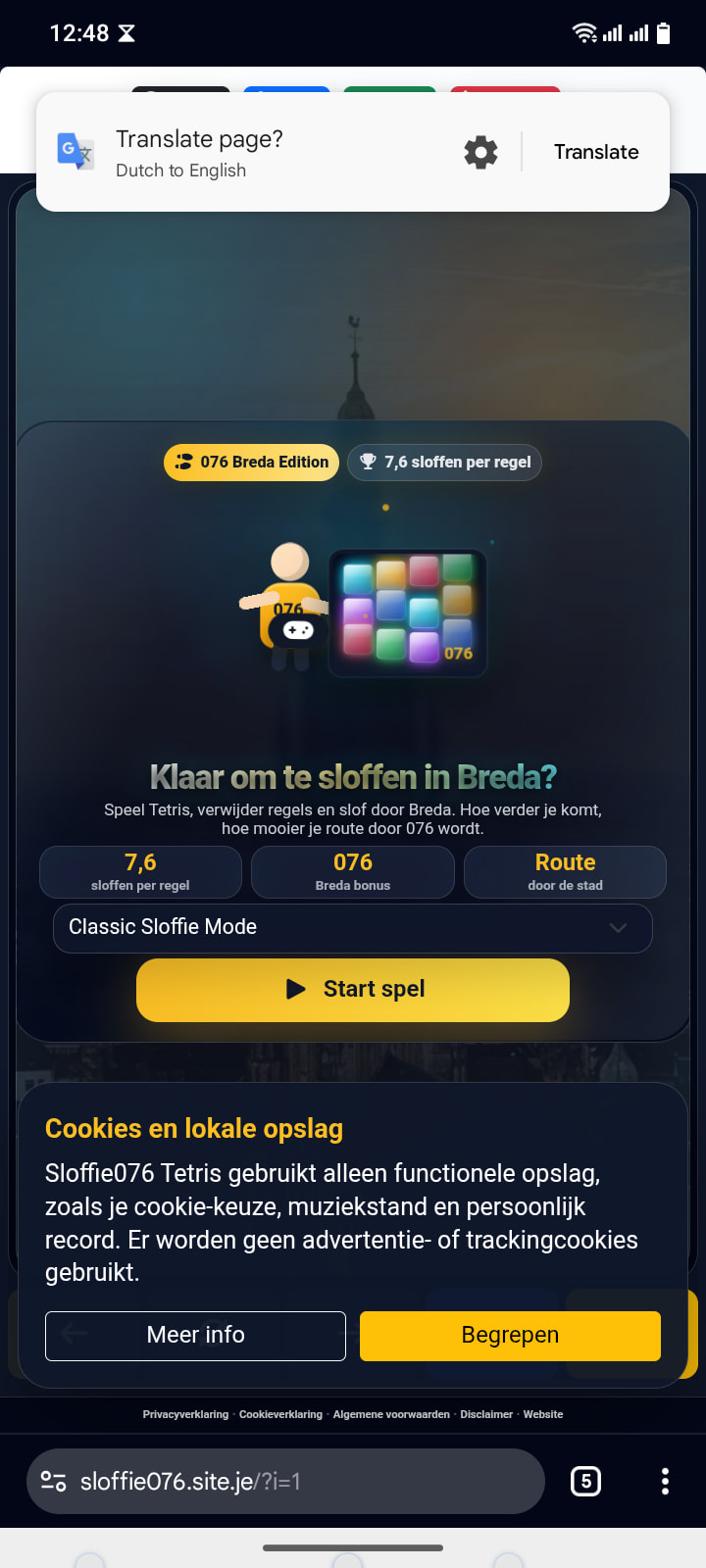
Website URL
Error Message
Site can not connect to the site dns error
yes i am behind a vpn. With vpn and without vpn it’s not working. Including my mobile at 5g is not working.
traceroute sloffie076.site.je
traceroute to sloffie076.site.je (185.27.134.60), 30 hops max, 60 byte packets
1 _gateway (192.168.*.*) 0.605 ms 0.609 ms 0.656 ms
2 home (192.168.*.*) 2.977 ms 2.400 ms 2.045 ms
3 217.16.42.228 (217.16.42.228) 6.454 ms 6.372 ms 6.380 ms
4 * * *
5 * * *
6 * * *
7 * * *
8 * * *
9 * * *
10 * * *
11 * * *
12 * * *
13 * * *
14 * * *
15 * * *
16 * * *
17 * * *
18 * * *
19 * * *
20 * * *
21 * * *
22 * * *
23 * * *
24 * * *
25 * * *
26 * * *
27 * * *
28 * * *
29 * * *
30 * * *
How new if your site? If it’s under 72 hours you may just need to wait for DNS propergation to complete
The website is already online for 21 days. so no 72 hour propagation problems. Site was working…
Ok so it’s not that…
That fact it’s working for me and TiffanyLynch suggests it’s not a hosting problem…
You haven’t installed a new fire wall or virus scanner on your device have you?
Judging from the traceroute your traffic never reached our servers in the first place so it’s not a hosting problem. Why this happens is up to you. dan3008’s message is a good first step to troubleshoot.
The traceroute is pretty telling. The first two hops are inside your local network, the next hop goes into the network of your ISP, and then it ends. What you should see is a few more hops from global carriers, but that never happens.
So it seems that your ISP is blocking the traffic before it ever reaches the internet.
As for whether that’s really the case, and what can be done about it, only your ISP can tell.