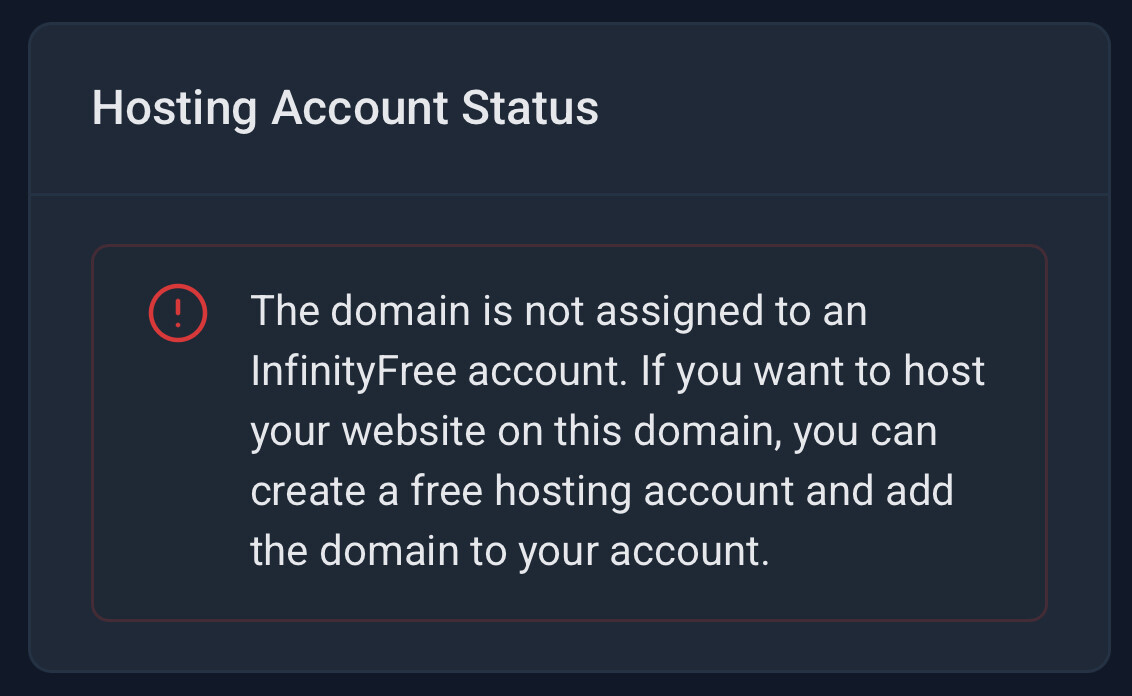
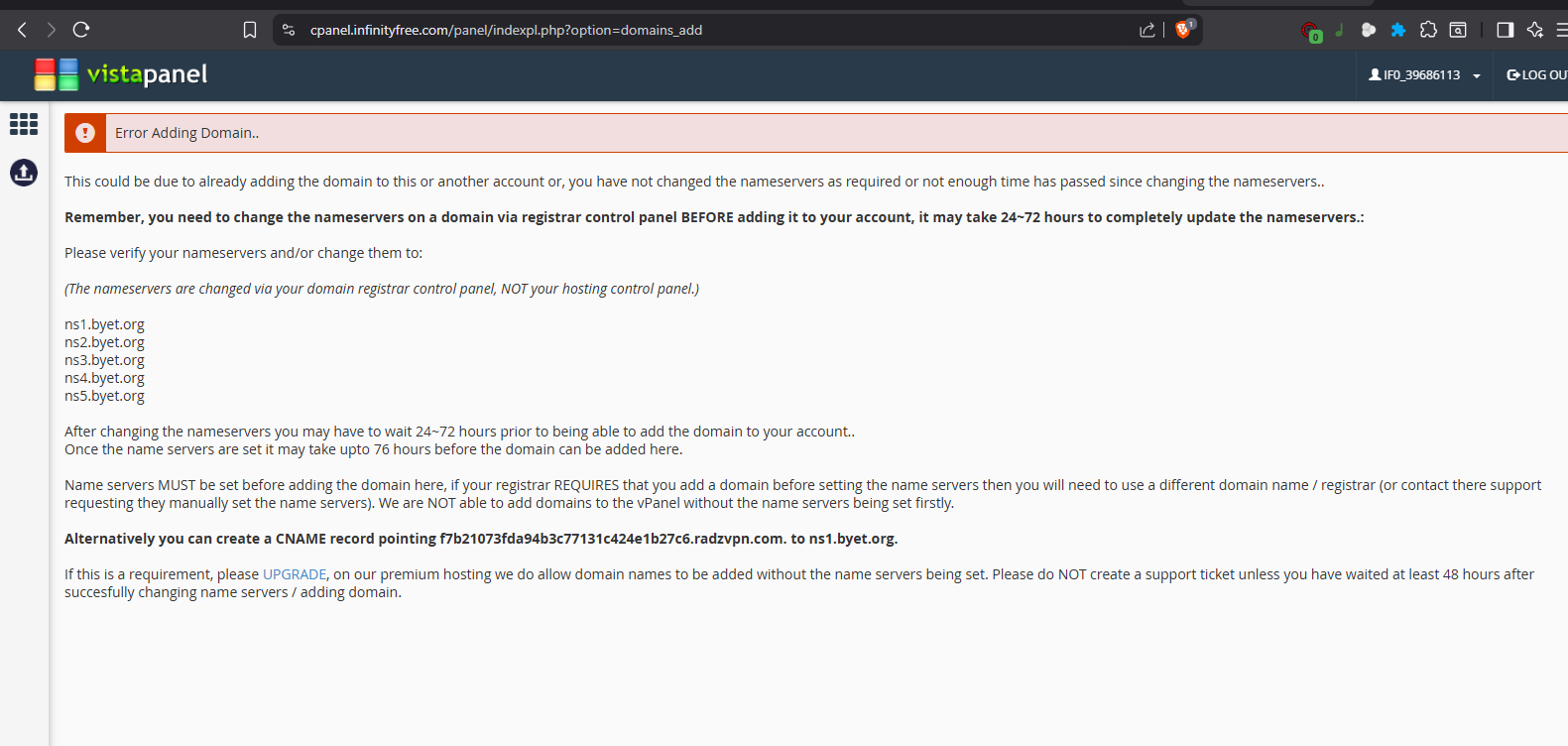
I’d like to respectfully ask for some help regarding adding a custom domain on free hosting.
I tried creating a new account, but I didn’t see any option to add a custom domain. I also tried using a subdomain provided by InfinityFree and then added my custom domain in the control panel. However, I noticed that no new folder was created in the file manager for the newly added domain.
I’m also using Cloudflare, so I need the hosting IP to point my domain correctly. On my account dashboard, I can see the “Website IP,” and I already copied it and applied it to my Cloudflare DNS records. But when I visit the domain, it only shows a Host Error.
Could this issue be because no folder was created for my domain in the file manager? Or am I missing an extra step to properly set it up?
I would greatly appreciate it if anyone from the team, or anyone with experience in this matter, could kindly guide me through the proper setup for a custom domain. For context, I’m currently using the FREE version of the hosting.
My domain is already on Cloudflare (.com), so I cannot change its nameservers since it’s already pointed. I tried creating an account at https://dash.infinityfree.com/accounts/create/free, but there’s no option to use an existing domain that I own.
My apologies for the late response. Yes, I already added my domain, sir. It’s cms.radzvpn.com, which is a subdomain, and I added it to free hosting under the account.
Apparently you didn’t. Please add your domain to your hosting account.
Note that you cannot add that domain directly to your account. You must add radzvpn.com first, then add that domain as a subdomain.
Which means this is simply not possible. Lying makes it harder to tell what’s the actual problem, so please always tell the truth, thank you.
After you added the domain, please change your Cloudflare SSL/TLS settings to Full instead of Full (Strict), the later doesn’t work on free hosting by default, is not recommended, and can also cause the “Host error”.
I recently added cms.radzvpn. com, but when I attempted to add it again, a hint popped up indicating that I had entered an incorrect subdomain (cms.radzvon. com). Since I cannot see what was previously added, I went ahead and successfully added cms.radzvpn. com.
I also tried to add the root domain radzvpn. com, but it returned an error. Because of that, I added it to my Cloudflare account instead. Alternatively, I created a CNAME record pointing f7b21073fda94b3c77131c424e1b27c6.radzvpn.com to ns1.byet.org.
I have also set my SSL/TLS mode from Full (Strict) to Full.
Once again, I sincerely apologize. I am not an expert in configuring these settings, but I am doing my best to follow the instructions carefully.
Thank you very much for your kind guidance, Sir. I sincerely hope you will not lose patience with us, and I deeply appreciate the time and effort you extend in assisting. Once again, thank you and God bless. Should I encounter any matter that I cannot manage or handle on my own, I will respectfully post again for guidance. Rest assured, however, that I will do my utmost to carefully follow all the instructions provided.