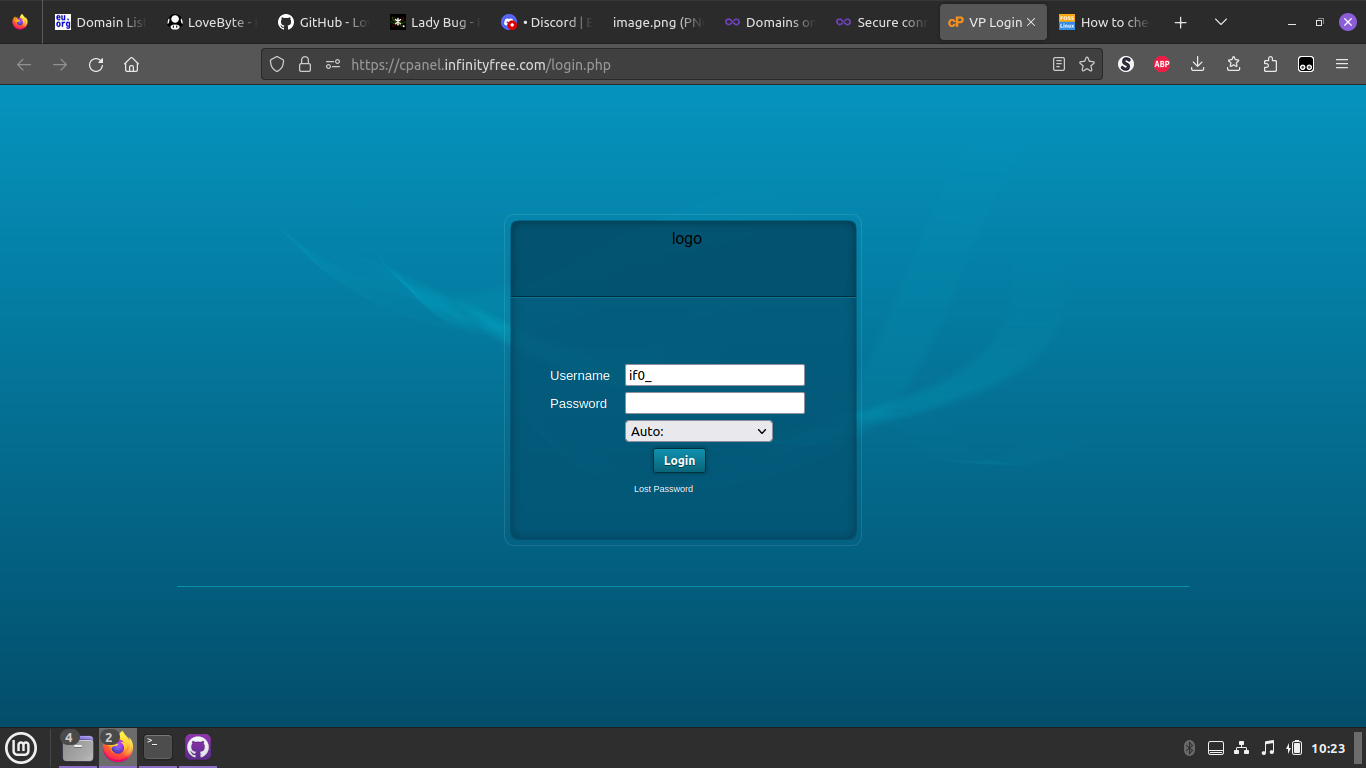
Please help. I’ve been unable to access the Control Panel
I have done the following:
changed the settings for DNS on Firefox;
turned off extensions one by one
turned off avast and Malwarebytes
cleared cookies and cache
tried 2 different browsers
changed the Proxy in Firefox to Auto Detect and Use System
Website URL
(please specify the URL of the site on which you are experiencing the problem)
Error Message
Firefox: Secure Connection Failed
An error occurred during a connection to cpanel.infinityfree.com. PR_CONNECT_RESET_ERROR
Error code: PR_CONNECT_RESET_ERROR
and in Safari:
This site can’t provide a secure connection
(please share the FULL error message you see, if applicable)
Other Information
Is it because VPanel/CPanel is down?
Is there another way to access the Control Panel?
(other information and details relevant to your question)
have a VPN
macOS Big Sur 11.7.8
Thank you.