Website URL
Other Information
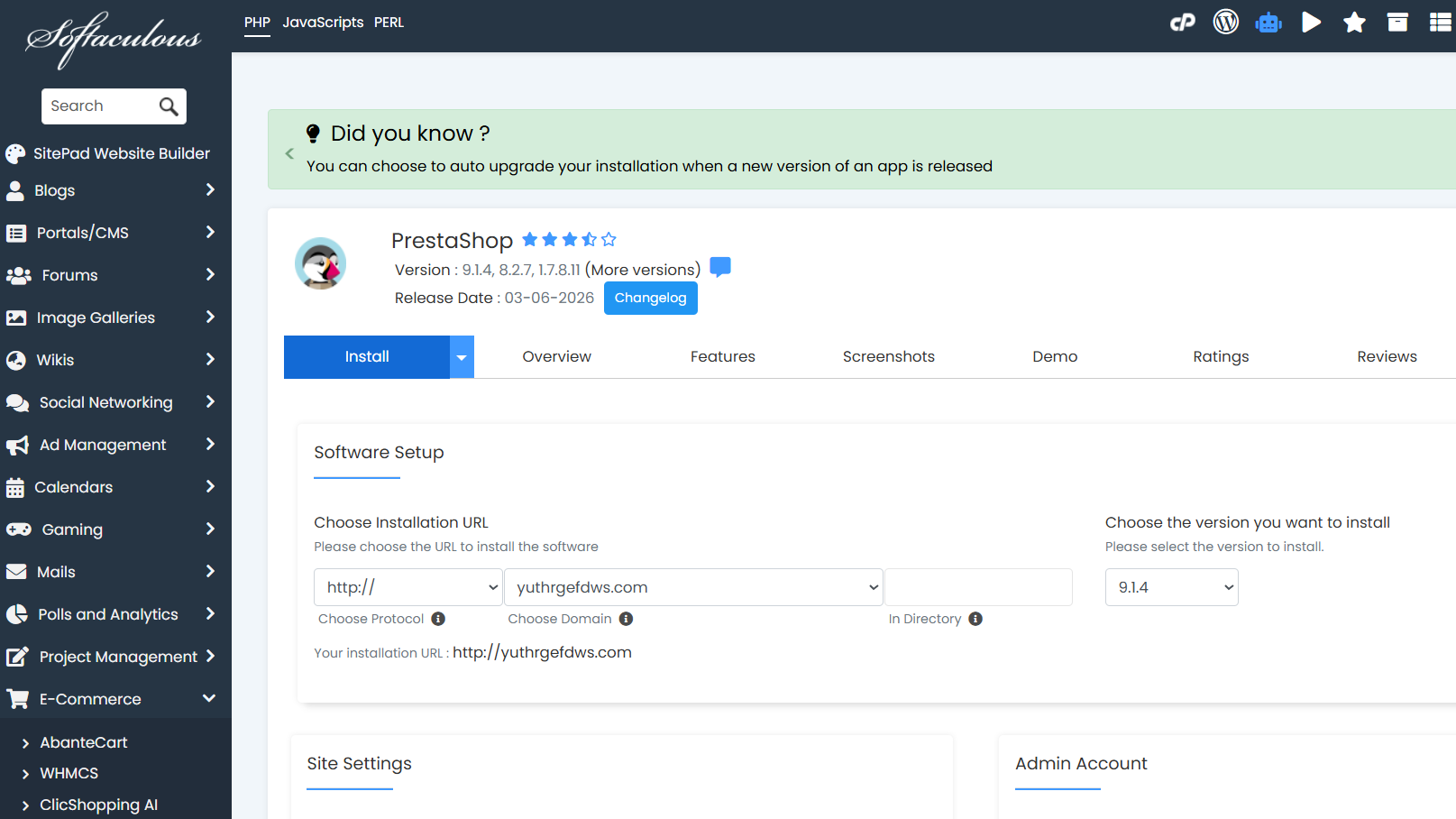
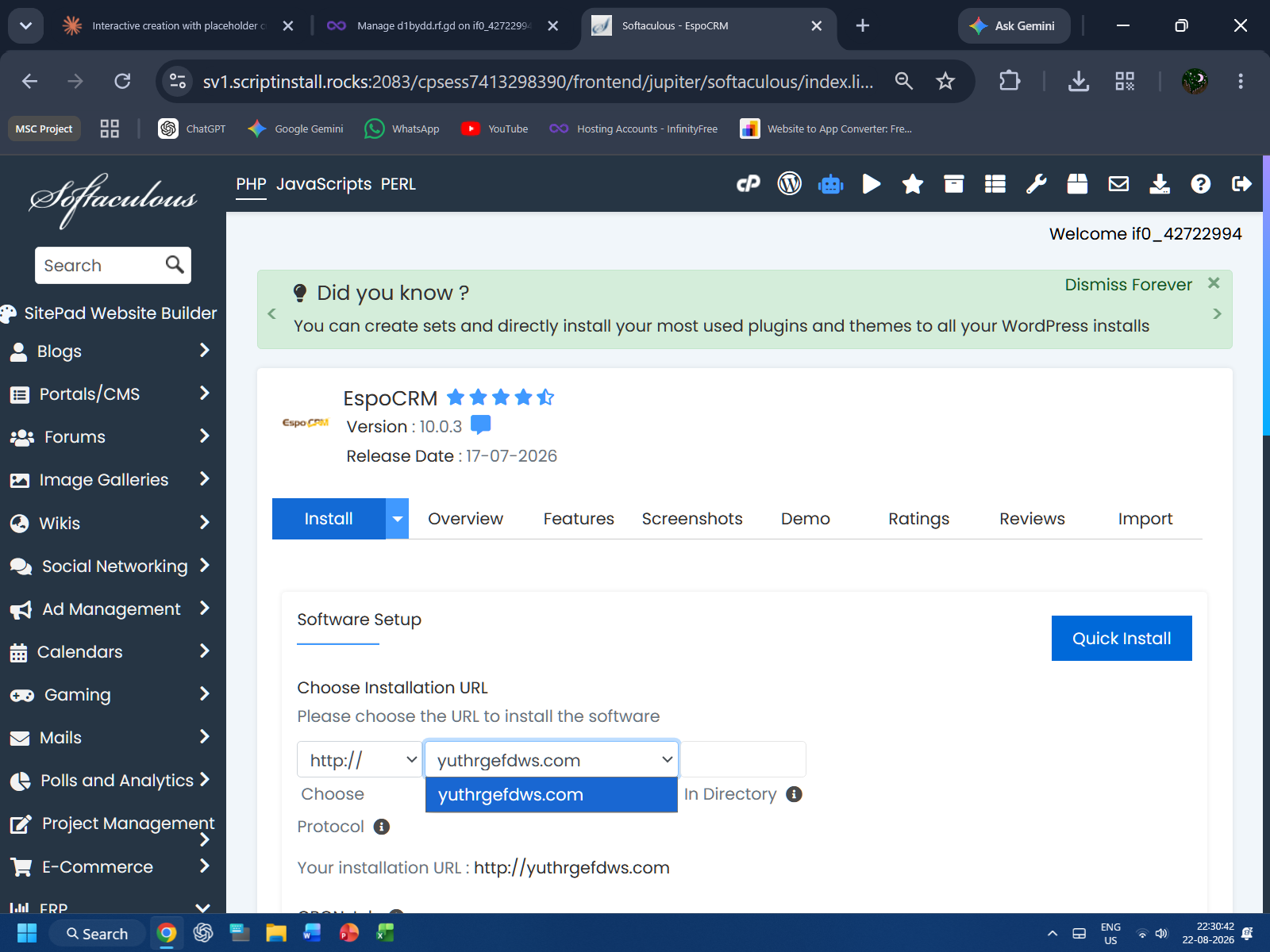
I’m trying to install PrestaShop on my website and I’m encountering another domain name; I can’t select my own.
Are you in the correct hosting account in your dashboard area?
It will only show you the domains for the account you connected from.
I’ve tried creating new accounts with new domain names many times, but I’ve always experienced the same problem. The script download site always displays like the image shown. Because of this, I can’t use the website. What should I do?
It seems like there is a problem somewhere on the back end. This means that all we can do is wait. Now it’s been flagged here, I’m sure Admin will see it and forward it back to the right people to get it fixed.
In the interim, you can still use the “SitePro” or try building your site yourself using HTML and PHP, and uploading the files via FTP. Might not be exactly what you want, but its a really fun project to learn. And what better time to learn than when the idea solution is broken and you’re waiting for the solution 
This looks like a system issue indeed. But I just checked it, and it seems to be resolved now. Is it fixed for you too?
Working for me now.
hopefully it’ll be working for OP too
Yes, the problem seems to be resolved for now. Hopefully, it won’t recur.