I know this topic has been discussed before, but I’m having trouble with the AES script.
What’s happening with this script? It’s blocking the fetch call from my own domain to my PHP file, which is on the same domain and server. It’s an internal file. According to this article, these types of requests are allowed.Ensuring only web browsers can access your website
According to what I understand, that article says that AJAX requests are allowed from the same domain. I don’t know if it’s because I’m using fetch, which is the modern API for making requests in JS.
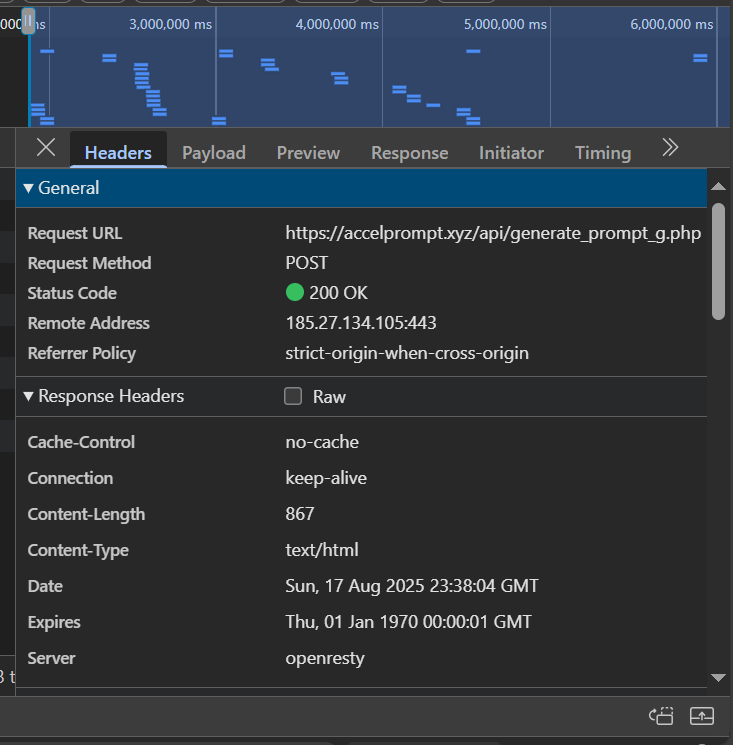
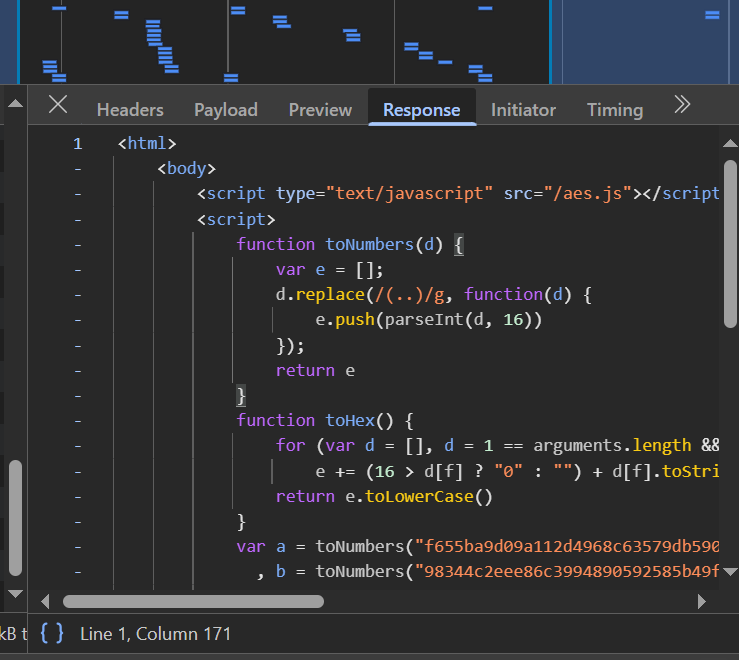
Here are some screenshots of what’s happening. Apparently, the request returns 200 OK, but what I’m receiving is code from the AES script.
oh I already saw your new answer, but I still don’t understand what you mean by Sometimes the request is also blocked. I think it can happen when the request is being triggered long enough after first opening the website
The security system works by trying to set a challenge cookie upon hitting the challenge script.
When the cookie is set, the security system will let a request pass.
But that cookie doesn’t last forever — so when the request is being made after the cookie expired, it will fail, causing the request to be blocked.
The second case is similar — all in all, the very basic is whether the cookie is present instead of whether it’s in the same domain, and cause trouble sometimes.
But how long does that cookie last? When I reload the website and make requests to my internal file, it fails. Note: This isn’t always the case, but it does happen frequently in a normal workflow where a user would enter the website and reload the page a few times. @admin Would what he says apply to my case?
The cookies last quite long, but the underlying variables get rotated once in a while. I think it’s every 30 minutes or so.
AJAX requests within the same hostname do work, but if the page is open for a long time, those cookie parameters will be rotated and further requests will break.
Looking at the timing you shared in the first screenshot (4 million milliseconds = ~66.67 minutes), that seems like the most likely explanation to me.
To fix it then, you need to reload the entire page, which will give you the new challenge and a new cookie, which can be used for further API calls.