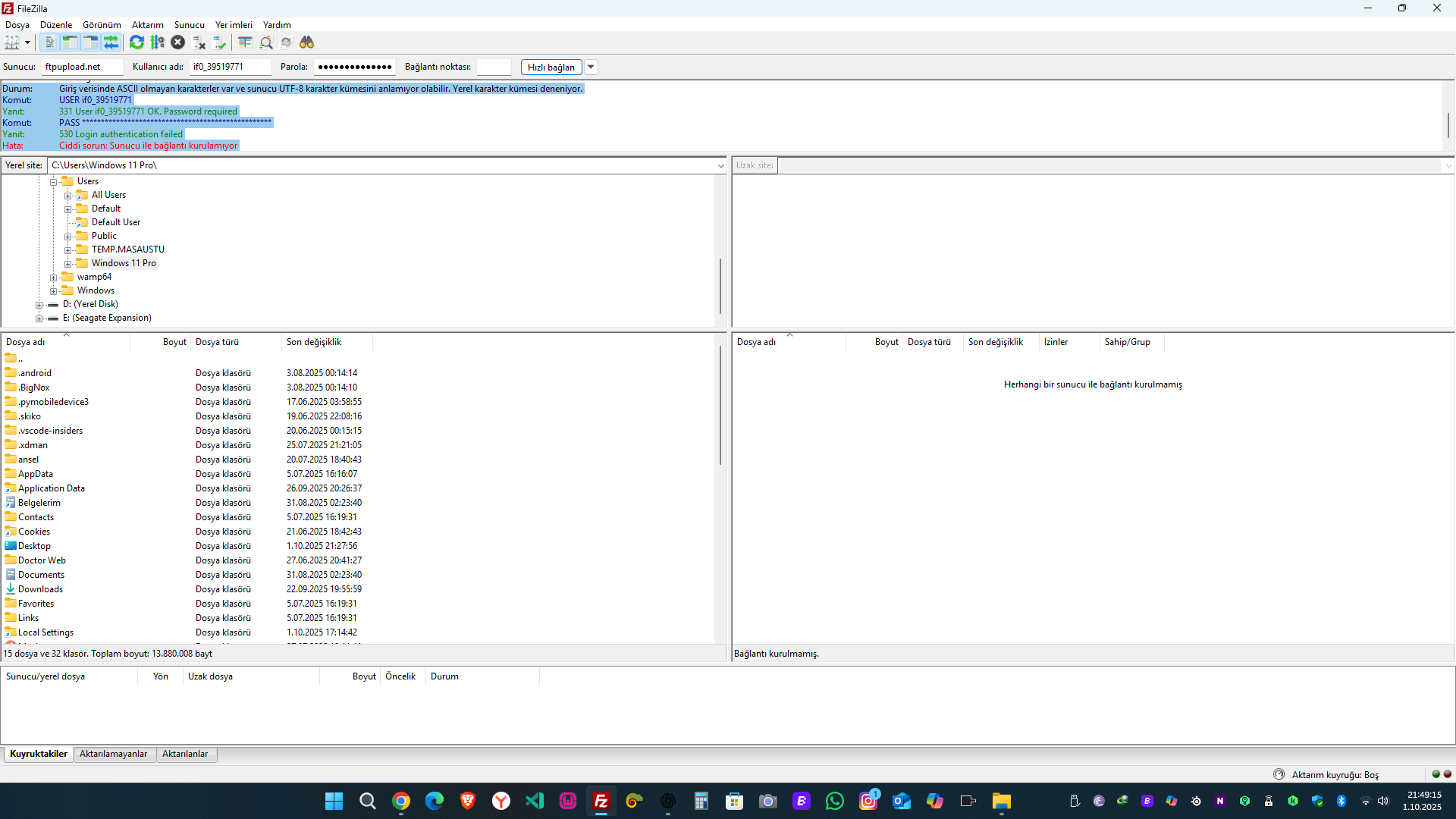
Hello again. The old problem has been resolved, so folders and files can currently be uploaded and viewed. However, this time we are having issues with .php files. When I try to upload .php files, it says they have been uploaded, but the uploaded files do not show up. When I try to create them from scratch, it gives an error. I tried uploading via ftp, but this time I received a warning saying that UTF-8 characters were not recognized in ftp. The exact warning it gives is: Status: Non-ASCII characters found in the login data and the server might not understand the UTF-8 character set. Trying local character set. Command: USER if0_39519771 Response: 331 User if0_39519771 OK. Password required Command: PASS ************************************************** Response: 530 Login authentication failed Error: Critical error: Could not connect to server.
I’m a bit confused by your post, it’s a big wall of text that has at least two, maybe three different issues in them. I’ll try to address them each but it might be better to split them off to separate topics if the discussion becomes too big.
Am I assuming correctly that you are using the file manager here?
Also, did you check this post to rule out any other reason than file manager bugs?
So… what does the error say?
That looks to me like you’re entering the wrong password.
FileZilla is concerned that the server might have problems with special characters. But if you’re sending special characters, you’re definitely sending the wrong password, because the FTP password can only contain letters and numbers.
Please make sure you are using your hosting account password for the FTP connection. Every hosting account has it’s own password, which is different from the password you use to login to the client area.