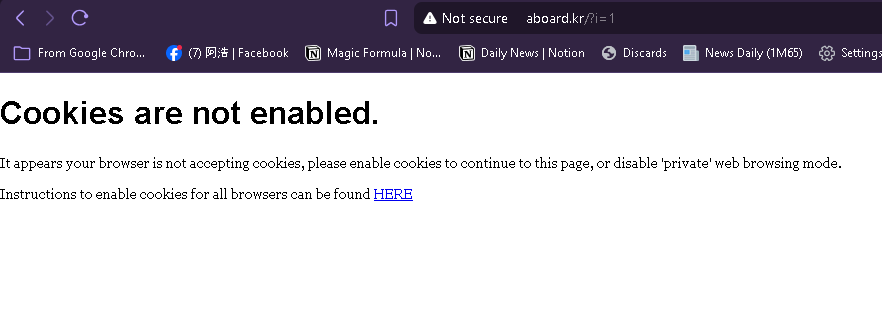
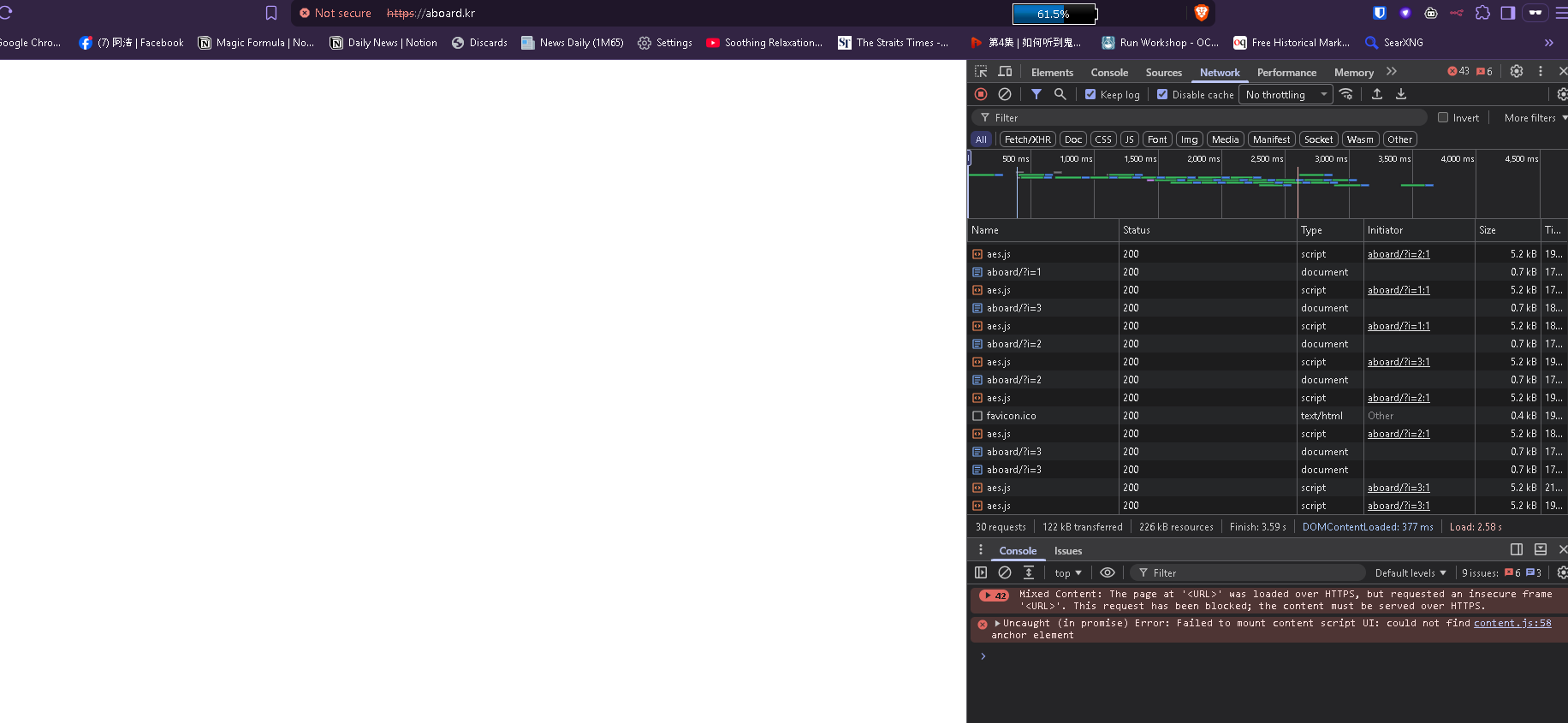
I don’t think this is a browser cache issue. The problem is with the domain DNS/parking configuration.
aboard.kr is still resolving to the old ns*.byet.org nameservers instead of the InfinityFree nameservers, even when checked using public DNS servers such as 1.1.1.1 and 8.8.8.8.
Could you please check whether aboard.kr is correctly registered/parked on my InfinityFree account and whether the nameserver configuration is correct on your side?
This is a community support forum. By community I mean we (excluding Admin) are not staff. By not staff I mean we cannot just check things for you.
byet.org and infinityfree.com nameservers are not “old” and “new”. Those are esentially the same thing and respond the exact same records. So it is not the issue.
Please actually clear your browser cache before saying “it’s not browser cache” and go ahead to check the DNS records instead.
If it was, then every website we hosted would be broken for over 80% of all visitors. The forum would be FLOODED by people climbing over each other to draw attention to their website being down. But that’s not happening, because it’s not the case.
You’ve proven that it works for you. Your free subdomain works, which has the exact same security system.
We all want to help you with this, and going your own troubleshooting is very good. But every guess you’ve made so far is wrong, and it has made you demand that we fix an issue that we know doesn’t exist. And you haven’t really responded to the things we did tell you.
The posts you’ve written make me suspect you’re using AI, which does have the tendency to believe in it’s own narrative if you don’t push back on it. Please be aware that we are humans, spending actual time and effort to help you, using our actual knowledge and expertise. Not a fleshy MCP that you can just order to do what you want through an AI chat.
This is interesting, because it’s a different error than you wrote about before.
But for both, here is something you could try: could you maybe set up a valid SSL certificate on your website? If there is a security setting in your browser that blocks cookies on insecure websites, or a web proxy that caches HTTP pages, you should be able to bypass either by accessing your website over HTTPS.