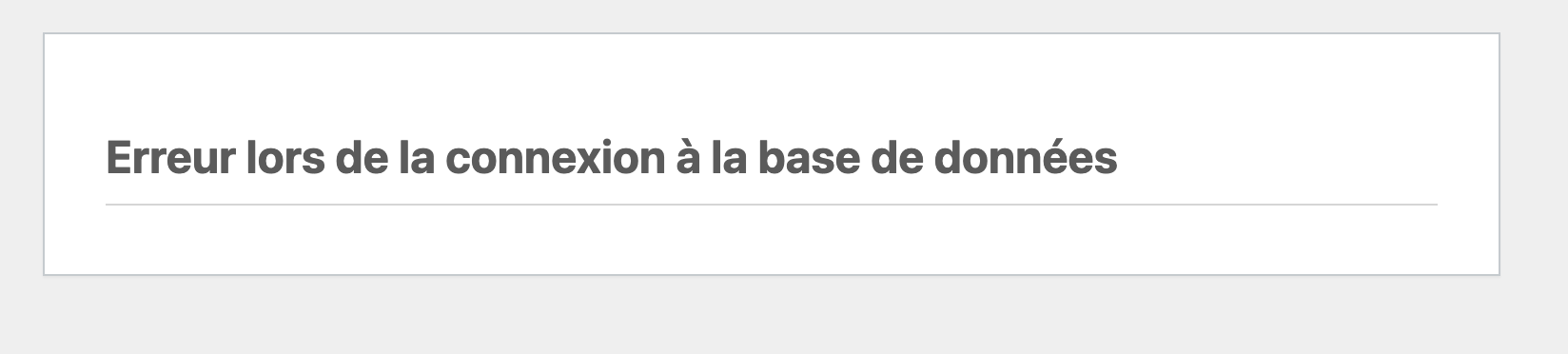
I see your reports! I don’t know what s going on with the databases right now, but I’ve reached out to iFastNet to learn more about this.
It looks like the databases might be unavailable or have network or firewall issues. If the database servers are unreachable, that could result in your website having database errors, the databases not being listed in the client area and control panel and/or the databases not working phpMyAdmin.
It’s probably the same underlying issue, but I’m still waiting on more information about what’s going on.
Side note about the hostnames, the sqlXXX part is what’s important in the database hostname. It doesn’t matter if you use sqlXXX.byetcluster.com or sqlXXX.infinityfree.com, they are just different names for the same server. Those three numbers are the most important part.
This either means that the username and password information in your wp-config.php file is incorrect or that contact with the database server at sql112.byetcluster.com could not be established. This could mean your host’s database server is down.
Are you sure you have the correct username and password?
I also facing same issue sql database connection from last 4-5 hours support please help and solve this issue https://dairysoftware.rf.gd/ login page not work due to sql connection
I’ve been also having problems accessing my wordpress site for at least 4 hours today. when trying to access the public facing page. it just keep trying to load. all i see is blank page with this error:
Error establishing a database connection
interestingly, the admin page does load. but on the admin home page, some of my plugin data is not loading. i have post views counter (# of people accessing my posts), that’s just circling. i bet it’s trying to access the database for historical data to load the monthly chart.
also couldn’t create/save new wordpress posts. and even the AISEO plugin was giving me connection errors, every so many seconds.