Title: New free subdomain returns empty reply from server
Hello InfinityFree Support,
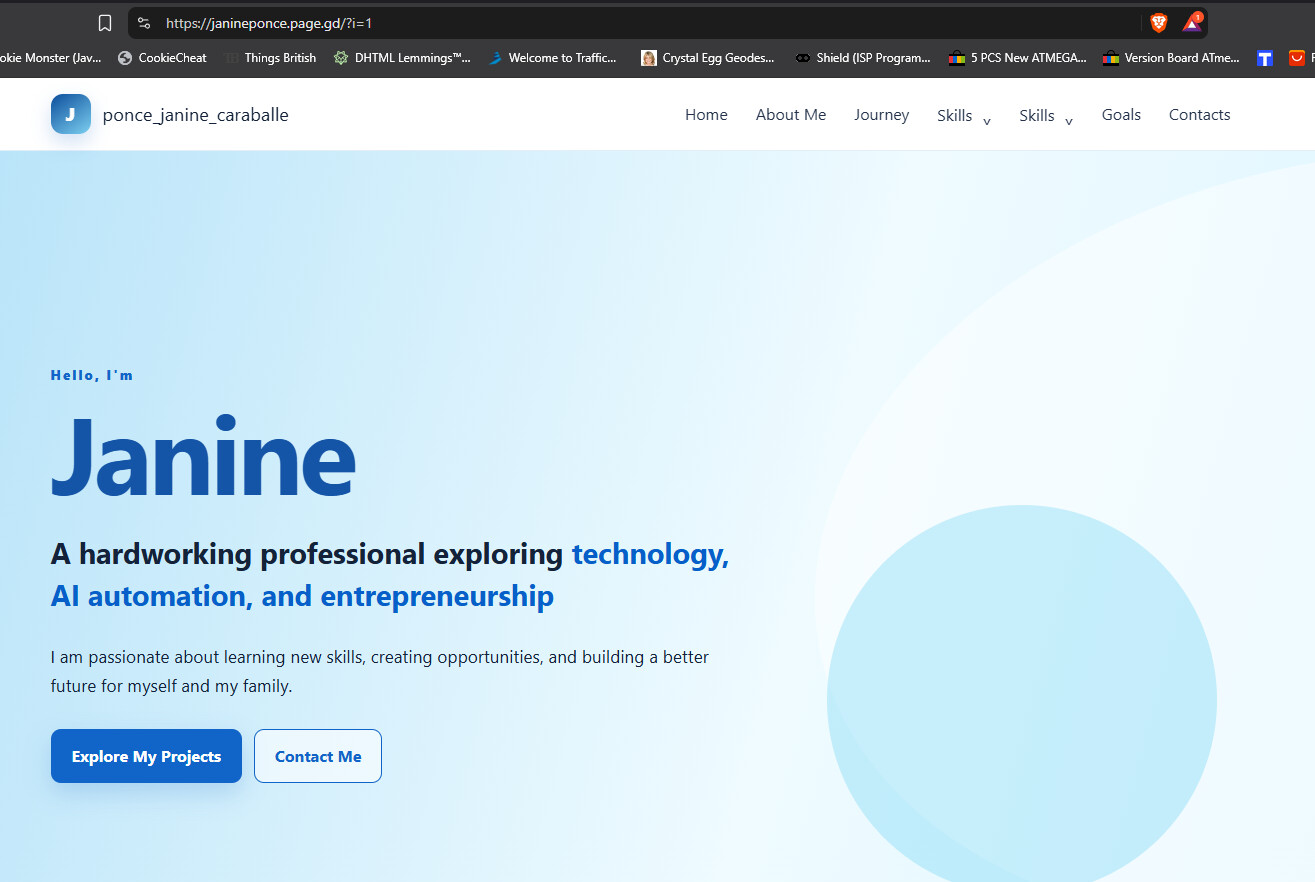
I created my hosting account and free subdomain janineponce.page.gd on October 12, 2026. My hosting account is Active, the domain is listed in Account Details, and my website files are uploaded to htdocs. I have an index.html file in the directory.
However, my website is still inaccessible.
Browser error: ERR_CONNECTION_TIMED_OUT
DNS resolves to: 185.27.134.216
HTTP request: curl: (52) Empty reply from server
HTTPS request: the connection is established, but the server closes it abruptly without returning an HTTP response.
Could you please check whether the domain and hosting account are configured correctly?
Thank you.
Other Information
Title: New free subdomain returns empty reply from server
Hello InfinityFree Support,
I created my hosting account and free subdomain janineponce.page.gd on October 12, 2026. My hosting account is Active, the domain is listed in Account Details, and my website files are uploaded to htdocs. I have an index.html file in the directory.
However, my website is still inaccessible.
Browser error: ERR_CONNECTION_TIMED_OUT
DNS resolves to: 185.27.134.216
HTTP request: curl: (52) Empty reply from server
HTTPS request: the connection is established, but the server closes it abruptly without returning an HTTP response.
Could you please check whether the domain and hosting account are configured correctly?
Welcome to the InfinityFree community forum! Good to have you here.
Most people answering here are volunteers. They’re often the fastest source of help. Admin (the only staff member) checks in about once a day for issues on our end.
Volunteers can’t see your account or website. Share what you actually see, like error messages and what happens when you try something. That’s more useful than your theory of what’s wrong.
AI tools often get InfinityFree wrong. If a volunteer’s advice differs from what an AI told you, please try the volunteer’s suggestion first.
Solving an issue is a joint effort. Try the suggestions you get and report back what happened.
Beep boop, I’m a bot! I dug through the forum to get you started. I sometimes get things wrong though, so do with this what you will until a human has a look.
The IP your subdomain resolves to, 185.27.134.216, is the website IP of your hosting account. So DNS is pointing to the right place, and the problem is on the server side rather than in anything you set up. Having index.html in htdocs is also correct.
I can’t find a knowledge base article or staff answer that explains why a new account would return an empty reply. I did find a couple of topics with the same symptom (curl error 52, or ERR_EMPTY_RESPONSE) on other accounts, but I can’t say they’re the same problem as yours:
It doesn’t look like something you can fix from your side, and I can’t fix it either. A person needs to look at how the account is set up on the server.
It can take up to 72 hours for DNS propergation for your site to be working properly and available everywhere. Thats why there’s a banner telling you this in your dashboard
This will NEVER work. The server is designed to ignore pings, and the security system blocks any non-browser based access.
A newly created domain nearly always means it’s a DNS caching issue. Please note that using an online DNS lookup tool may not show the same IP address that your browser is connecting to. That inconsistency is precisely what DNS caching is about.
So I suggest you wait a day first and then try again.
If it still doesn’t work yet, please check this article first, which contains additional information and troubleshooting steps about that error: