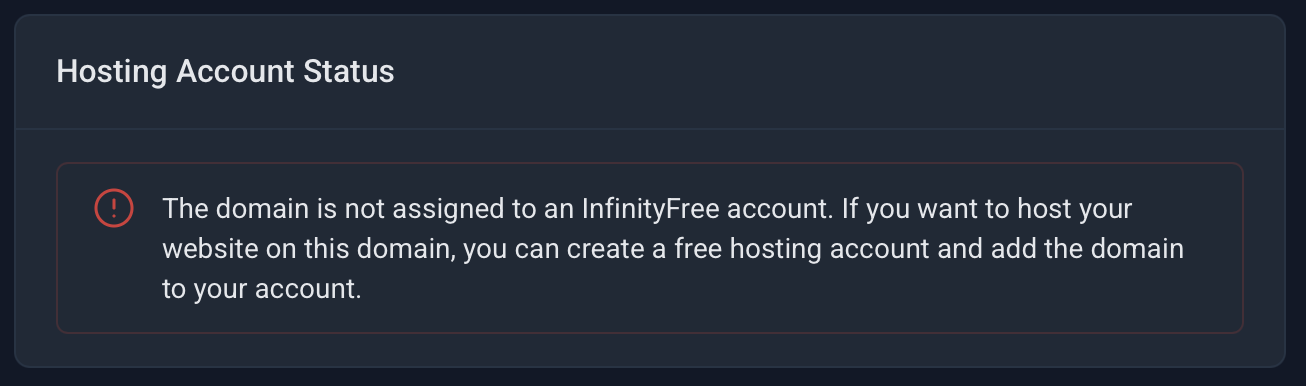
www.itstechs.in
username if0_39865489
More than 48 hour passed for my website itstechs.in and it still not working,
its still not working i have set namese
rver ns1.infinityfree.com ns2.infinityfree,com
Meishin
September 7, 2025, 2:30pm
2
Please add domain to hosting account
While a free subdomain is a great way to get started, a website looks a lot more professional with a custom domain name. Fortunately, you can register your own domain name with an external company (like Spaceship ) and use it on InfinityFree.
You cannot wait for something to work if you didn’t try to put it to work in the first place
Domain has verified, now by when the website will be ready.
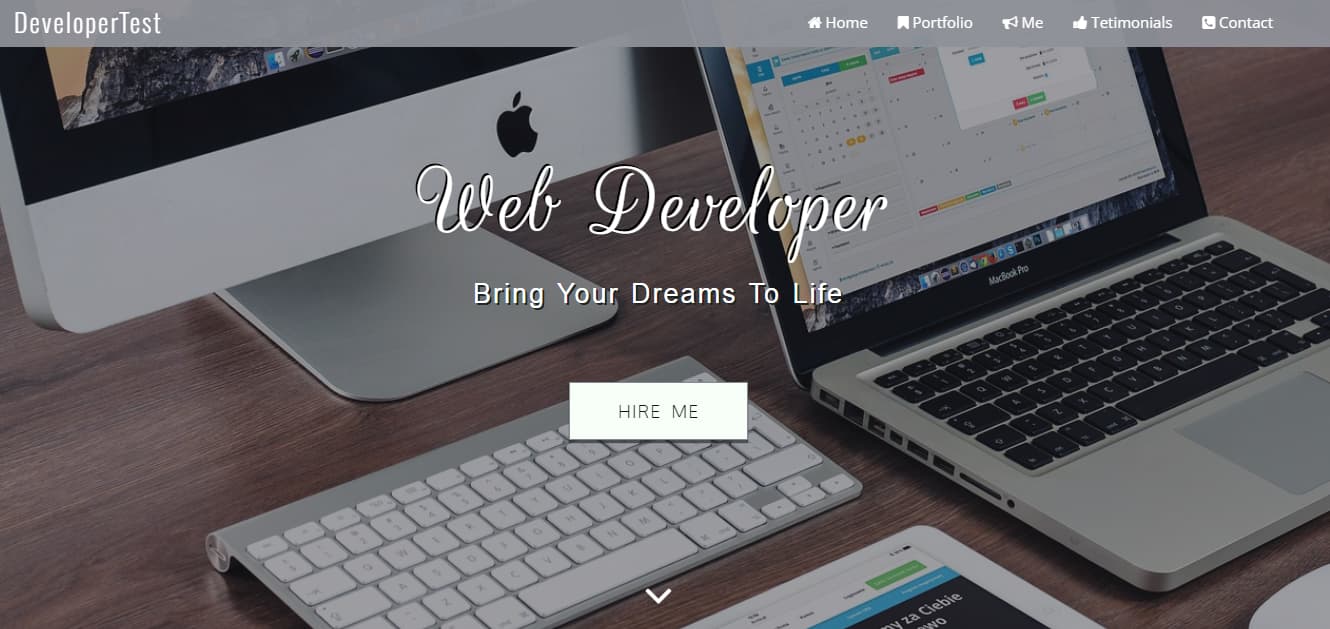
Your site seems to be ready now:
Please try visiting it. If you are still unable to access it, this is likely the reason:
You’ve just added your domain to InfinityFree or changed your nameservers, but when you visit your domain, you’re seeing a “DNS Resolution Error” page, an error message, or your old website instead of your new hosting account. This is completely normal and happens because of something called DNS caching.
yes I just added my domain to hosting through client area, and as you shown my home page I get excited but its still not started on my PC, waiting for it, thanks.