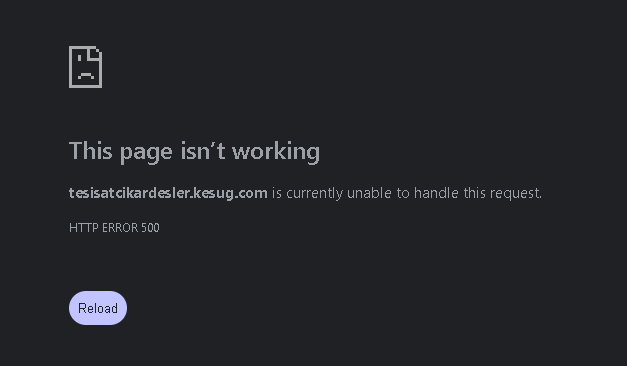
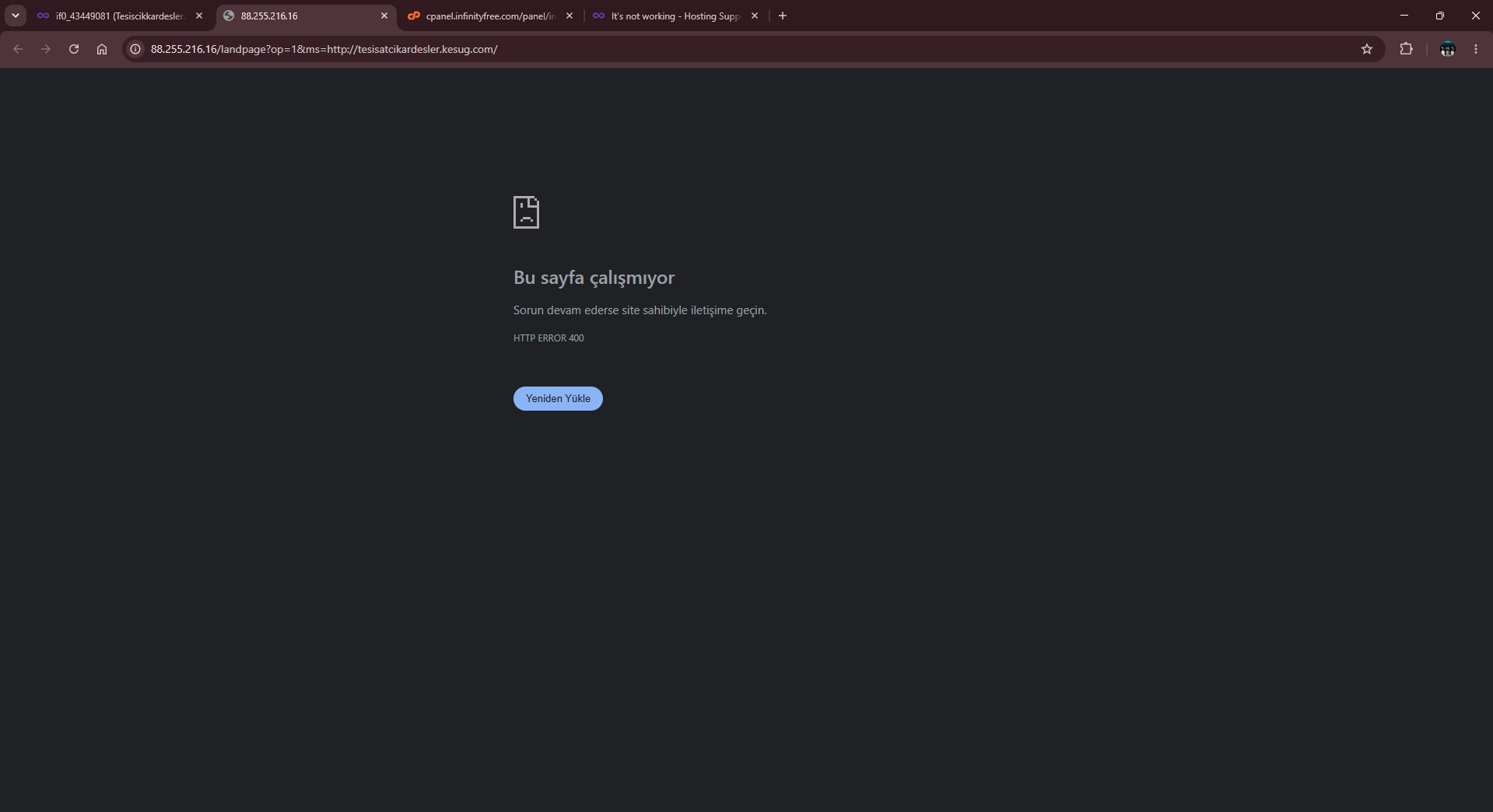
Website URL
http://tesisatcikardesler.kesug.com/
Error Message
Bu sayfa çalışmıyor
Sorun devam ederse site sahibiyle iletişime geçin.
HTTP ERROR 400
Other Information
it’s not working
http://tesisatcikardesler.kesug.com/
Bu sayfa çalışmıyor
Sorun devam ederse site sahibiyle iletişime geçin.
HTTP ERROR 400
it’s not working
Welcome to the InfinityFree community forum! Good to have you here.
Beep boop, I’m a bot! I dug through the forum to get you started. I sometimes get things wrong though, so do with this what you will until a human has a look.
I found an older topic with the same error on a new kesug.com site. It might be the same thing as yours. There the suggestion was that the poster’s ISP was blocking the domain, and the check was to try the site through a VPN:
Does your site load if you open it through a VPN, or on mobile data instead of your current network? If it does, the problem is on your network side. If it still shows HTTP ERROR 400, tell me whether that happens on every page or only the homepage. Also tell me whether you’ve uploaded anything to the htdocs folder of that account yet.
I installed WordPress and this is what happened.
I deleted the .htaccess file; only index.html remains, but it’s not working.
I checked your site and it’s working fine now. Do you still experience this issue?
Have you tried clearing your cache to make sure you’re not seeing an old version of the page
I am trying to log in from different devices and different browsers, but I encounter the same issue.
Have you tried from a different network or using a VPN?
I don’t think it’s the problem but trying to eliminate any potential cause