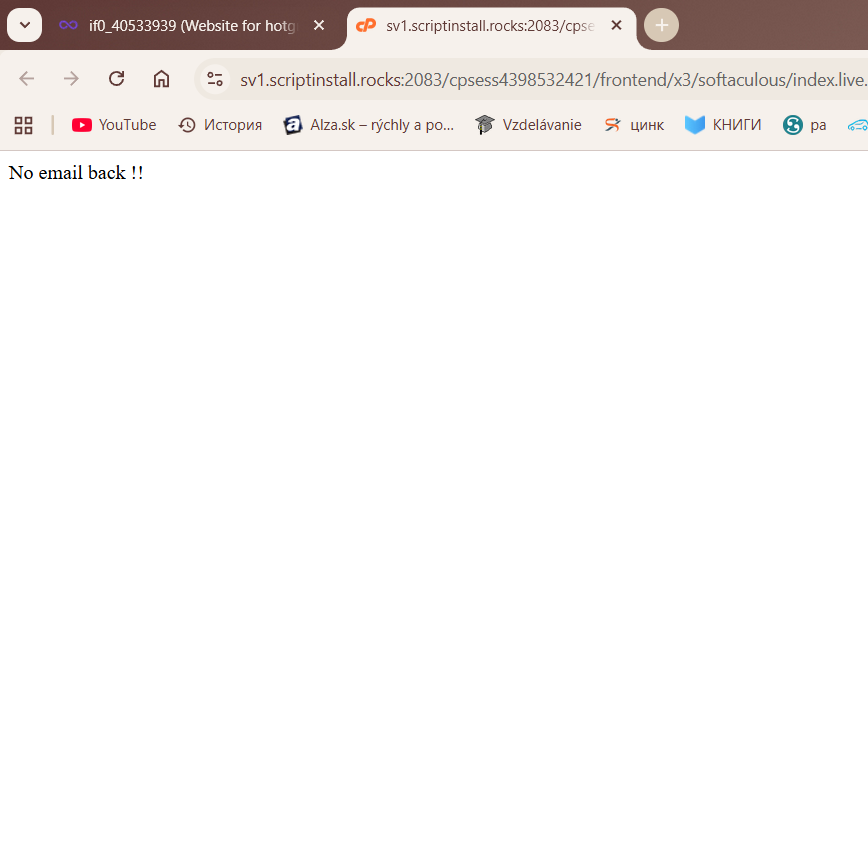
I was building a website on InfinityFree using Blocksy, and I only had one product left to add and the main page to edit — literally just adding photos, some ads, and a bit of text. The page got stuck, showing that two people were editing it and that I needed to click “Refresh.” I did this twice, after which some changes were accepted, but then I could no longer access the CPanel or ScriptInstaller. It showed the error “No email address!!”.
I thought it was an issue with my laptop, so I tried on a different computer at the university. After that, my account got blocked.
Other Information
Account details:
Free Hosting
FTP accounts: 1 / 1
Sub-Domains: 1 / Unlimited
MySQL Databases: 0 / 999
Disk Quota: 5 GB (used: 549 MB)
Inodes: 52 %
Bandwidth: Unlimited (used: 1,060 MB)
Questions:
Is there a way to bypass the “No email address / No email back” error and edit my site without upgrading to a paid plan?
Can this issue be resolved by purchasing the Starter Premium plan, and will everything work correctly afterward?
Why did this error appear, considering I was only editing the site for educational purposes and working alone?
I would greatly appreciate any guidance or advice, as I need to submit the site tomorrow, and the current block is preventing me from doing so.
This screenshot was taken right before I got suspended, after some actions that I don’t really understand, because all I was doing was trying to access the Script Installer. And when I thought I could enter through the Cpanel, I already received the suspension.
Based on the URL in your screenshot, it looks to me like you were inside of the script installer when your hosting account was suspended. Since it can’t access a suspended account, it gave you that error message instead. Since your suspension is temporary, you should be able to access it when your account is active again.
Switching to premium hosting could indeed help since all of the resource limitations are higher, but there may be steps you can take to reduce your database server usage instead.