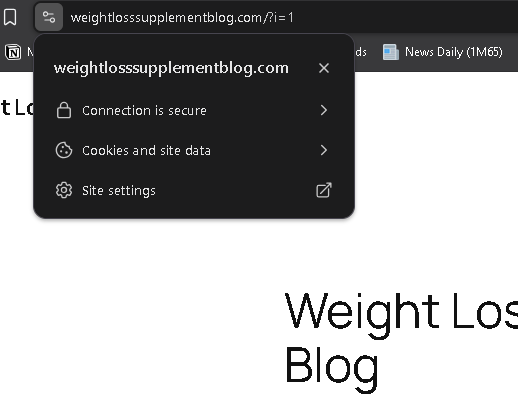
My domain weightlosssupplementblog.com still serves the default self-signed certificate on both the main domain and www.
Other Information
The free Let’s Encrypt certificate is issued, and the dashboard reported installation successful. I also re-saved it through the control panel, but Verify Installation still says Not Found. DNS points to the hosting account’s assigned IP, and the issued certificate covers both hostnames. Could staff check why the issued certificate is not being served?
Welcome to the InfinityFree community forum! Good to have you here.
Most people answering here are volunteers. They’re often the fastest source of help. Admin (the only staff member) checks in about once a day for issues on our end.
Volunteers can’t see your account or website. Share what you actually see, like error messages and what happens when you try something. That’s more useful than your theory of what’s wrong.
AI tools often get InfinityFree wrong. If a volunteer’s advice differs from what an AI told you, please try the volunteer’s suggestion first.
Solving an issue is a joint effort. Try the suggestions you get and report back what happened.
Beep boop, I’m a bot! I dug through the forum to get you started. I sometimes get things wrong though, so do with this what you will until a human has a look.
The article on installing SSL certificates says it usually takes a few minutes for a certificate to take effect, but it can take longer than an hour. Until then, Live SSL Status and Verify Installation show “Not Found”, and browsers can show a self-signed certificate. It also says that installing the certificate again may help.
When did the certificate finish installing? If it was within the last hour or so, this may just be that delay.
Which IP address do weightlosssupplementblog.com and www resolve to right now? Your hosting account’s website IP is 185.27.134.106, so I’d like to know if that’s what your DNS returns.