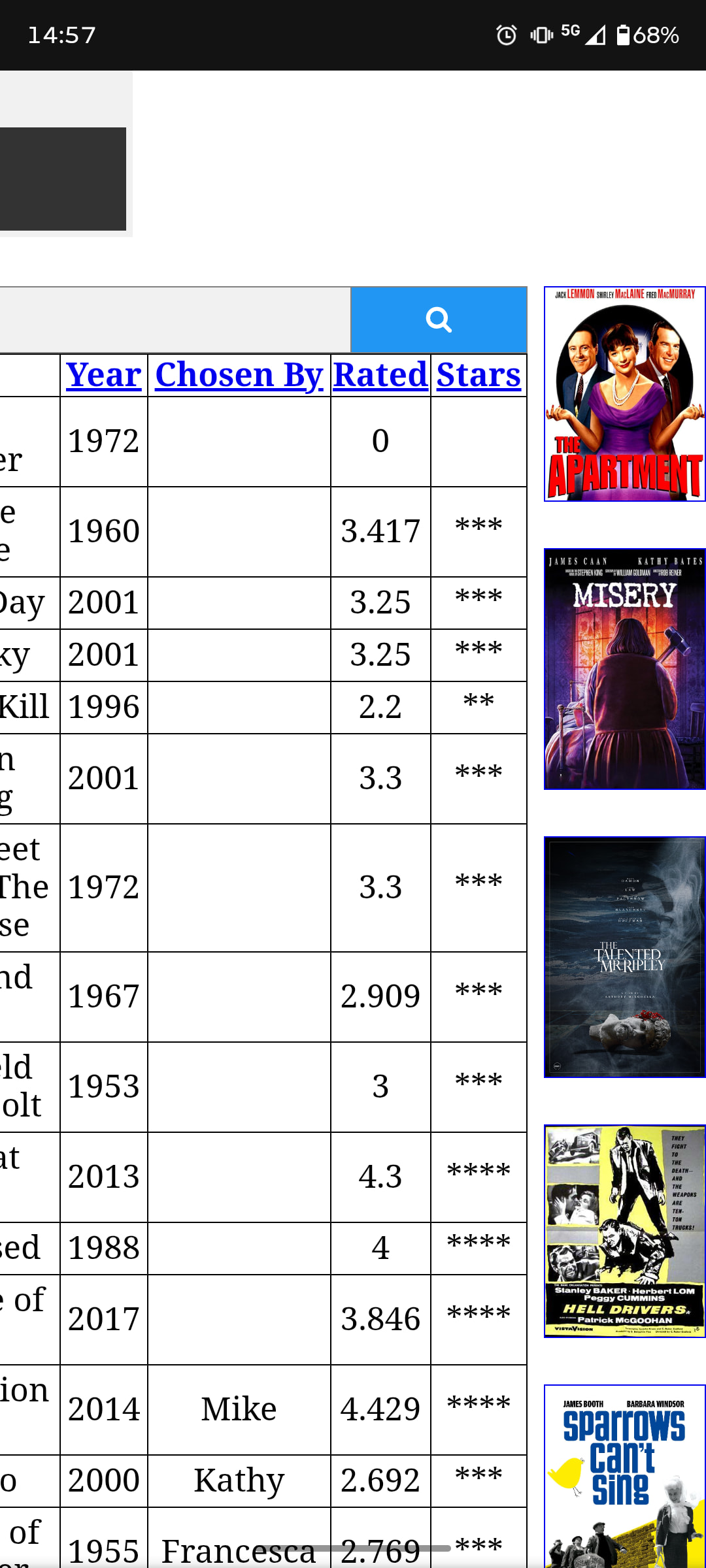
I was trying to discover why google search console was reporting that a page ‘film.php’ was not indexed because of server error 5xxx. I was unable to find any error reports via infinityfree so I added some php to the top of film.php, via the file manager, to invoke some error logging to my own file. This did not work! However the page stopped displaying remote images that were linked by url. This did not resolve itself when I removed the error logging code and now film.php will not display any remote images. Other pages on my site still successfully display remote images using the same included code.
Everything works well on localhost and migrating that working film.php to live doesn’t fix anything, neither does migrating a differently named page, film2.php, but with the same code as film.php.
Has the inclusion of error logging code caused the host to block outgoing http requests from that film.php and, if it has, how do i fix it?
Hi Dan, I think you’ve looked at films.php which works fine, and uses the same code to retrieve images as film.php which is the page with the problem.
films.php selects random films, and therefore images of posters, from our db of watched films whereas film.php selects just 2 images for a specific film.
A 500 error on a PHP request is pretty much guaranteed to be a crash in the PHP code. That could be caused by a code issue or a hosting issue, but regardless, the first step is to get the real error message, or you’re just stumbling in the dark.
The easiest way to get the error is to enable Display Errors and refresh the page. You can to that through the PHP Options menu, either in the client area or the control panel.
Could you try that and have a look and see if you can get the actual error message?
That’s brilliant, all working fine now, thank you guys!
I didn’t realise that I had an option to Display Errors, hence my disastrous attempt at error trapping in film.php in the first place, which I guess was the cause of this.
The error was:
Warning: include(includes/displayimage.php): Failed to open stream: No such file or directory in /home/vol2_5/infinityfree.com/if0_37588663/sandgatefilmclub.uk/htdocs/film.php on line 35
Warning: include(): Failed opening ‘includes/displayimage.php’ for inclusion (include_path=‘.:/usr/share/pear/’) in /home/vol2_5/infinityfree.com/if0_37588663/sandgatefilmclub.uk/htdocs/film.php on line 35
Sure enough my live ‘includes/’ directory had no displayimage.php! I would never had thought of this as so many other pages include this file and they are working perfectly. I’m guessing the host keeps a copy of the full page with all includes included until another change is made when it would then rebuild.
So would my ill fated error trapping code have caused the host to delete the displayimage.php include file?
That’s not how that should work. PHP code is executed every time the page is called, and any include directives are evaluated on the fly, so there should not be any stale data there.
The best reason I can come up with from what I know is that the include directive will skip and continue if it cannot find a file (unlike require). So if another page includes this file but the file wouldn’t produce any visible changes anyway, it’s easy for it to go unnoticed.
That seems unlikely to me. To be honest, I don’t see any obvious issues with the error handling code, but it might be that there are some restrictions on error logs. But it definitely shouldn’t cause code elsewhere in your website to be deleted.