@Admin Thanks for your reply, yes I wasn’t suggesting it was some sort of blockage from Infinity’s side, due to China’s firewall many strange things happen with the internet all the time and there are so many blockages so I just mentioned it in case you guys were aware of any issue with Dreamweaver. I tried disabling “FTP performance optimization” but it didn’t correct it, it may not be possible to fix but I’ll keep trying and if I find anything I’ll post here in case others have a similar problem.
Thanks.
can you look at the FTP log and c/p it here ?
and instead of ftpupload.net use this address 185.27.134.11
1 Like
@Oxy
Thanks, I changed to FTP address to 185.27.134.11, opened the FTP Log and tried in “test” and also main connection, both times the FTP log was empty. Sorry. I’ve attached the images.
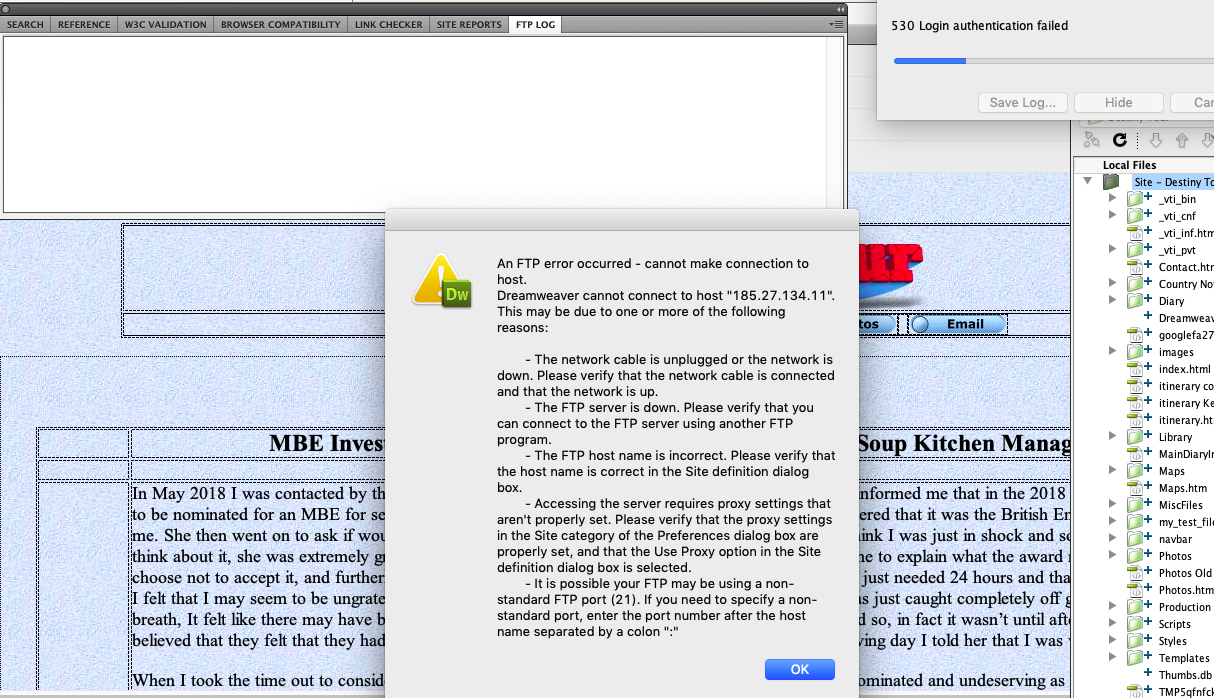
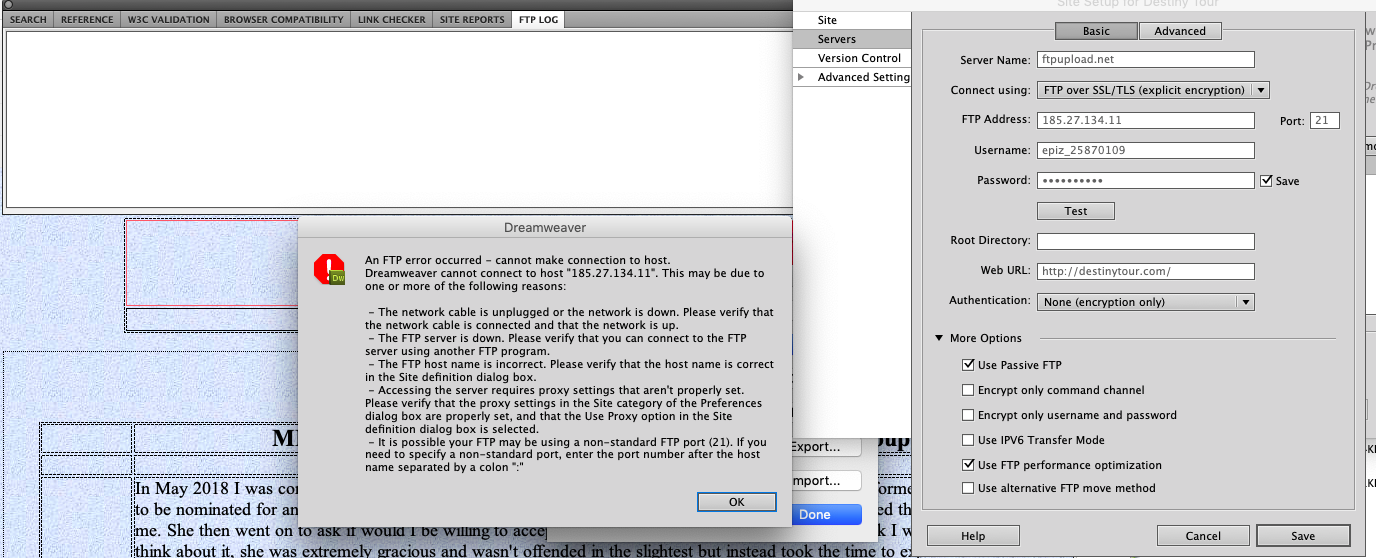
and it is important to note that @JohnLpool uses DW v6
and you an older version DW5
can you use plain FTP
instead of FTP over SSL/TLS and see if then a log will be generated.
And are you sure you don’t have a firewall that doesn’t allow DW?
@Oxy Hi
I used Dreamweaver to connect to my previous server and it worked no problem, but since switching I’ve not been able to connect with it, so I’m assuming I don’t have anything else that may be blocking dreamweaver.
I switched to plain FTP but still no LOG, images below. Thanks for your time.
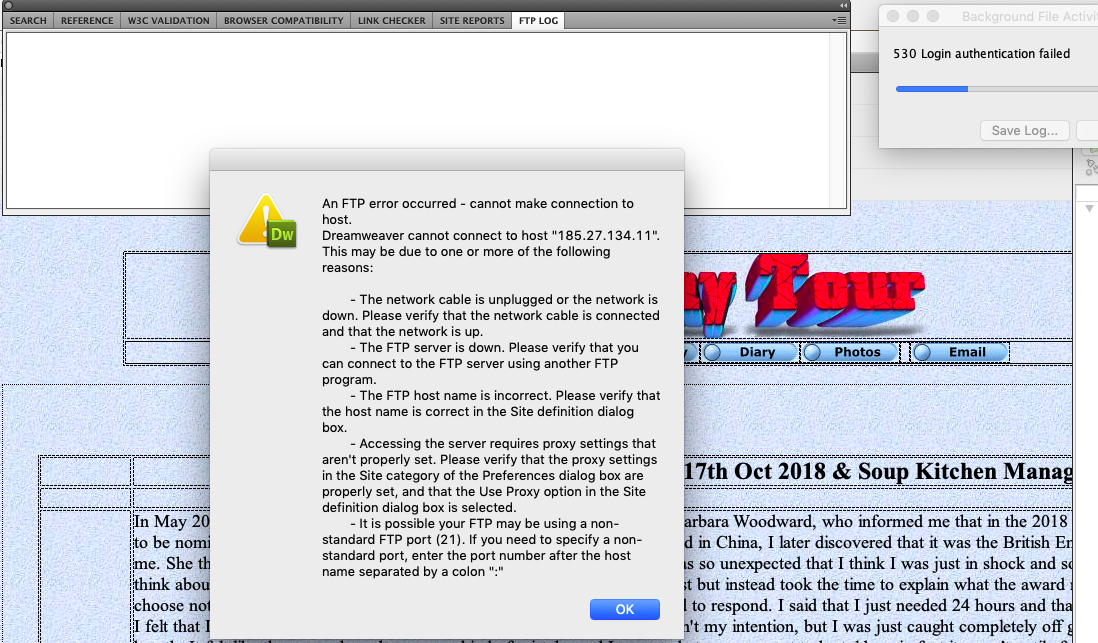
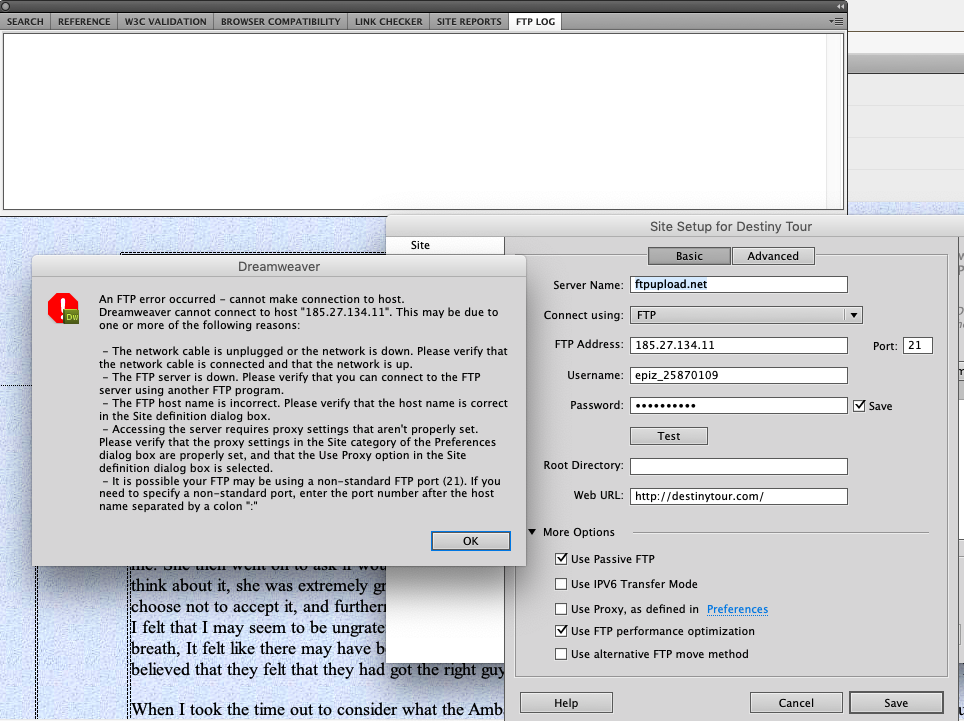
My first guess was…since it is an old version that there is no support for newer versions of TLS
and therefore DW is unable to pass FTP over SSL / TLS
but since even ordinary FTP does not work ,then I don’t know.
From the pictures I guess you’re on MAC OS
this intrigued me 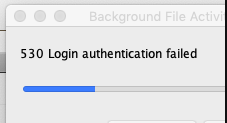
if it bothers you so much
I think it’s easiest to try the latest version even if it was a 7 day trial
so that you eliminate at least some of the possible causes
or just forget it and use an external FTP client.
4 Likes
Interesting! Was that dialog box always there? Because it would have been REALLY useful if you had shown all FTP related information, not just the settings box (and assume that we can immediately spot the issue).
Funny, there is a topic with that exact title in my browser history:
Big surprise: it’s a wrong or corrupted password.
Could you try all the login/password related suggestions from this article?
3 Likes
@Oxy @Admin Thanks for your reply’s & sorry for the late response I’ve been off radar for a couple of days and had no internet. I won’t have access to my laptop for a couple more days so I’ll look into your articles on password problems then.
@Oxy I can manage with FileZilla it would just be more convenient if I could connect with DW, so I’ll look into the latest version if nothing else works. Thanks
@Admin But to answer your questions no that 503 error wasn’t there, I sent all the error messages with each image and gave as much information each time as I had to make it easier to find a solution. Also seeing as I’ve always still been able to connect with FileZilla I’d no reason to believe there was a fault with the password, this is the first time it’s come up as I’ve tried all the suggested fixes that have been put forward from everybody. But if you think it’s worth looking into then I’ll read your articles and try all suggestions to see if it fixes the problem.
Thanks very much, I’ll let you know if it helps.
This topic was automatically closed 15 days after the last reply. New replies are no longer allowed.