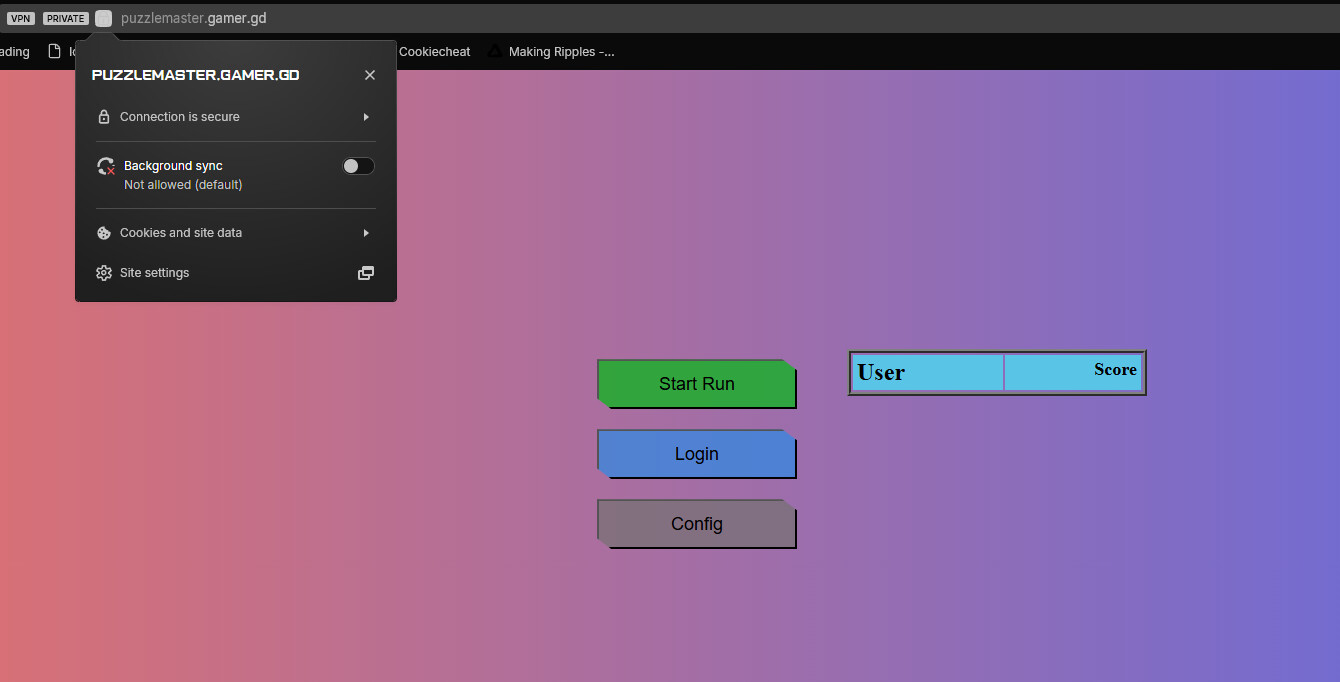
I followed the steps in the article on forcing https, as the website was getting blocked for not using https, but despite creating a .htaccess file inside the htdocs directory, it still defaults to http. If I manually force the page to https, I get the above error. Going through the steps to handle SSL documentation, I’m told it should already be configured.
Probably a silly question, have you tried using a different browser or different device, to make sure its not a config on your device thats causing errors?
I’ve used a different device, but I’m not getting a browser-based error, I’m getting an error from my ISP firewall software about the page being a phishing threat. If I manually apply the https:// before the url, I get that SSL error.
That is in fact a browser based error though. Your site works fine on HTTPS on my end using Brave. What web browser are you using? It’s possible you may just need to change a setting to access it.
You may be able to contact them and ask them why they’ve blocked it, and if the block can be removed. If not, if the block is done at the DNS level you may be able to get around it by changing your DNS resolver to one other than your ISP’s default. Failing that though you may have to use a VPN to access your site.
I remember when my old ISP Spectrum blocked domains, they intercept with the router’s own SSL and blockpage and try to stop you that way. FireFox stopped the connection because of this.
You’ll either have to contact your ISP, configure router settings if possible, or use a VPN service. For it to be a DNS level block is very uncommon, but it can happen.