How to make auto backup feature for Infinityfree

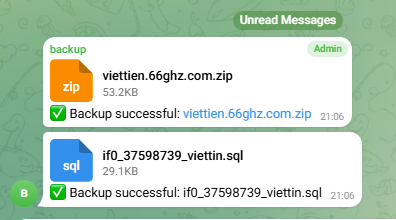
Hello, today i will guide you to make your own auto backup feature for your website, it will backup your server’s files and your database’s sql info and it will send everything to your private telegram group (i choose telegram because the file upload limit is more generous than other chat platform, and also it is easy to make too)
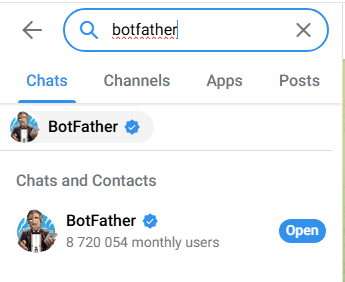
First, open telegram and click on search bar, type botfather and click open
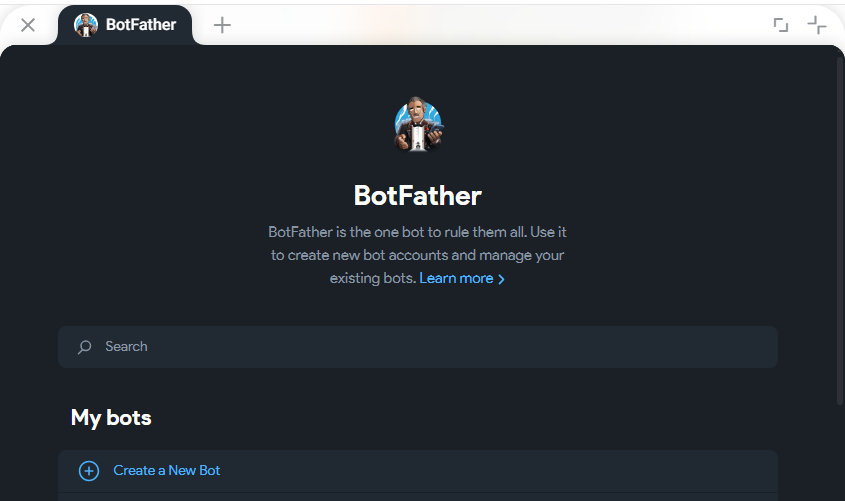
after that click create a new bot
and then give your bot a memorable and cute name
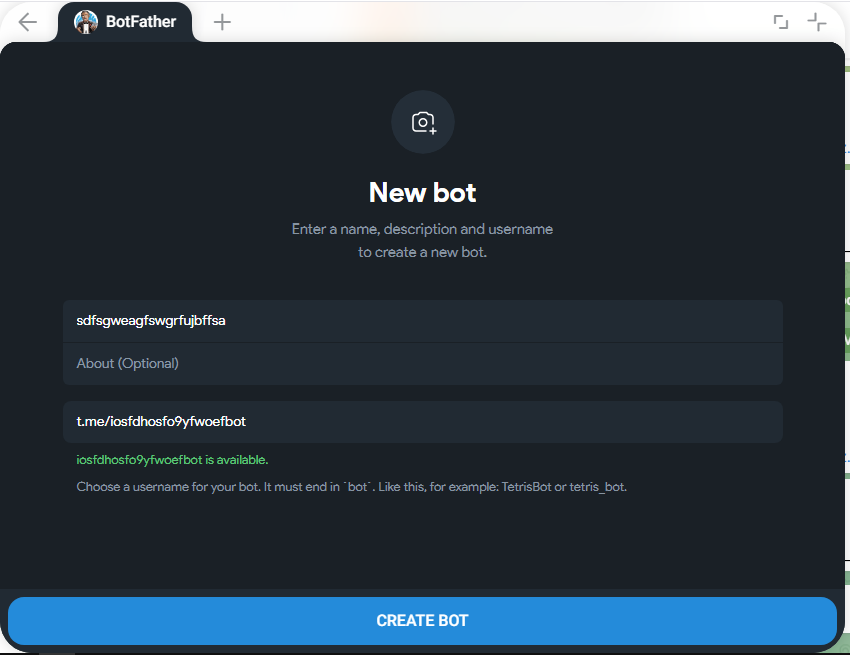
make sure to add a bot at the end of your bot username
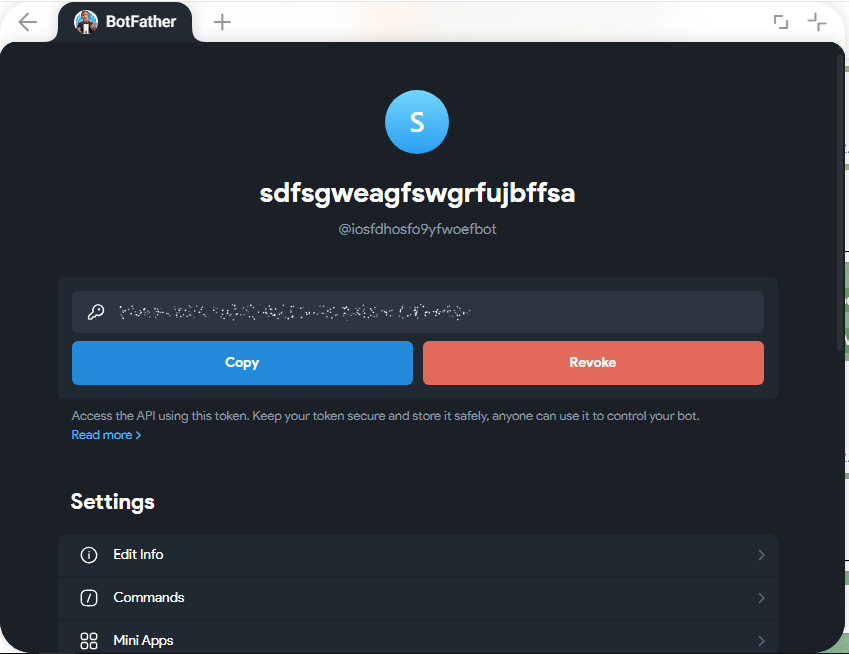
now click copy to copy the api key and paste it somewhere safe

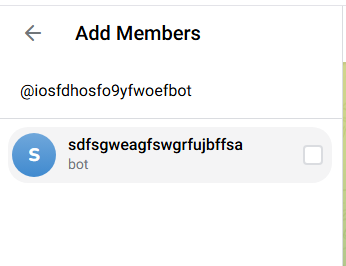
next step is to create a group and add your bot in, click on new group

and then add your bot to your group
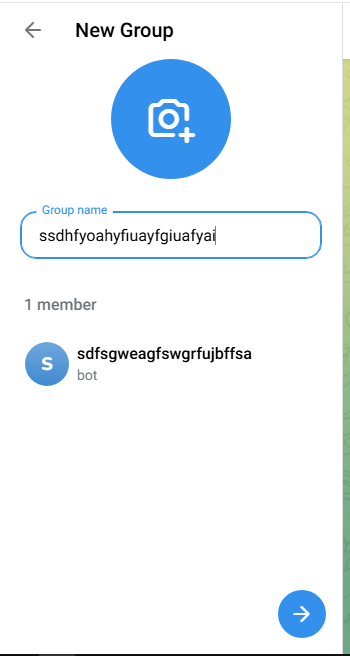
give your group a memorable and cute name and click the arrow button to create the group
now check your address bar, you can see it have Telegram id, make sure to copy that, for example your link is Telegram then you need to copy -5180783602, paste it somewhere safe and move to the next step

go to pipedream and create a new project, name it something cute and memorable
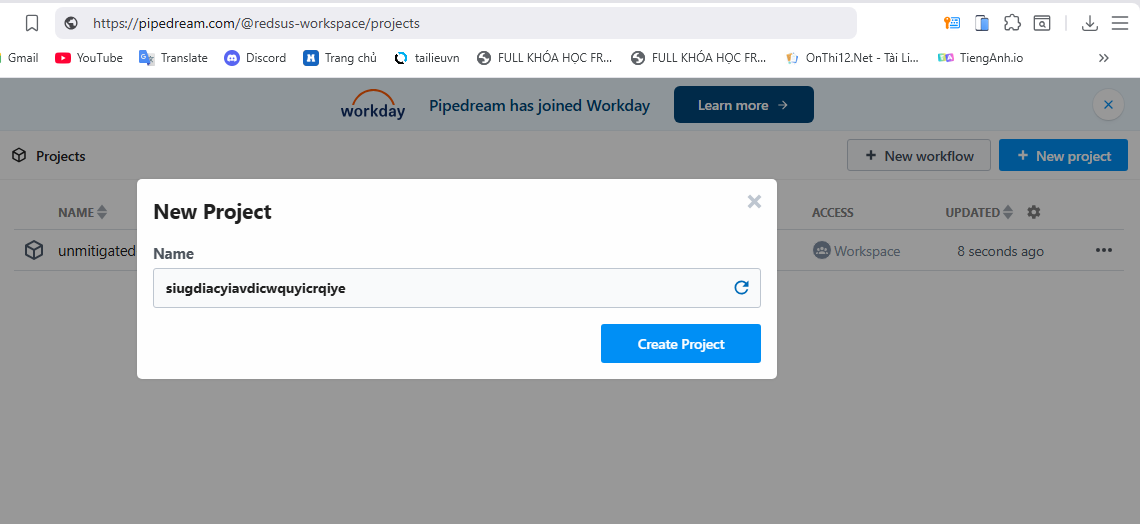
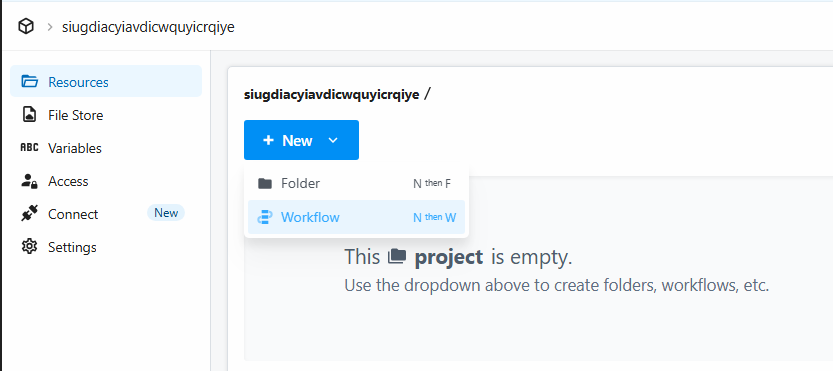
in here click create workflow
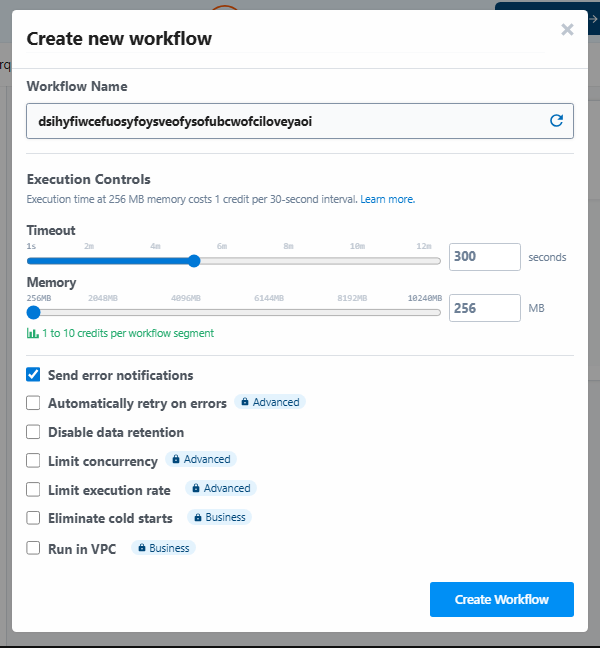
now give it a cute and memorable name and set those value like my setting (if you backup lots of website and database, for 1 website and 1 database, just leave the time out to 30 seconds
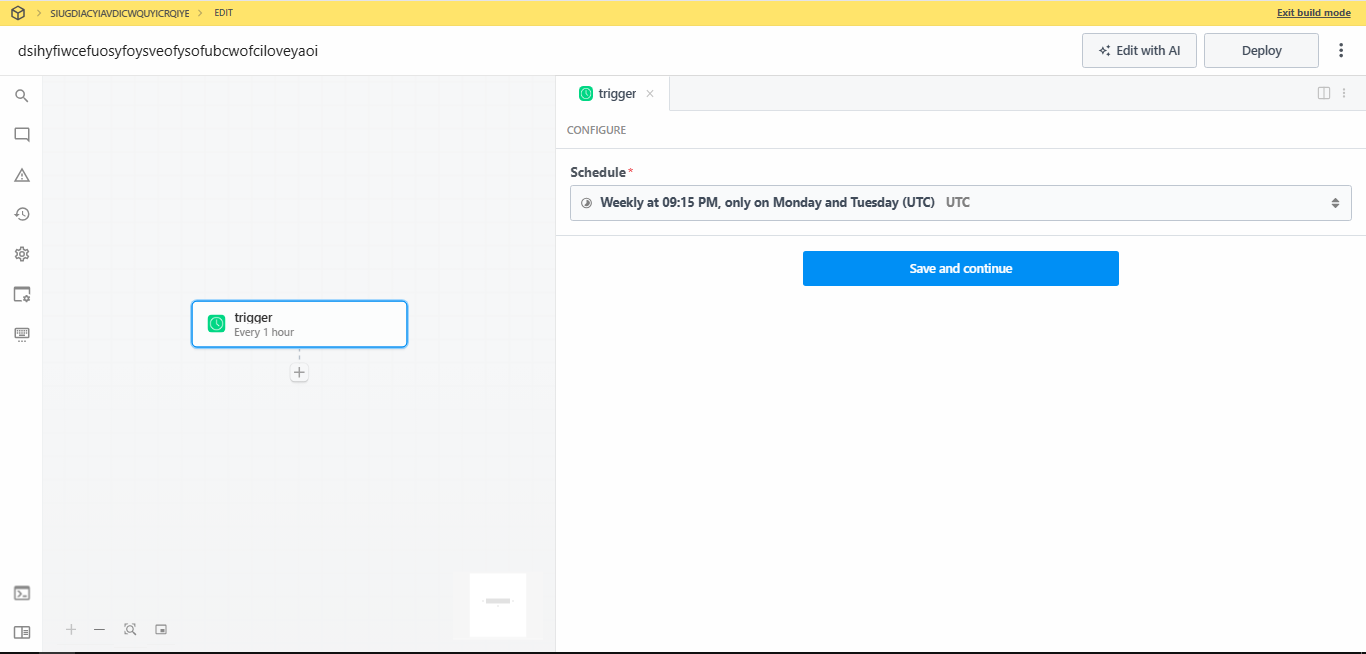
click create workflow, and click the plus button in the middle of the screen, click custom interval

set the trigger to weekly
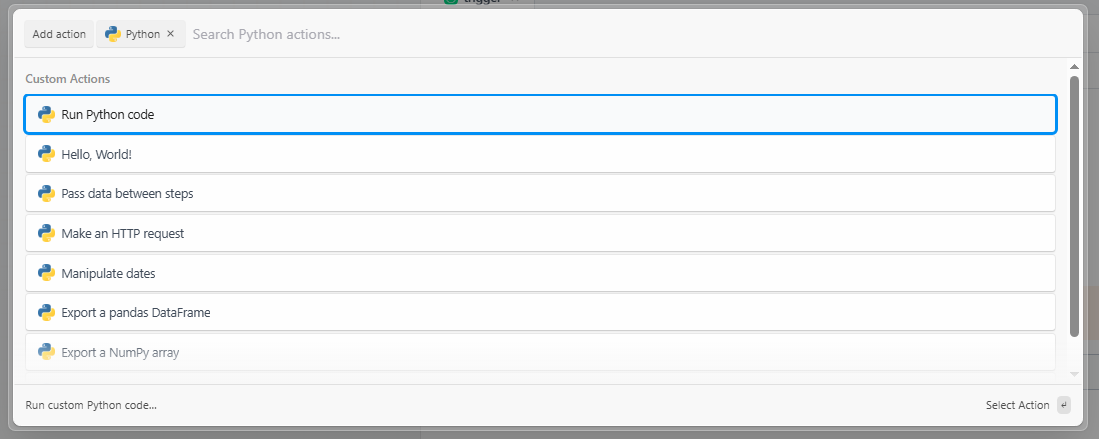
click plus icon and type python, click run python code
paste the source code in the code box, here is the source code Note 06/01/2026 14:13:35 - Online Notepad

make sure to fill your hosting infomation and the bot infomation to make it work, after you done, click test
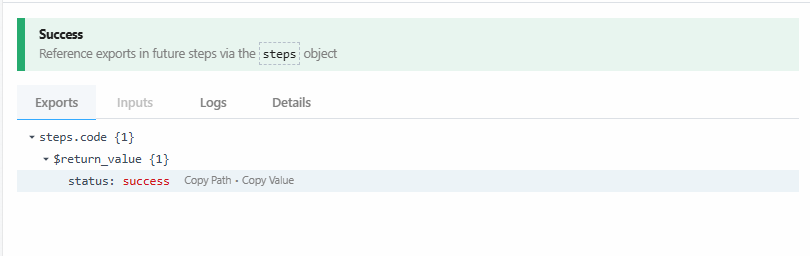
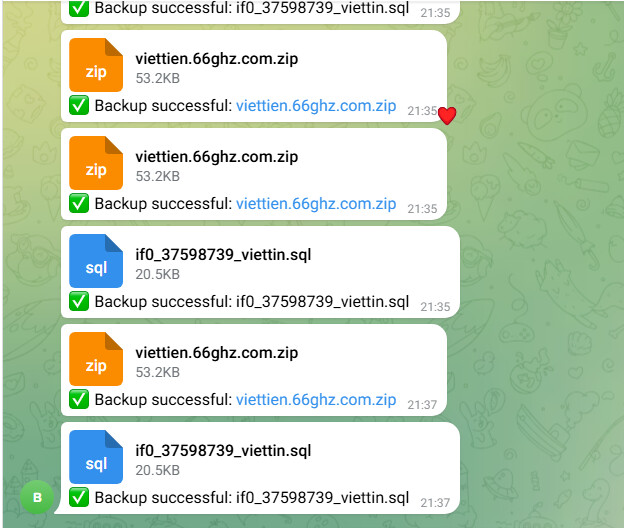
ok bot working, now click deploy
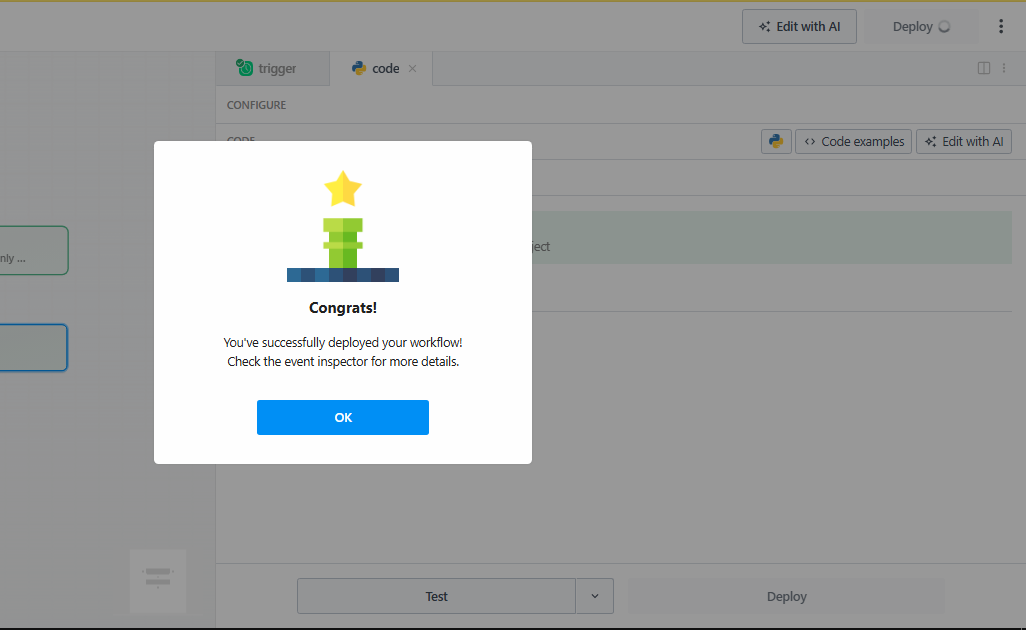
congrats, now your website will be backed up weekly, if you want daily, or if you are a freak and you want minutesly, you can set the custom interval to your value you want, just make sure you dont burn your free 100 credits a month fast or else your backup script wont work

i think admin wont like this solution much but it is a good temporary solution if you want backup feature for free

if you have any question, please ask chatgpt jkjk

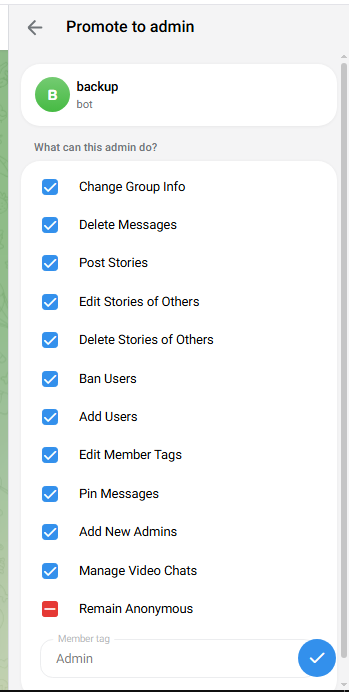
also dont forget to make your bot become admin inside your backup group
Interesting. Seems like a solid solution for backups. I need to spend a bit of time reading your python code to make sure I understand it and it’s safe. But that’s just good practice when implementin someone elses scripts.

If you genuinely think admin would be against it if recommend against paying it. But honestly I would be surprised if it’s a problem.

1 Like

Most likely is only good for small websites. No no for big heavy websites…

3 Likes

fair, I hadn’t dug fully into how it worked, from my initial glance, I assumed it was using ftp to complete the dowload, and while it might take a while, I assumed it would work.

3 Likes

it work by login into cpanel and then grab the login token for file manager and the phpmyadmin and then download the zip file of your domain file and get a full export of your sql server and redirect the file to telegram server, no sussy amogus function to steal your account or any of your infomation lol

1 Like

Mmm… A direct FTP client might be more reliable than the file manager. But still like the idea

1 Like

This is actually pretty clever!

I’m surprised by the phpMyAdmin export trick, didn’t think it was possible.

However, please don’t abuse the file manager for the backup download. That thing is overloaded enough as it is. Just grab the data directly off of the FTP server.

Also, I will say that these tricks usually work for as long as they are not causing problems. When they do, changes will be made to block this.

I cannot recommend this approach. But I will admit that it’s clever.

6 Likes

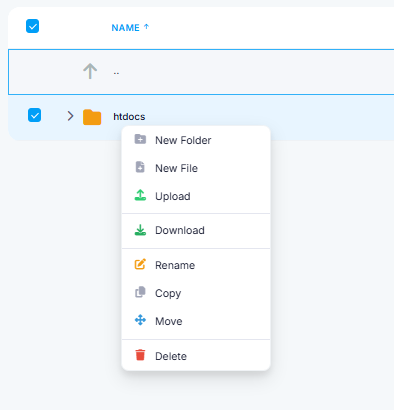
i think that is the only easy way to do because if i use ftp, it have to download everything and the amount of time that the code take to download all files and then compress it will take lots of time and the code will reach timeout, and my concept is only for weekly backup so i think for a personal backup solution, this is a perfect concept and the server is still fast and powerful enough to handle the zip download function so it likely wont affect anything, it just similar to an user download the htdocs file as zip every week

Fun fact: that “download zip” function do the same thing, which downloads all the files and make a zip. Just very unreliably…

It happens to work for you because, judging from the screenshots, that you happened to have a relatively small website. Any bigger and the download function will fail miserably…

That’s why everyone keep suggesting that you use normal FTP instead.

6 Likes

Yep. It’s literally the exact same thing. The main edge that the file manager has is that it sits close to the FTP server so it’s a bit faster due to latency. But it will still take a lot of time and is likely to timeout on larger websites.

A few things I disagree with:

  • This is not a “personal backup solution”. You’re not keeping it or personal use, you’re sharing it with others and are helping them use it. That potentially increases the exposure by a lot.
  • Yes, the server is fast and powerful, but we want it to remain fast to be useful as a file manager. Don’t start abusing it until it’s no longer useful (and then probably complain that this exact server is weak and slow).
  • Yes, it’s the same as a user download, but user downloads are not unattended and automated.

My point is: downloading a backup with the file manager is fine. A whole bunch of people setting up automated scripts that set-up-and-forget send backups in a Telegram chat they’ll ignore is not fine.

6 Likes